■■■■■■■■■■■■■■■■■■■■■■
24 Results and more determination data
900 Touch Control
■■■■■■■■
215
[Recalculate]
Recalculate the determination. The procedure will be executed immedi-
ately. Recalculation cannot be undone (see chapter 24.8, page 229).
[Sign]
Sign the current determination.
If the method contains a command SIGN, then this button will be dis-
played instead of [Recalculate]. The determination can be signed directly
on level 1 (with a second command also on level 2).
[Curve]
Display the curve of the current determination (see chapter 24.7, page
227).
[More data]
Display detailed specifications for the determination (determination prop-
erties, measuring point list, endpoint details, etc.), save determination (see
chapter 24.1, page 215).
24.1 More determination data
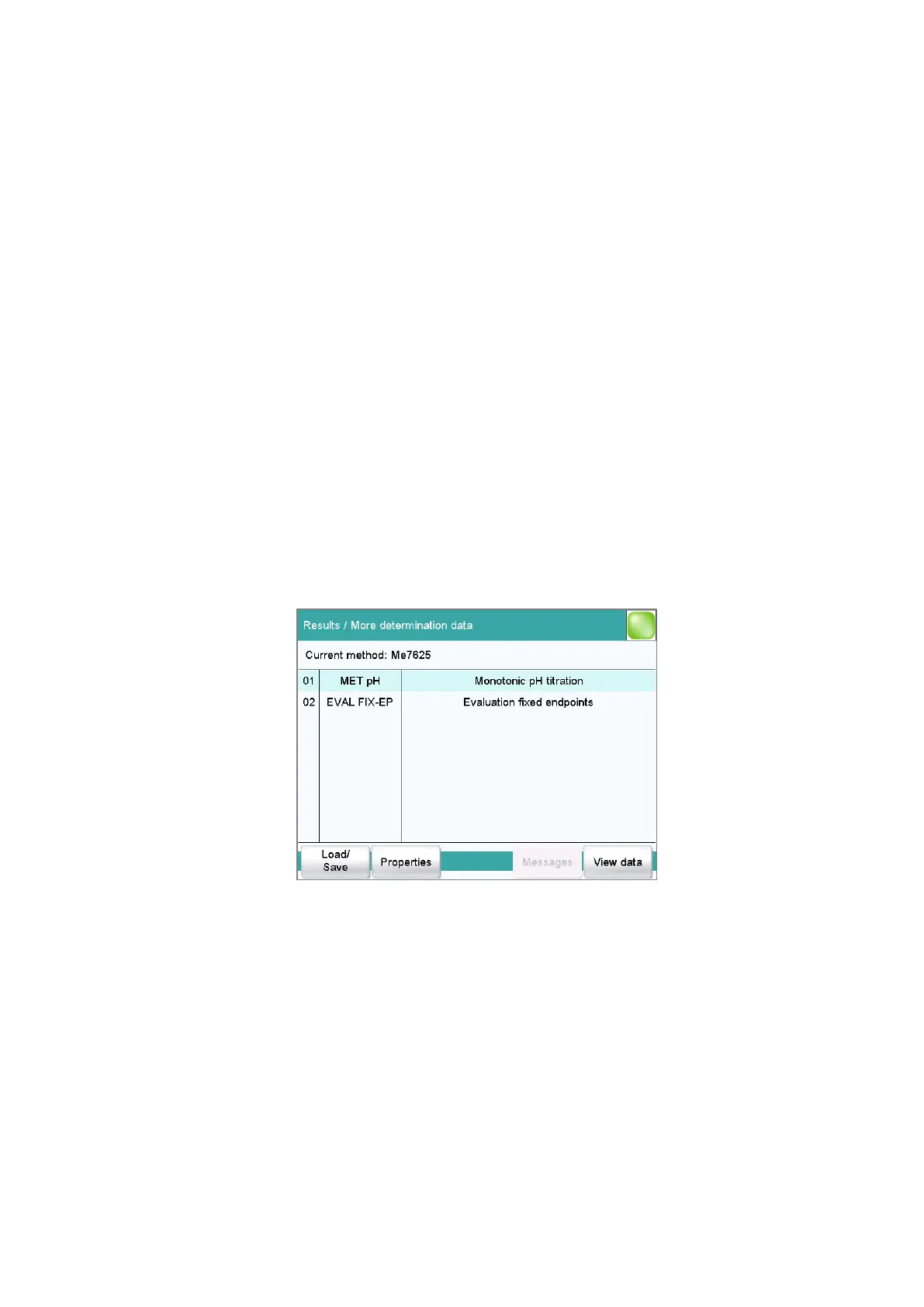
Results dialog: More data
All of the commands for which you can display other data (titrations,
measurements, evaluations, etc.) are listed in the Results / More deter-
mination data dialog.
[Load/ Save]
Load saved determinations(see chapter 24.5, page 222) and save current
determination (see chapter 24.6, page 227).
[Properties]
Display the properties of the current determination (see chapter 24.4,
page 219).















 To Next Page