■■■■■■■■■■■■■■■■■■■■■■
15 Templates
900 Touch Control
■■■■■■■■
149
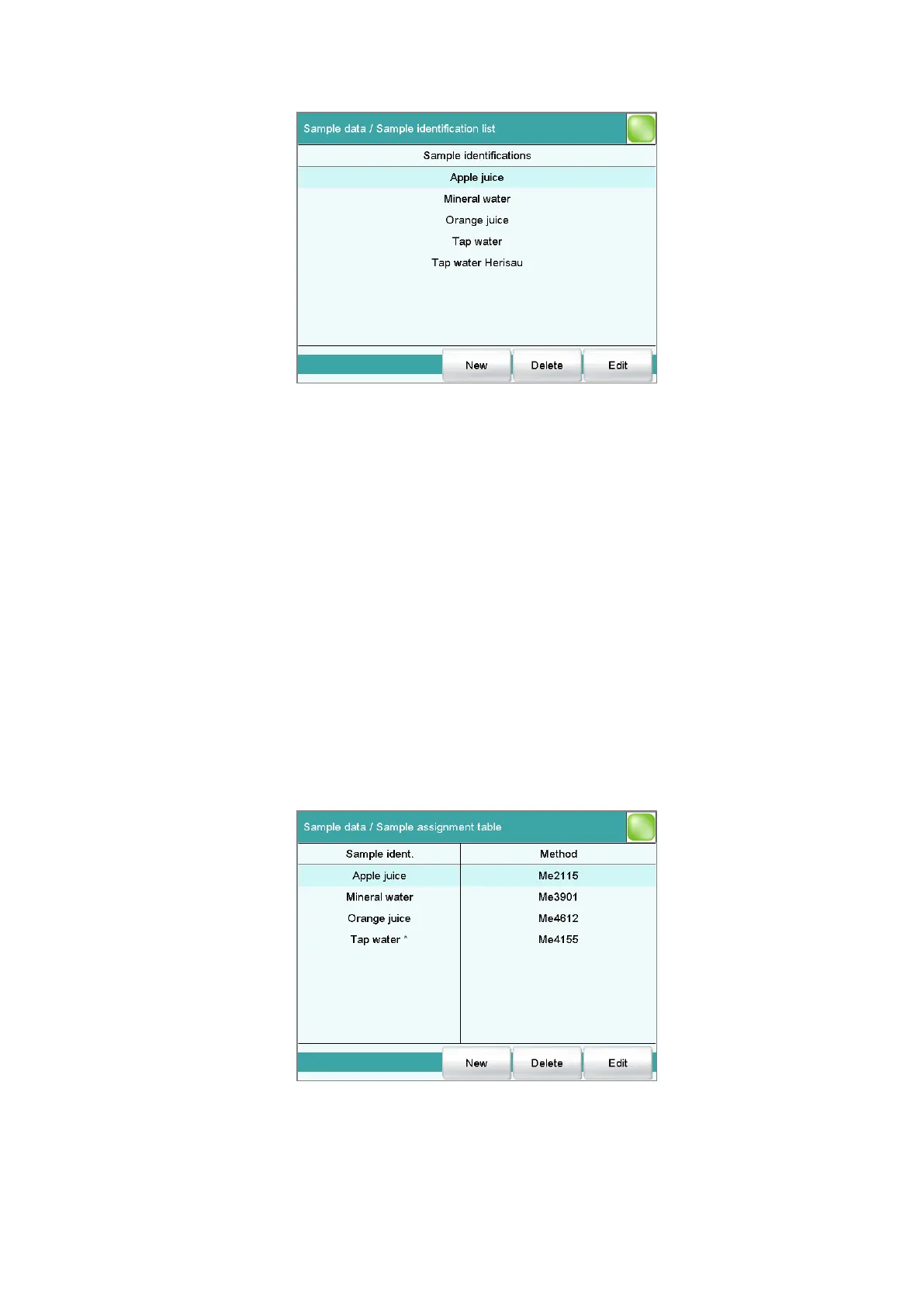
You can create a system-specific list with sample identifications in the dia-
log Sample data / Sample identification list. This list makes it easier
for you to enter frequently used sample identifications, i.e. this list is avail-
able to you for entering them (main dialog, command REQUEST, etc.). It
may be a good idea to define the unchanging part of the identification as
a template and to add the variable part during sample data input.
[New]
Add a new sample identification to the list.
[Delete]
Delete the selected sample identification from the list.
[Edit]
Change the designation of the selected sample identification.
15.1.2 Sample assignment table
Main dialog: System ▶ Templates ▶ Sample data ▶ Sample assign-
ment table















 To Next Page