■■■■■■■■■■■■■■■■■■■■■■
186
■■■■■■■■
900 Touch Control
18 Control
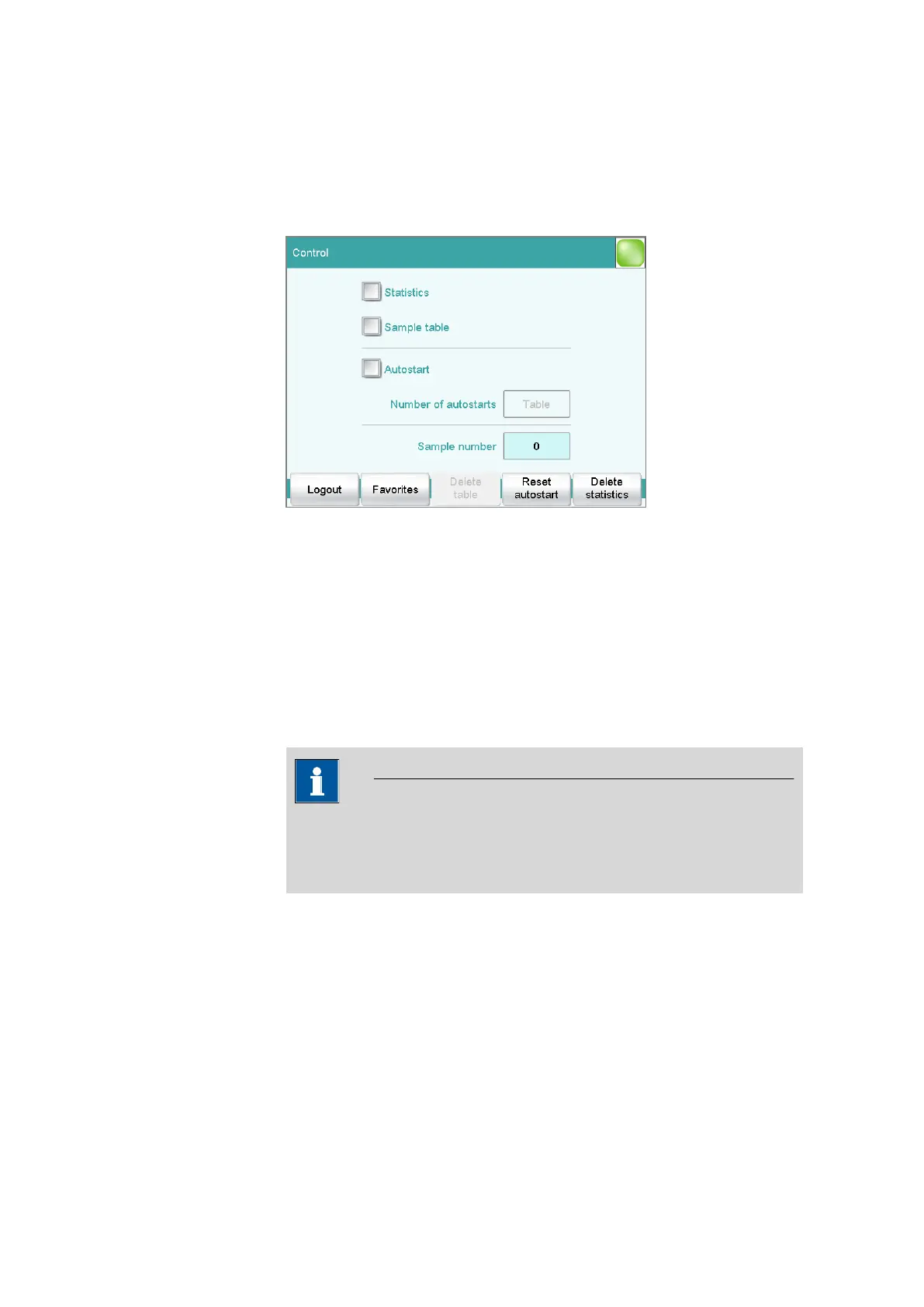
Main dialog: Control
In the dialog Control, the settings for the execution of a single determi-
nation or of one sample series are defined.
If you work with the login function activated, you can log off the system
in this dialog. The login dialog will then be shown immediately.
Statistics
on | off (Default value: off)
With this option, you can enable or disable the statistics calculations for
individual determinations (see "Statistics", page 188).
NOTICE
The parameter Statistics in the method options will not be changed as
a result. This setting here will be adjusted automatically to match the
one in the method options.
Sample table
on | off (Default value: off)
If this option is activated, the sample data for a sample series can be
entered in a table (see chapter 21, page 197).















 To Next Page