■■■■■■■■■■■■■■■■■■■■■■
32 Appendix
900 Touch Control
■■■■■■■■
521
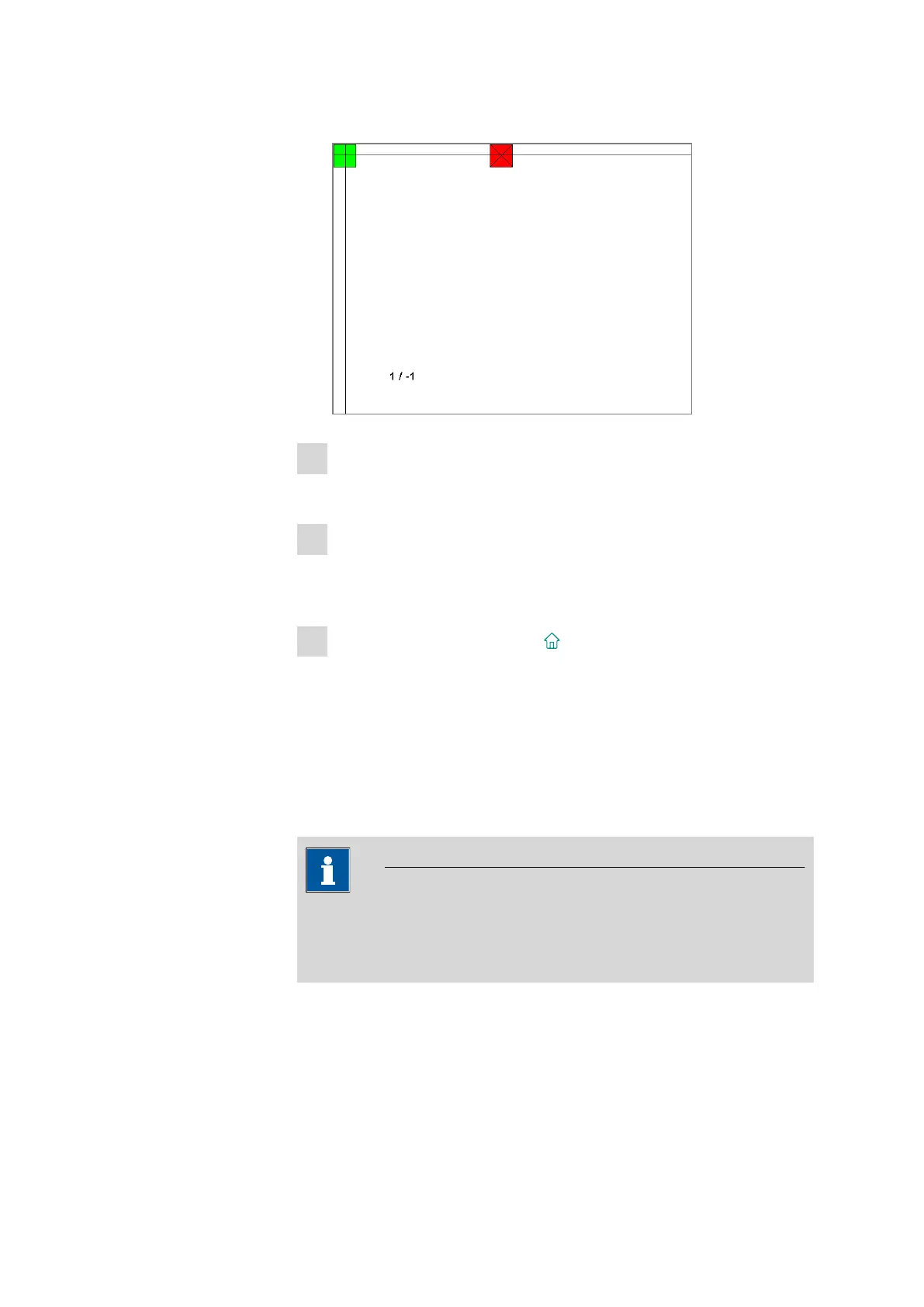
The next red square will also be displayed.
3
Repeat step 2 until all of the areas in the display have been tested.
A list with fixed keys will appear.
4
Tap on all of the fixed keys one after the other in any sequence.
The result is displayed in each case with a short information text, e.g.
[Print] key OK.
5
Finish Touch screen test with [ ].
32.10.7 Software update (loading program versions and language files)
System ▶ Diagnosis ▶ Software update
New program versions or language files can be loaded from an external
storage medium (e.g. USB flash drive). The corresponding files must be
stored on the storage medium in the 900/SwUpdates directory (see
"Directory structure", page 126).
NOTICE
It is imperative that you first update the control software of the Touch
Control before you update the device program (firmware) of the control
instrument (Titrando, Dosing Interface, etc.).















 To Next Page