16.5 Method options
■■■■■■■■■■■■■■■■■■■■■■
172
■■■■■■■■
900 Touch Control
This dialog contains all of the commands which can be inserted into
a method run, organized into thematic groups.
2
Select a command group
■ Tap on the desired command group.
In the case of [Report], the command is inserted directly into the
command list. For all other command groups, the available com-
mands will be displayed (titration / measuring commands, etc.).
3
Inserting a command
Tap on the desired command.
The dialog is closed and the command is displayed in the command
list.
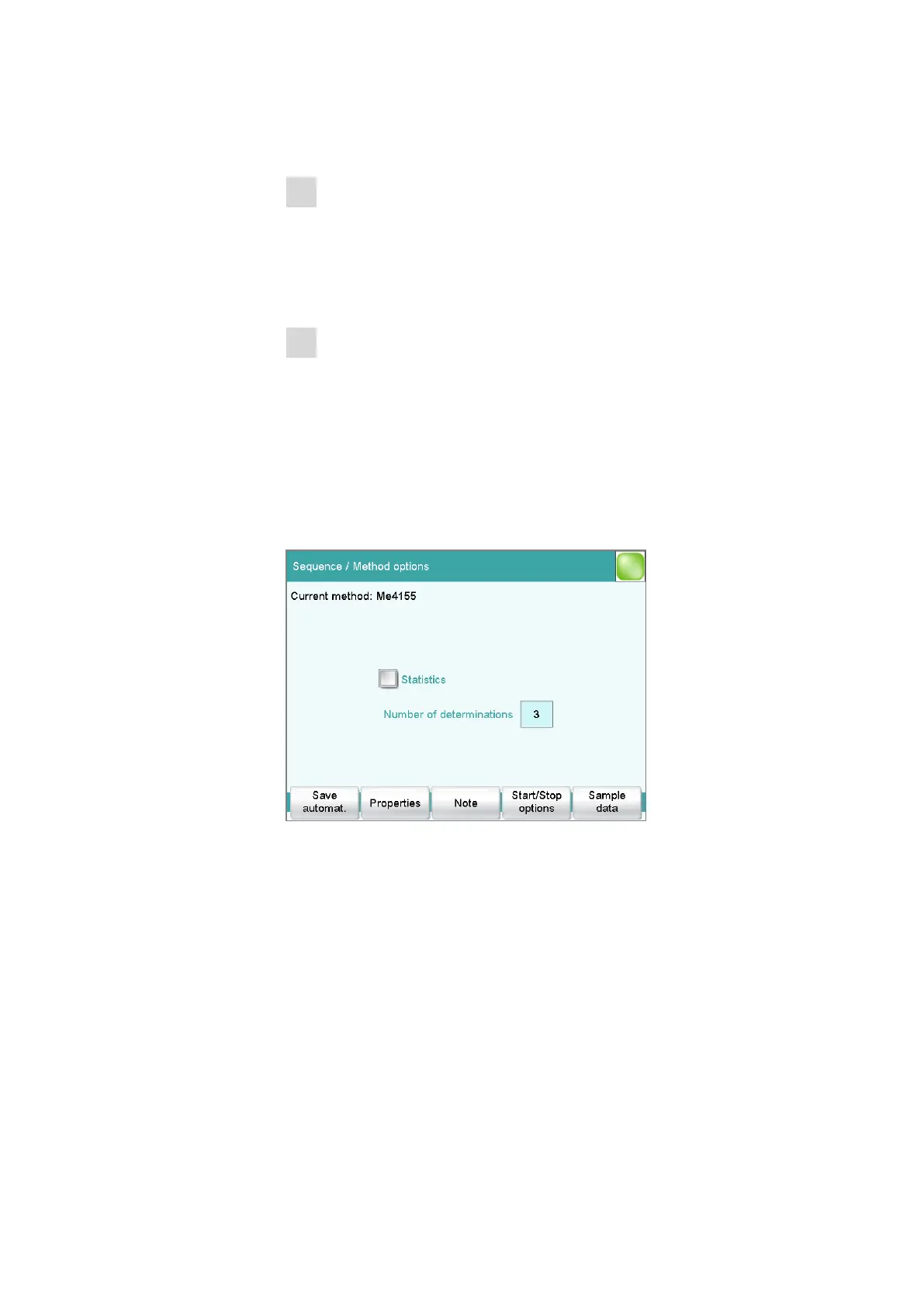
16.5 Method options
Main dialog: Edit parameters ▶ Method options
Method options are settings which apply to the method as a whole and
not to an individual command.
The following settings are available:
■ Activate/deactivate statistics calculations
■ Save determination automatically
■ Sign a method electronically
■ Check the method when the determination starts
■ Define a fixed sample size
■ etc.















 To Next Page