■■■■■■■■■■■■■■■■■■■■■■
6 Operation
900 Touch Control
■■■■■■■■
19
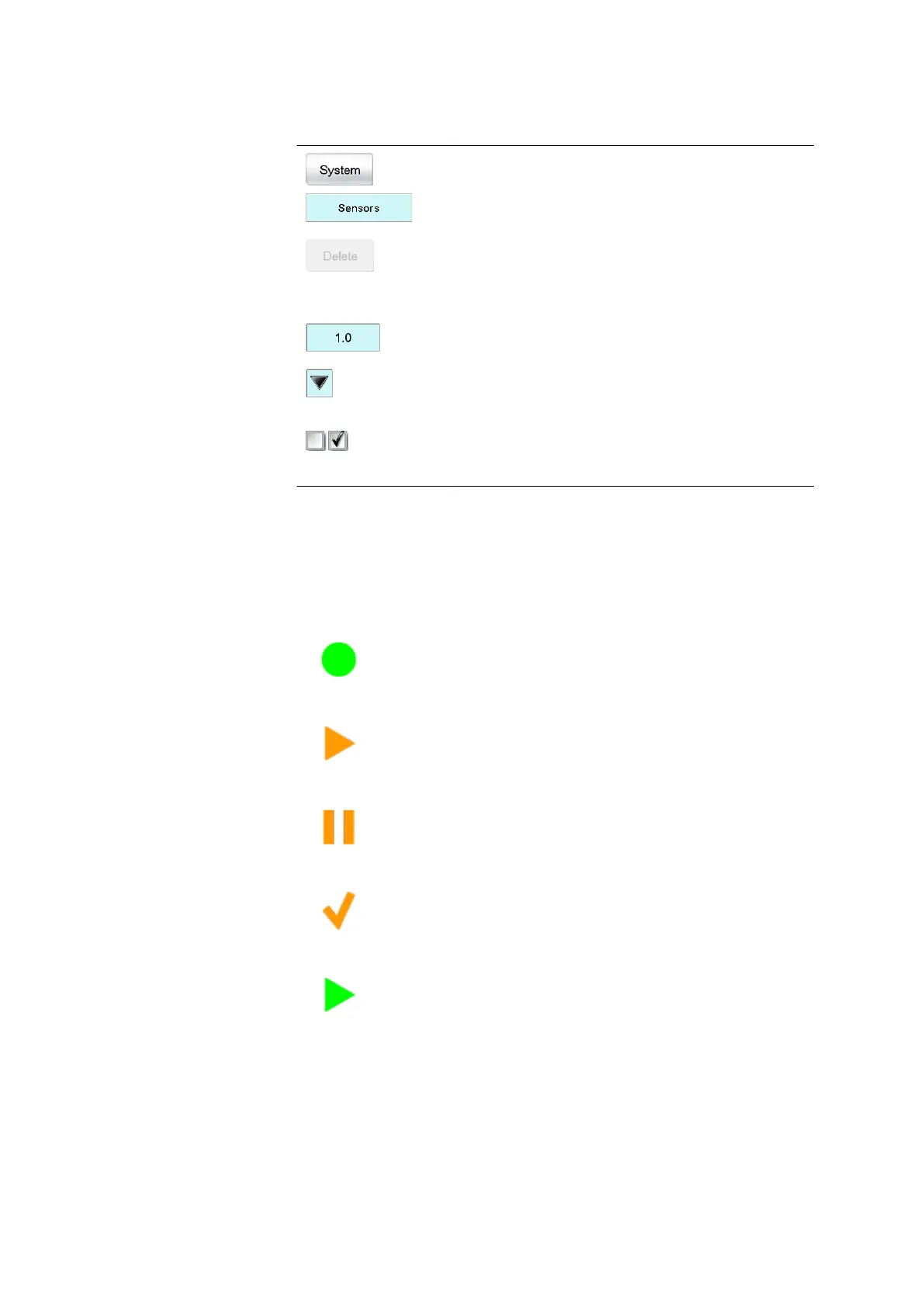
Table 2 Screen elements
Buttons open a new dialog when they are tap-
ped.
Inactive buttons with gray lettering indicate
that the respective function is not available at the
moment.
Input fields open an input dialog when tapped.
Tapping on the selection symbol opens a selec-
tion list.
A check box can also be activated or deactiva-
ted by tapping on it.
6.2.3 Status display
The current status of the system is displayed in the upper right-hand cor-
ner of the title bar.
Table 3
Status displays
The instrument is in normal status.
The working medium is being conditioned.
Conditioning has been paused.
The working medium is conditioned.
A method has been started.















 To Next Page