28.2 Measuring
■■■■■■■■■■■■■■■■■■■■■■
252
■■■■■■■■
900 Touch Control
Closing the manual control
1
■ Tap on the fixed key [ ].
NOTICE
Manual control can also be exited when a manual sequence has been
started but has not yet ended. The fact that a sequence has been
started in manual control can be recognized by the corresponding sym-
bol in the title line (see chapter 6.2.3, page 19).
28.2 Measuring
Manual control ▶ Measure
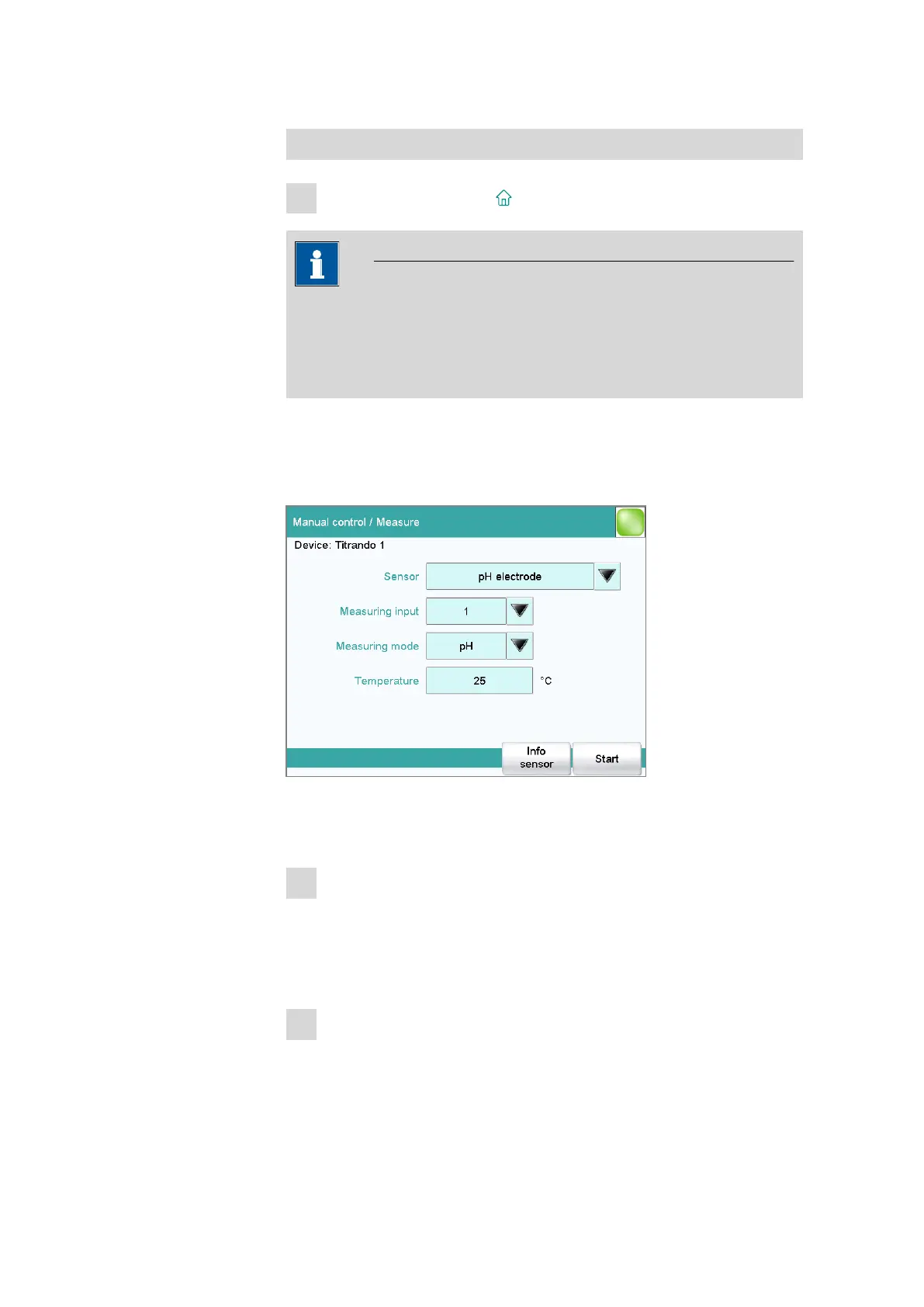
Manual measurements can be carried out with the function [Measure].
Proceed as follows:
1
Selecting a sensor
■ Select the desired sensor from the sensor list.
All of the sensors available in the sensor list are displayed. Sensors
are defined under System ▶ Sensors.
■ Select the measuring input at which the sensor is connected.
2
Select a measuring mode
■ Select the desired measuring mode.
Only those measuring modes are displayed which are advisable
for the selected sensor.















 To Next Page