■■■■■■■■■■■■■■■■■■■■■■
28 Manual control
900 Touch Control
■■■■■■■■
251
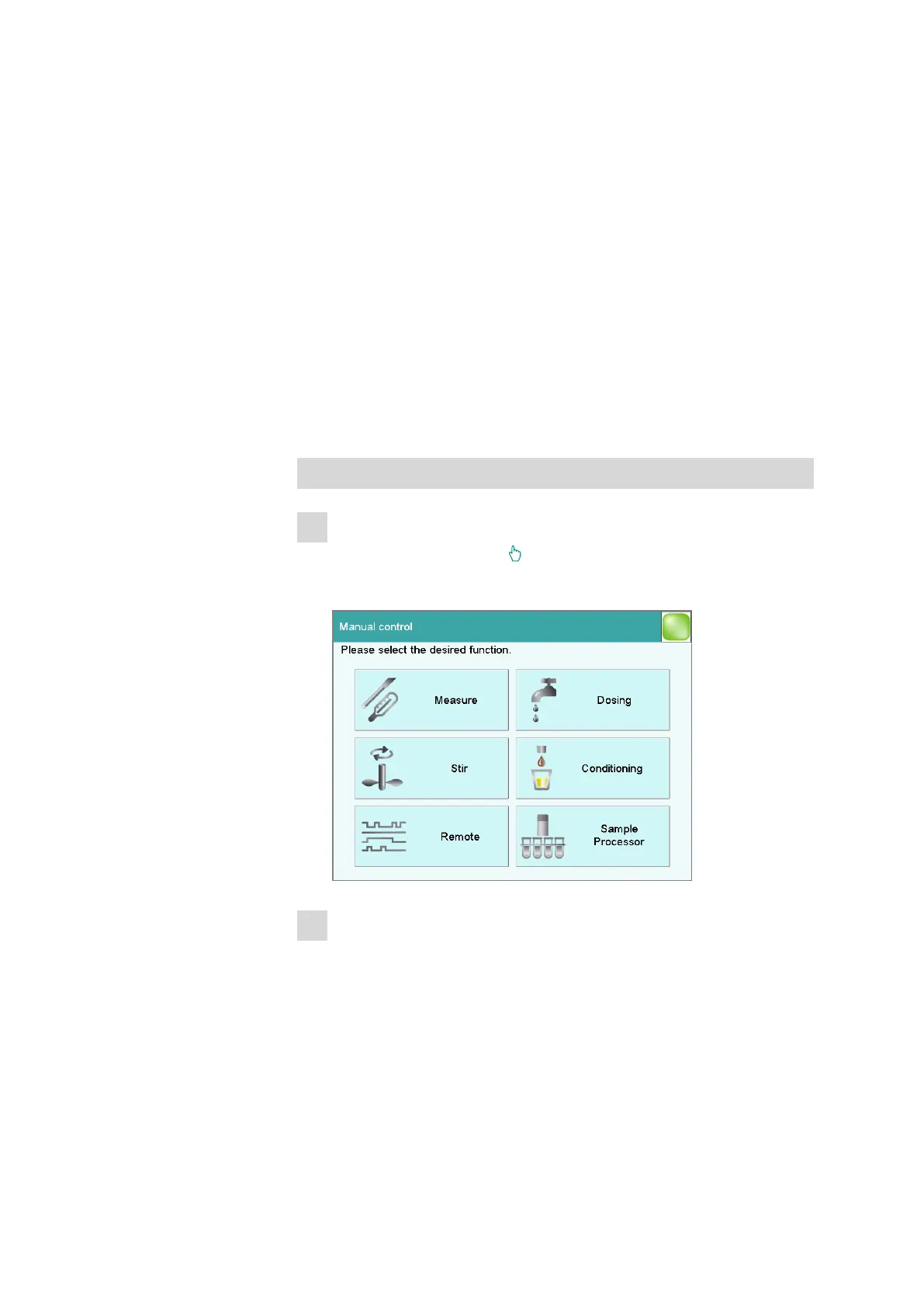
[Conditioning]
Conditioning the volumetric or coulometric titration cell manually (see
chapter 28.5, page 266).
[Stir]
Controlling the stirrer manually (see chapter 28.4, page 265).
[Remote]
Scanning the input lines on the remote interface and setting the output
lines (see chapter 28.6, page 267).
[Sample Processor]
Controlling the Sample Processor manually (see chapter 28.7, page 268).
28.1 Opening and closing the manual control
Opening the manual control
1
Opening the dialog window
■ Tap on the fixed key [ ].
Manual control opens:
2
Select the function
■ Tap on the button for the desired function.
If the function can be carried out by several devices, a dialog to
select the device will appear first; otherwise the dialog for the
selected function will appear immediately.















 To Next Page