■■■■■■■■■■■■■■■■■■■■■■
25 Statistics
900 Touch Control
■■■■■■■■
231
25 Statistics
Main dialog: Results ▶ Statistics
In the dialog Results, you can use [Statistics] to display the statistical
overview of a determination overview. You can statistically evaluate a
maximum of nine results calculated in a determination. A statistical series
can contain a maximum of 20 determinations.
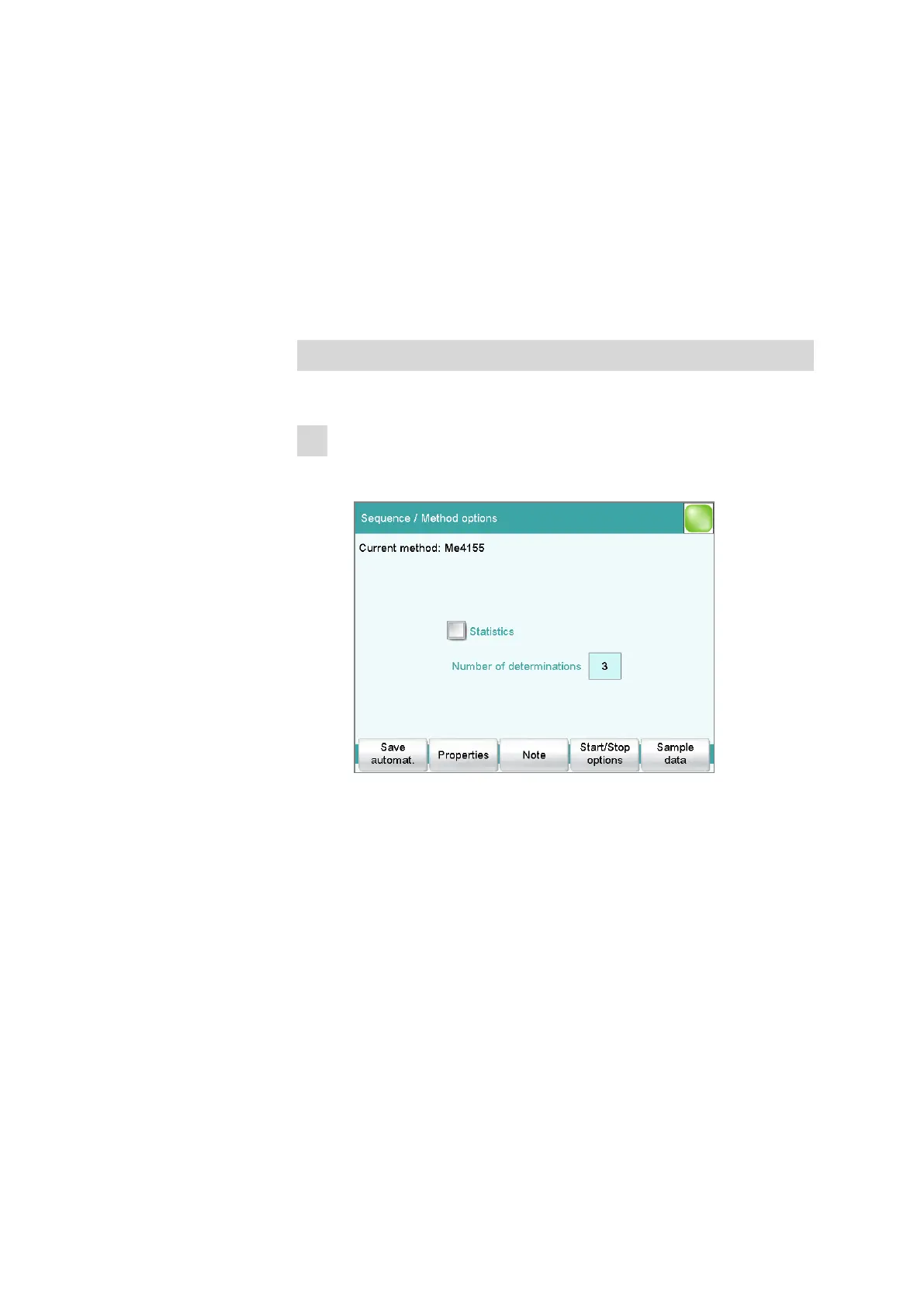
Activating the statistics function
Proceed as follows to activate the statistics function:
1
Editing the method options
■ In the main dialog, tap on [Edit parameters].
■ Tap on [Method options].
■ Activate the Statistics option.
■ Under Number of determinations, enter the desired number of
determinations.
The results for which statistical calculations are performed are
defined in the calculation command CALC (see "Variable for mean
value", page 153).















 To Next Page