■■■■■■■■■■■■■■■■■■■■■■
190
■■■■■■■■
900 Touch Control
19 Favorites
Main dialog: Control ▶ Favorites
Main dialog: System ▶ System settings ▶ User
admin. ▶ Edit ▶ Favorites
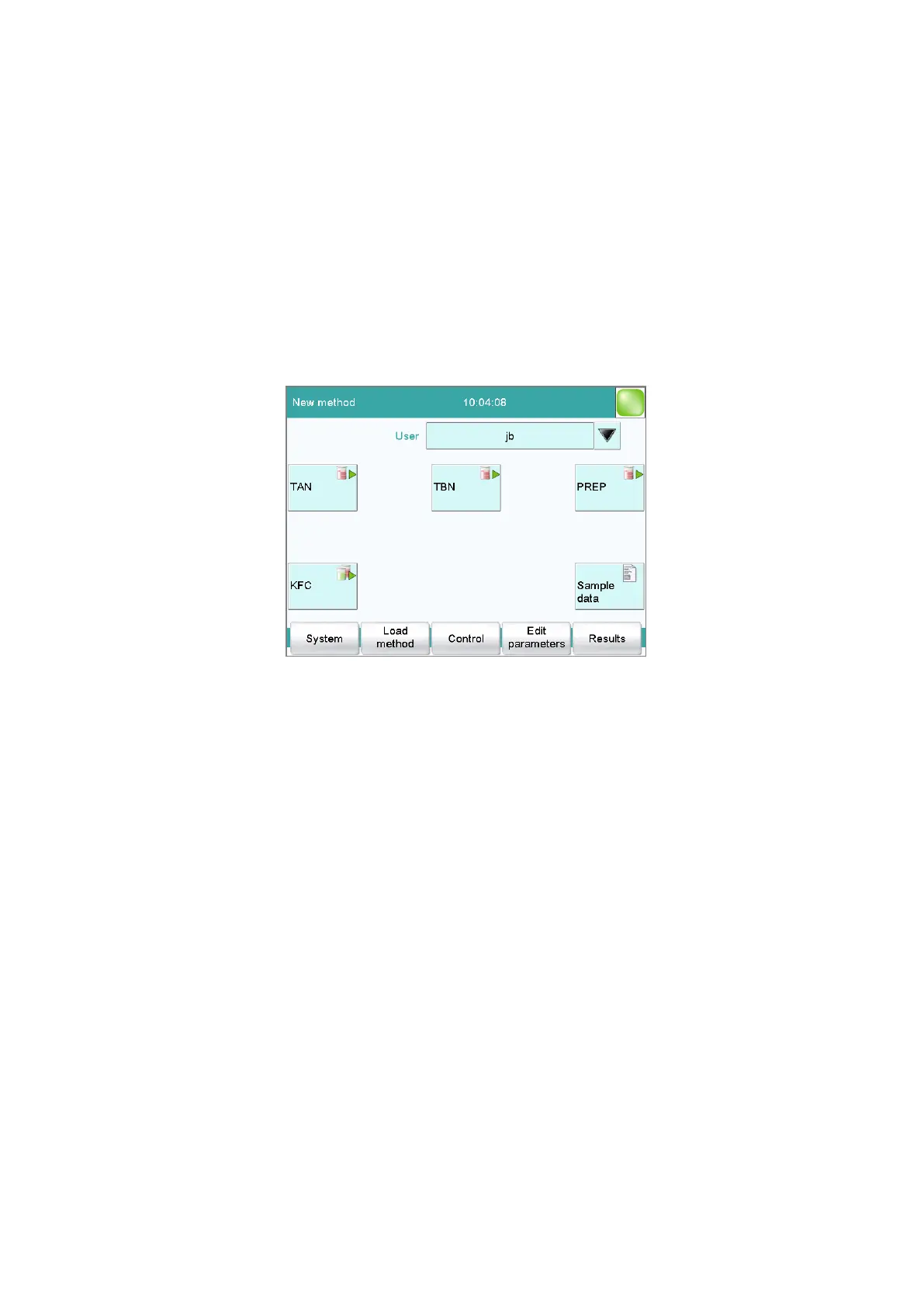
This chapter describes how you can create favorites. Favorites are compa-
rable to the favorites/bookmarks in your Internet browser. In the main dia-
log, a button is created for each favorite. By pressing a single key, you can
trigger an action without having to navigate through different dialogs.
The following objects can be saved as favorites:
■ Methods
■ Sample tables
User-specific or common favorites can be created, depending on whether
you are working with or without the login function.
■ Operation with login function:
If you are working with the login function activated, user-specific
favorites can be created. These can only be used by a certain user.
User-specific favorites are created as follows:
– in the user administration by a user with administrator rights
(System ▶ System settings ▶ User admin. ▶ Edit).
– in the dialog Control for the user who is logged in.
■ Operation without login function:
If you are working without the login function, common favorites can
be created. These favorites are available for all users. Common favor-
ites are created in the Control dialog.















 To Next Page