■■■■■■■■■■■■■■■■■■■■■■
11 Device manager
900 Touch Control
■■■■■■■■
117
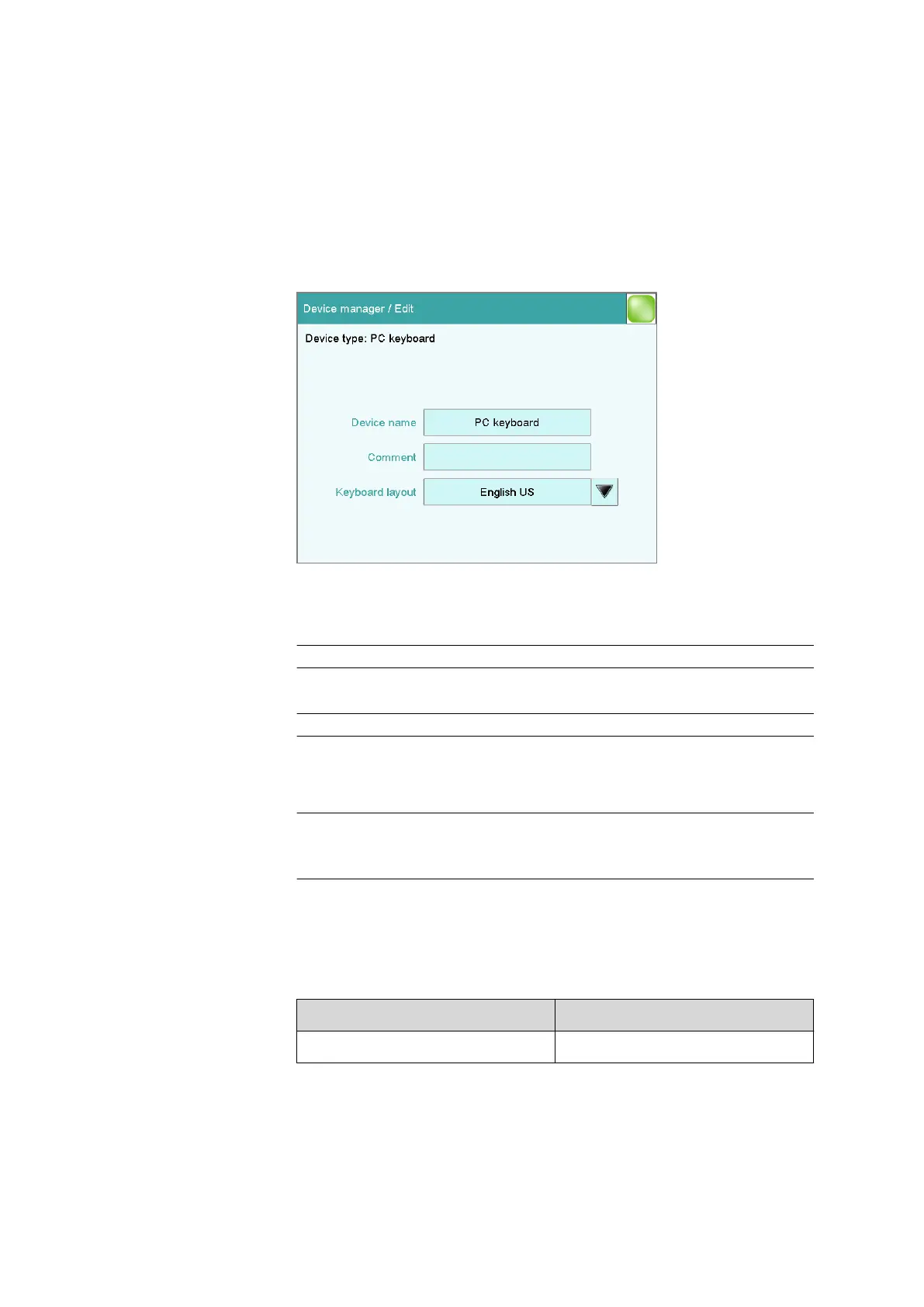
11.10 PC keyboard
Instrument list: PC keyboard ▶ Edit
A commercially available USB keyboard can be connected to make text
and numerical input easier. It will be recognized automatically and entered
in the list of devices with default settings.
Device name
Here you can enter a device name of your choice.
Entry 24 characters maximum
Comment
Entry 24 characters maximum
Keyboard layout
Define the country-specific keyboard layout here.
Selection English US | German DE | French FR | Spanish
ES | German CH
Default value English US
To enter texts and numbers with the PC keyboard, the appropriate text
and number input dialog must be opened on the Touch Control. Only the
following keys on the PC keyboard have a function:
Table 6
Key assignment
Function in the editing dialog PC keyboard key
[Cancel] [Esc]















 To Next Page