16.4 Editing a method
■■■■■■■■■■■■■■■■■■■■■■
170
■■■■■■■■
900 Touch Control
3
Loading the method
■ Tap on [Load].
The method is now loaded. The method name is displayed in the
main dialog in the title line.
NOTICE
The data of the current determination will be deleted when you load a
method.
16.4 Editing a method
Main dialog: Edit parameters
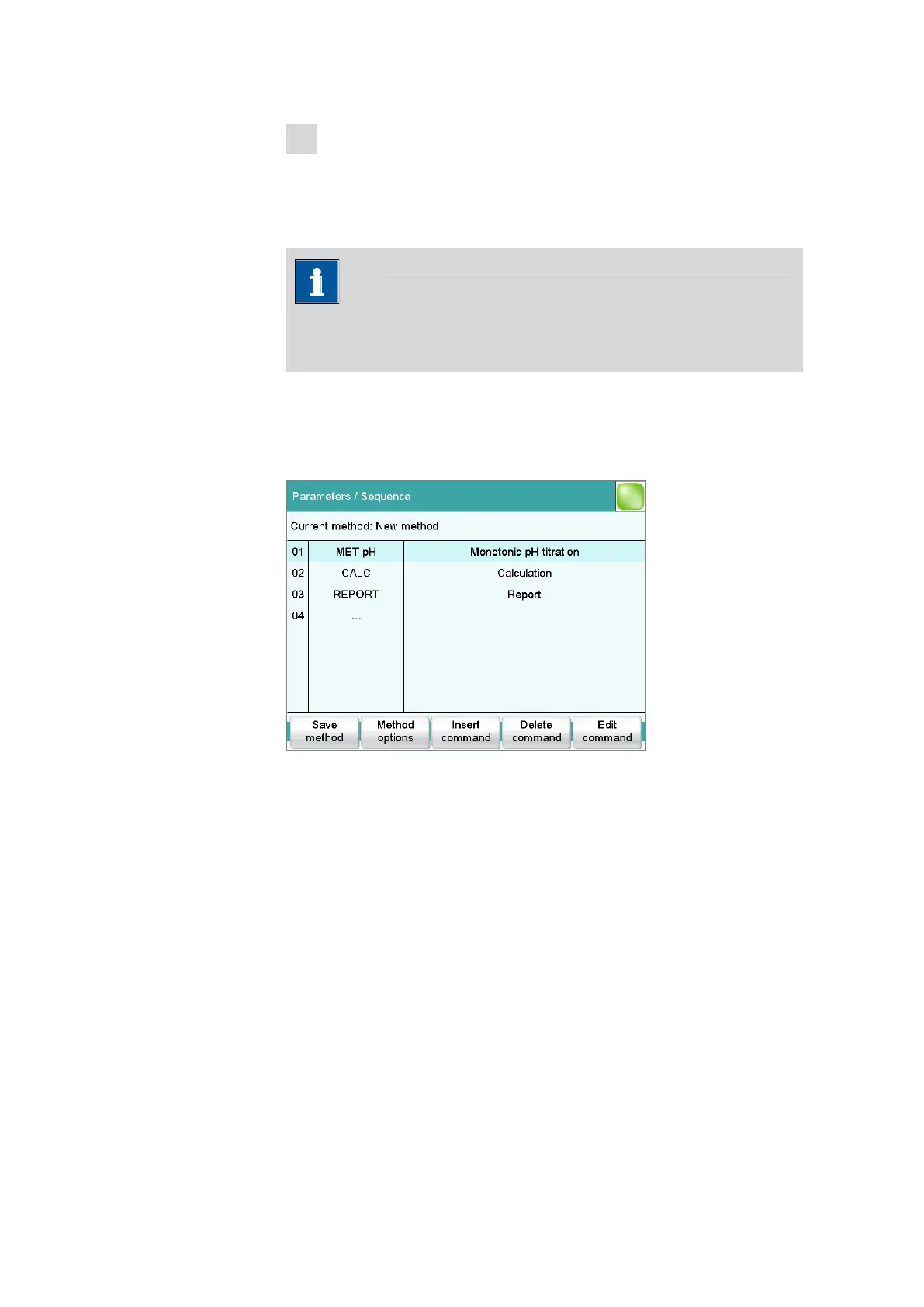
In the dialog Parameters / Sequence, you can define and edit the
method commands which are executed successively during a determina-
tion.
The following data is displayed in the command list for each command:
■ Line number
■ Name
■ Comment
You can adjust the comment in accordance with your requirements.
[Save method]
Save the current method (see chapter 16.2, page 168).
[Method options]
Define various settings which refer to the entire method, e.g. statistics,
automatic saving of determinations, settings for sample data, etc. (see
chapter 16.5, page 172).















 To Next Page