28.3 Dosing
■■■■■■■■■■■■■■■■■■■■■■
256
■■■■■■■■
900 Touch Control
28.3 Dosing
Manual control ▶ Dosing
The following dosing functions are available:
■ Preparing the exchange or dosing unit (see chapter 28.3.3, page 262)
■ Emptying the dosing unit (see chapter 28.3.4, page 263)
■ Filling the dosing cylinder of the exchange unit/dosing unit (see chap-
ter 28.3.5, page 264)
■ Dosing a specified volume (see chapter 28.3.2, page 260)
■ Dosing continuously (see chapter 28.3.1, page 258)
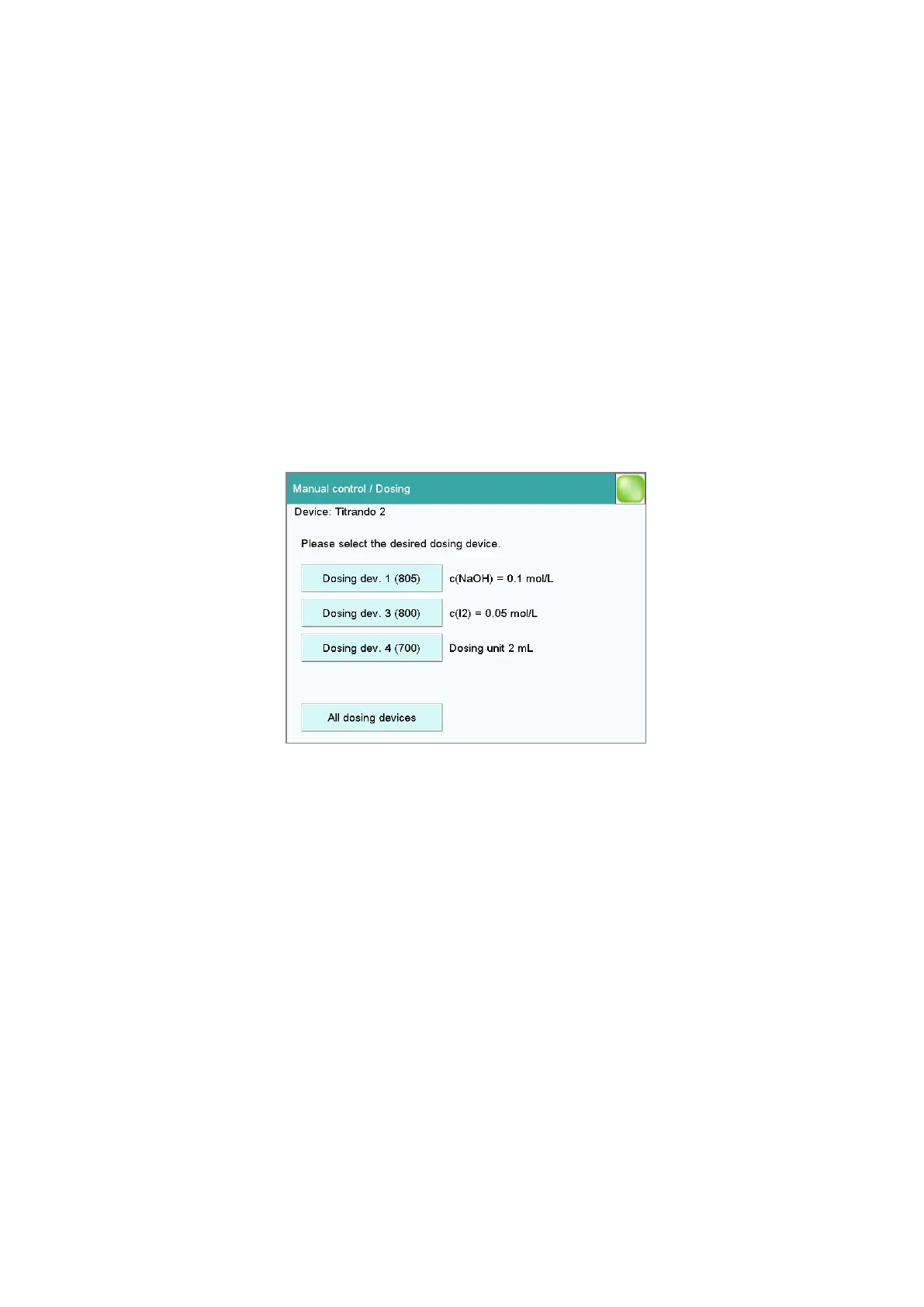
Selecting the dosing device
If several dosing devices are connected to a control instrument, then the
dialog for selecting a dosing device will be opened.
[Dosing device X]
Selection of the dosing device. The MSB connector and the type of the
connected dosing device are displayed.
Various information is shown next to the button:
■ Titrant
For dosing devices of the type 8XX with an intelligent exchange unit or
dosing unit the titrant name is read off the data chip.
■ Cylinder volume
For dosing devices of the type 6XX or 7XX only the cylinder volume is
displayed.
■ ---
For exchange or dosing units which are not or not correctly attached.
■ Manual busy
When a dosing function is being carried out.















 To Next Page