32.6 Result variables as parameter setting
■■■■■■■■■■■■■■■■■■■■■■
496
■■■■■■■■
900 Touch Control
32.6 Result variables as parameter setting
For most of the numerical parameters, the result of a calculation can also
be utilized in place of a number. This result must be calculated in a preced-
ing calculation command (command CALC). A typical application is the
use of a relative start volume.
The following example is used to explain how this method is used to
define a sample size-dependent start volume for a titration. Proceed as fol-
lows:
1
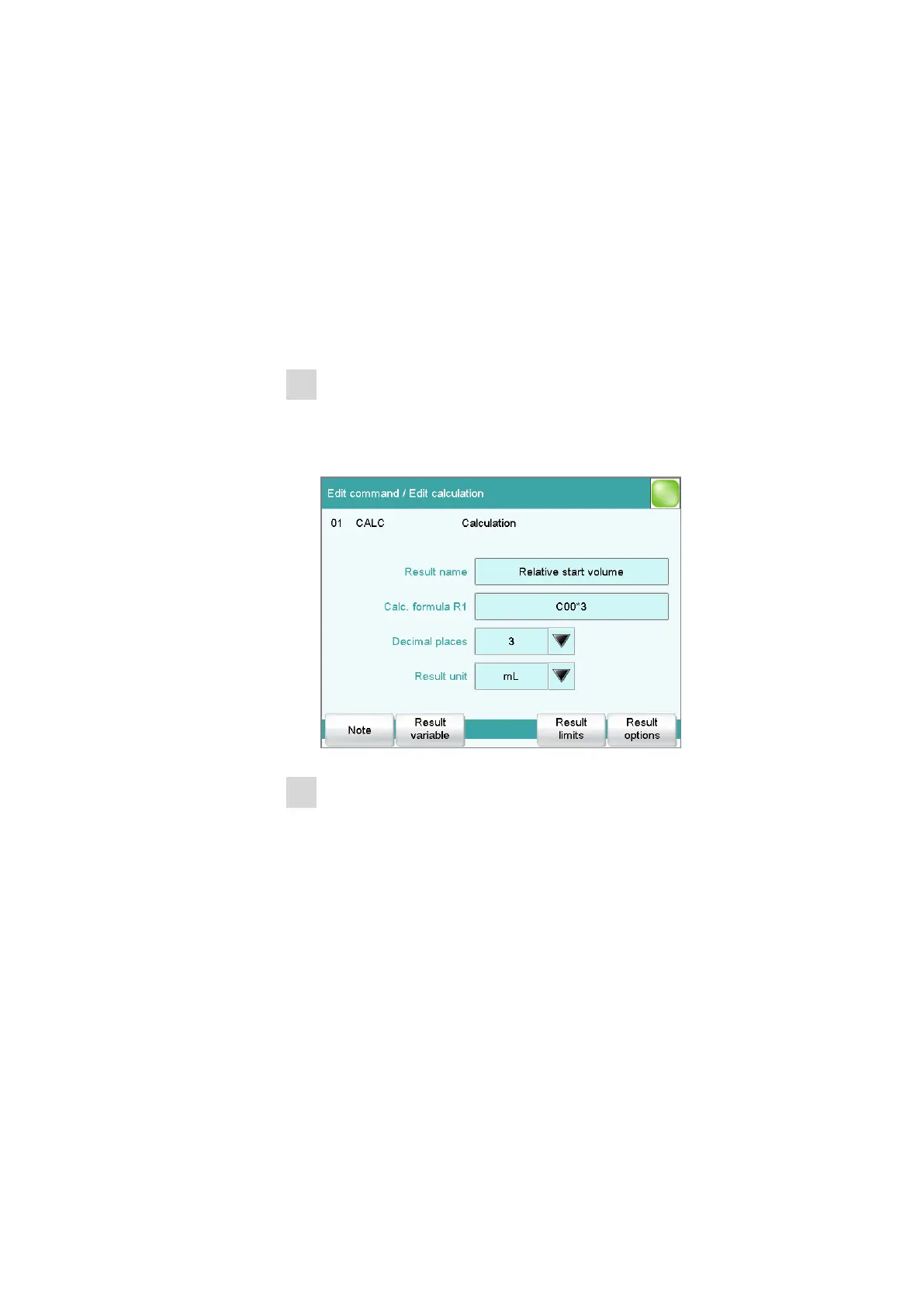
Create a new calculation
■ Insert the calculation command CALC in front of the titration
command.
■ Enter the calculation formula, e.g. R1 = C00*3.
2
Define a result variable as parameter setting
■ In the titration command, enter the variable R1 as the start vol-
ume.















 To Next Page