29.2 Monotonic equivalence point titrations (MET)
■■■■■■■■■■■■■■■■■■■■■■
306
■■■■■■■■
900 Touch Control
Measuring mode U, Ipol:
Input range 1 to 999 mV
Default value 30 mV
Measuring mode Upol:
Input range 0.1 to 99.9 µA
Default value 2.0 µA
EP recognition
This parameter allows you to filter out only the equivalence points that are
being sought.
Selection first | greatest | last | ascending | descending
Default value first
first
Only the first equivalence point will be recognized.
greatest
Only the equivalence point with the greatest ERC value, i.e. the steep-
est jump, will be recognized.
last
Only the last equivalence point will be recognized.
ascending
Only equivalence points with a positive slope of the titration curve will
be recognized.
descending
Only equivalence points with a negative slope of the titration curve will
be recognized.
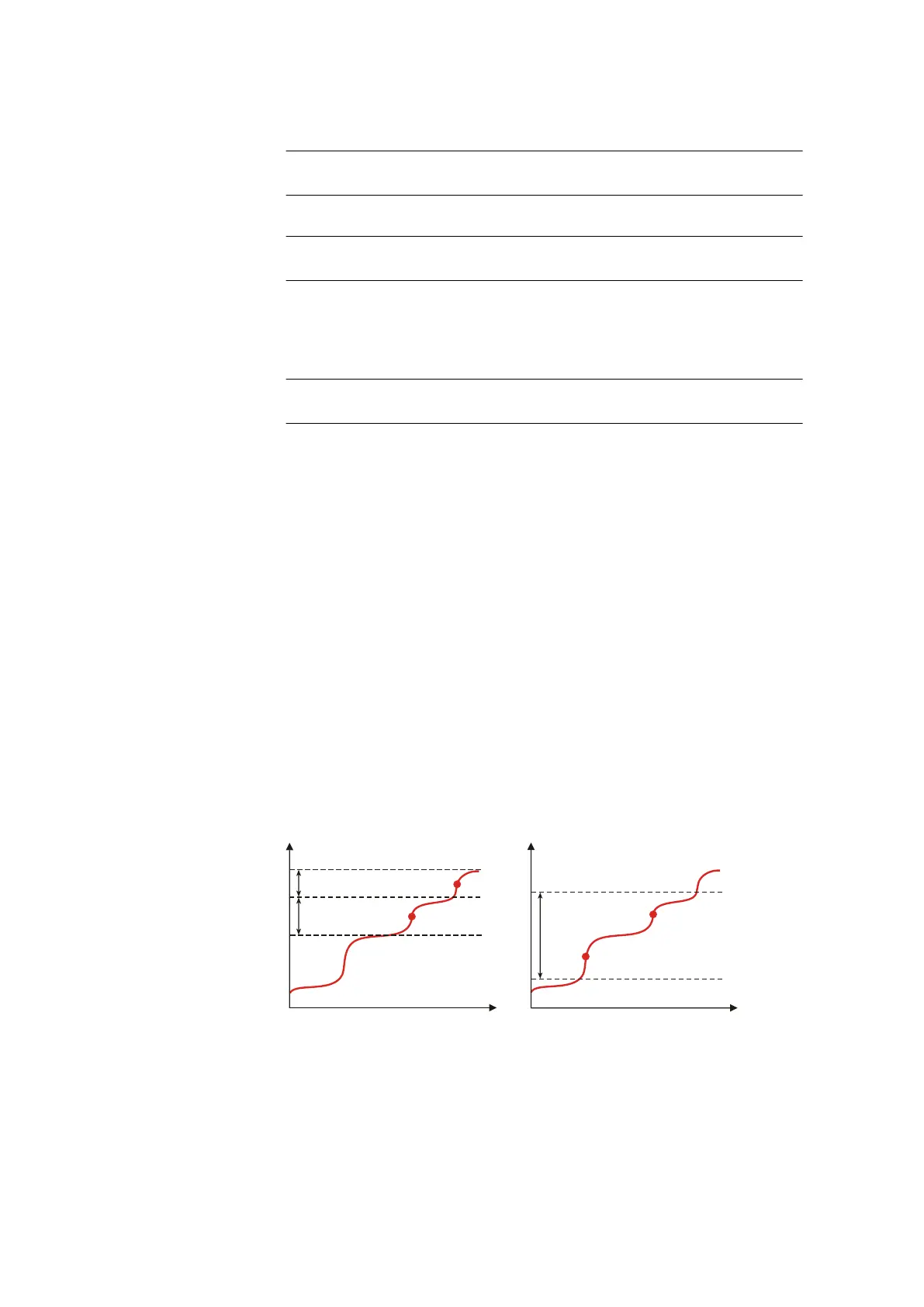
Only one equivalence point will be recognized in a window. The number-
ing of the equivalence points (EP) is defined by the numbering of the win-
dows (e.g. EP2 in window 2), so that even if EPs are missing, the calcula-
tions will still be carried out with the correctly assigned EP volumes.
EP1
EP window 2
EP window 1
EP2
U/mV
V/mL
EP window 1
EP1
+
U/mV
V/mL
lower limit 1
upper limit 1
Figure 15
Equivalence point recognition and equivalence point num-
bering within windows















 To Next Page