■■■■■■■■■■■■■■■■■■■■■■
21 Sample table
900 Touch Control
■■■■■■■■
197
21 Sample table
21.1 General
Main dialog: Sample table
The sample table is a table in which the sample data for up to 999 sam-
ples can be entered. If you are processing larger-sized sample series, it
makes sense to enter the sample data in this table.
Activating the sample table
Proceed as follows to enable the sample table:
1
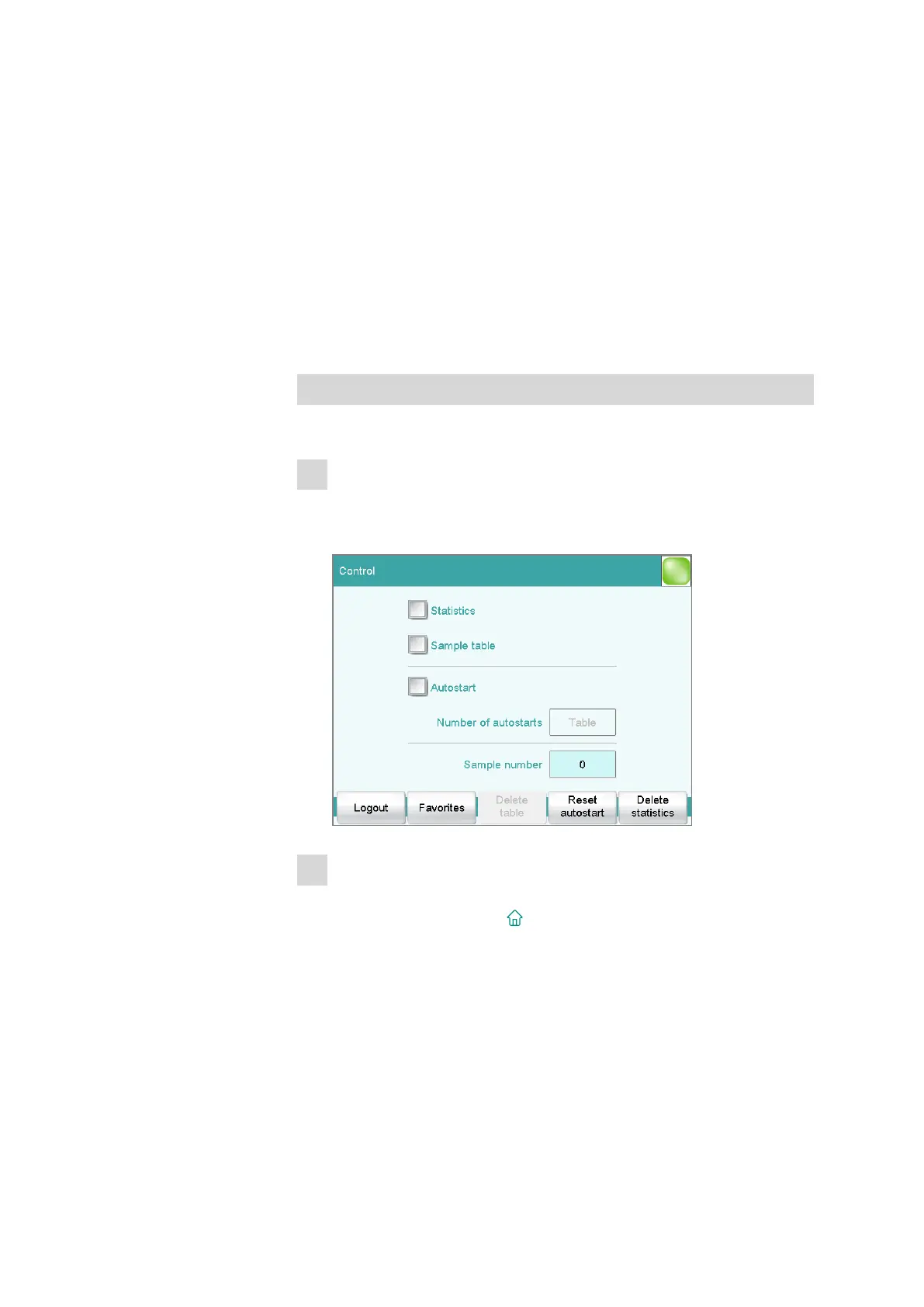
Opening the control dialog
■ In the main dialog, tap on [Control].
The control dialog is displayed:
2
Activating the sample table
■ Activate the Sample table option.
■ Tap on the fixed key [ ].
The main dialog is displayed:















 To Next Page