21.1 General
■■■■■■■■■■■■■■■■■■■■■■
198
■■■■■■■■
900 Touch Control
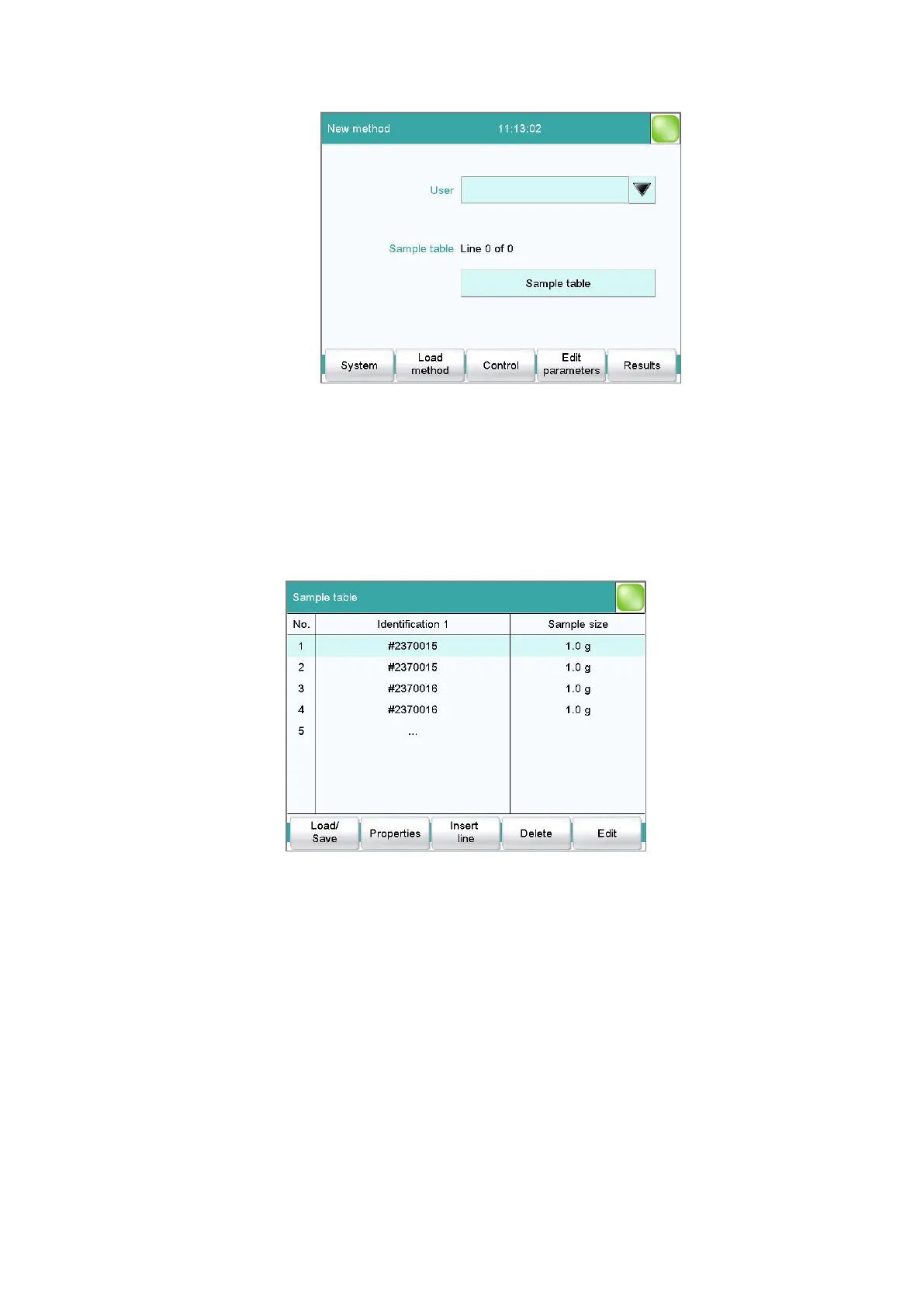
The display will show the number of determinations already carried
out and the total number of sample lines containing data. The sam-
ple table is still empty in this example.
The sample table contains numbered lines; each line represents one deter-
mination. In the standard settings, the first sample identification and the
sample size of each sample are displayed. In the properties, you define the
columns to be displayed (see chapter 21.3, page 202).
[Load/ Save]
Load a saved sample table (see "Loading a sample table", page 200) or
save the current sample table (see "Saving a sample table", page 199).
[Properties]
Edit the properties of the sample table (see chapter 21.3, page 202).
[Insert line]
Insert a new line above the line selected.
[Delete]
Delete the selected line from the sample table.















 To Next Page