6.1 Switching the instrument on and off
■■■■■■■■■■■■■■■■■■■■■■
16
■■■■■■■■
900 Touch Control
6 Operation
6.1 Switching the instrument on and off
Switching on the instrument
CAUTION
Peripheral devices (e.g., printers) must be connected and switched on
before you switch on the 900 Touch Control.
NOTICE
English is set as the default dialog language when the instrument is
switched on for the first time.
Proceed as follows:
1
■ Press the power switch on the left-hand side of the back panel of
the 900 Touch Control.
The 900 Touch Control and the control instrument are initialized
and a system test is carried out. This process takes some time.
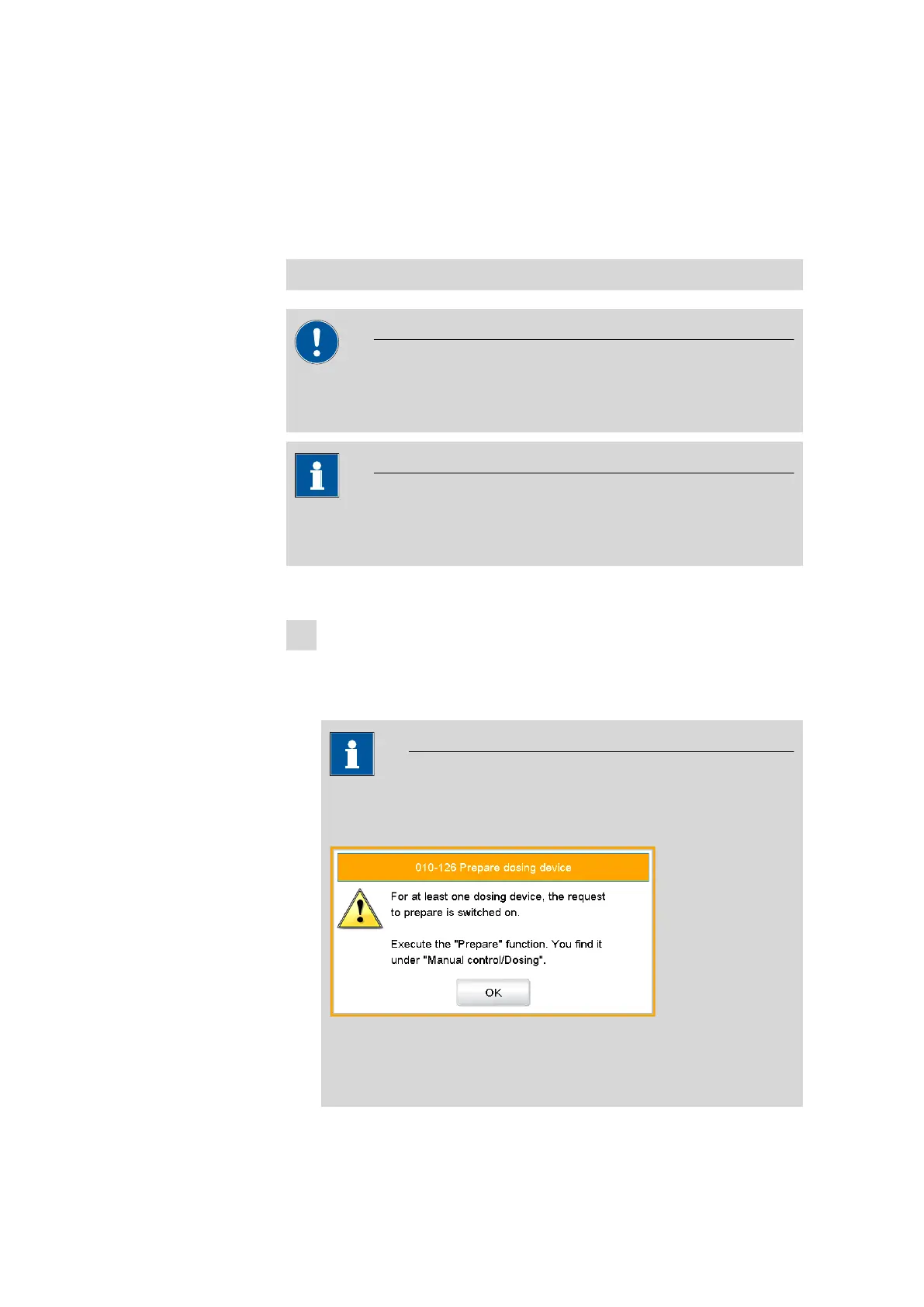
NOTICE
If a buret unit is connected, then a request appears to carry out
the Prepare function:
All tubings and the cylinder are rinsed with the Prepare function.
The preparing of the buret unit is described in chapter 28.3.3,
page 262.















 To Next Page