16.2 Saving a method
■■■■■■■■■■■■■■■■■■■■■■
168
■■■■■■■■
900 Touch Control
16.2 Saving a method
If you modify method parameters, then you can save these as your own
method.
To save a method, proceed as follows:
1
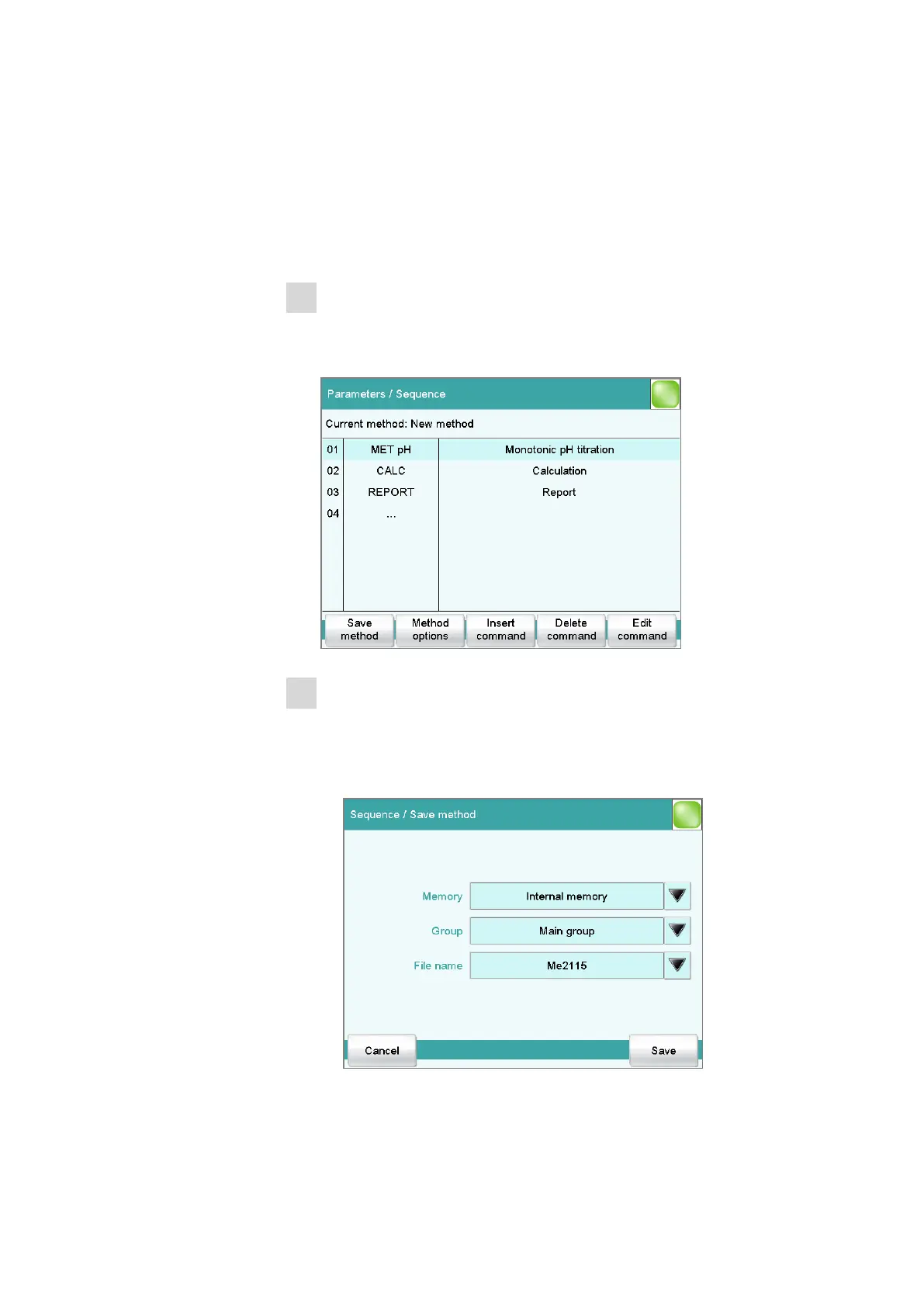
Open the command sequence
■ In the main dialog, tap on [Edit parameters].
The command sequence of the method is displayed:
2
Modifying/applying the method name
■ Tap on [Save method].
A method name will be suggested for new methods. If the
method has already been saved once, then the method name will
be displayed.
Applying the name:















 To Next Page