32.9 Using AuditTrailViewer
■■■■■■■■■■■■■■■■■■■■■■
516
■■■■■■■■
900 Touch Control
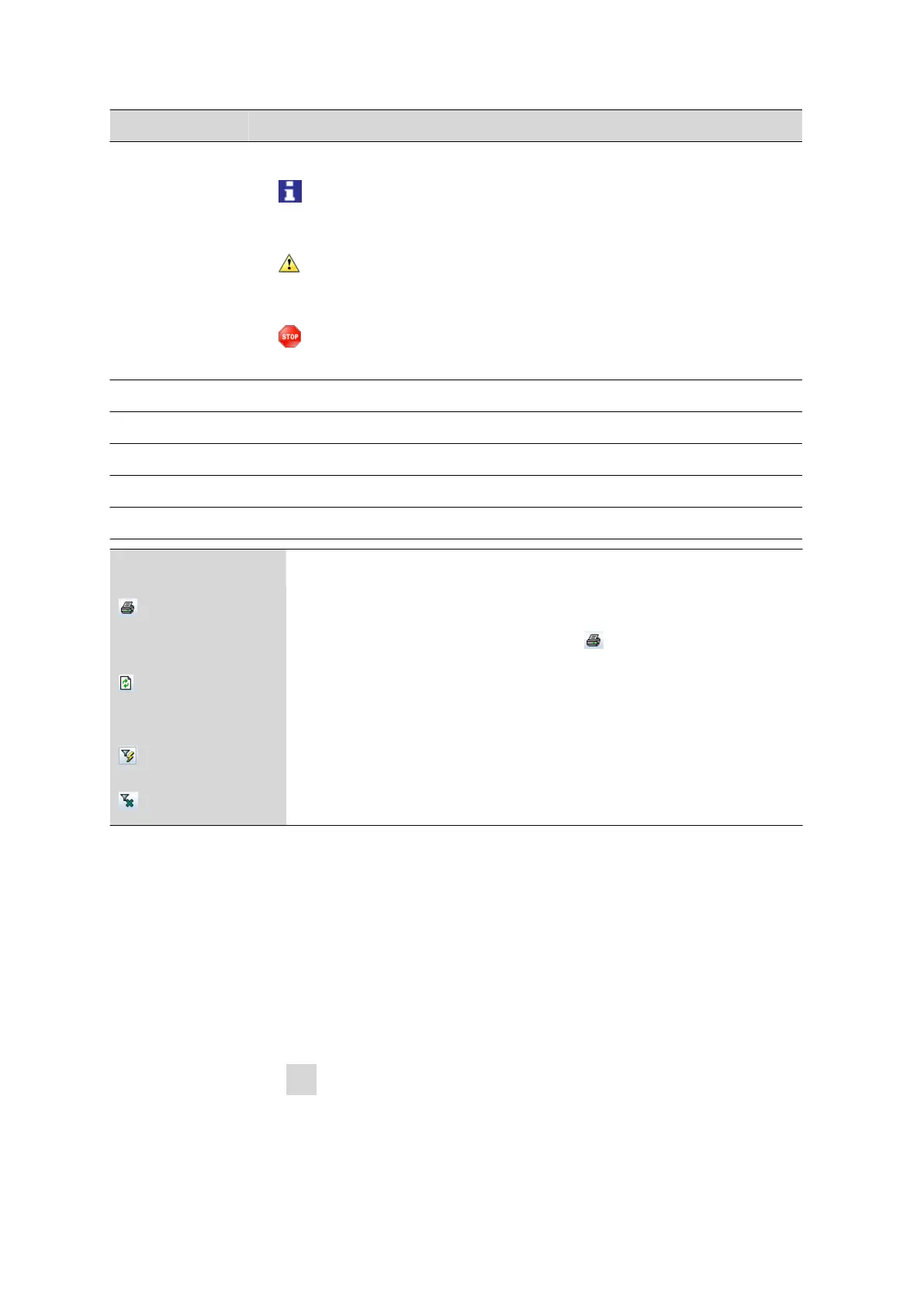
Column Content
Symbol Classification of the entry:
■
Actions that are neither relevant to safety nor alter the determination
data.
■
Actions, e.g. changes to the login options and recalculation of determina-
tions.
■
Errors that occur, e.g. entry of an incorrect password.
Date
Precise time of the event.
User User who triggered the action.
Category Category to which the entry belongs.
Action Designation of the action.
Details Details of the action.
Menu bar
Print Print Audit Trail.
An Audit Trail can be printed by means of the
symbol.
Update Update view.
The list is updated automatically only at the time the dialog window is opened.
Quick filter
Filter the Audit Trail.
Show all
Display all entries once again.
32.9.4 Filtering the Audit Trail
The entries in the Audit Trail can be filtered. You can set the following fil-
ter criteria:
■ Date
■ User
■ Category
■ Action
Proceed as follows:
1
Click in a cell that contains the desired filter criterion (e.g. Category
= Method).















 To Next Page