■■■■■■■■■■■■■■■■■■■■■■
236
■■■■■■■■
900 Touch Control
26 Result table
Main dialog: Results ▶ Result table
The result table is suitable for displaying in detail the results of all of the
determinations performed on a single day, for instance. You can save the
results of up to 200 determinations. A maximum of 9 results from a single
determination can be saved in the result table. You define which results
from this table are to be saved using the CALC command. Because the
size of the display is not sufficient to display all of the data at the same
time, it is practical to print out the result table.
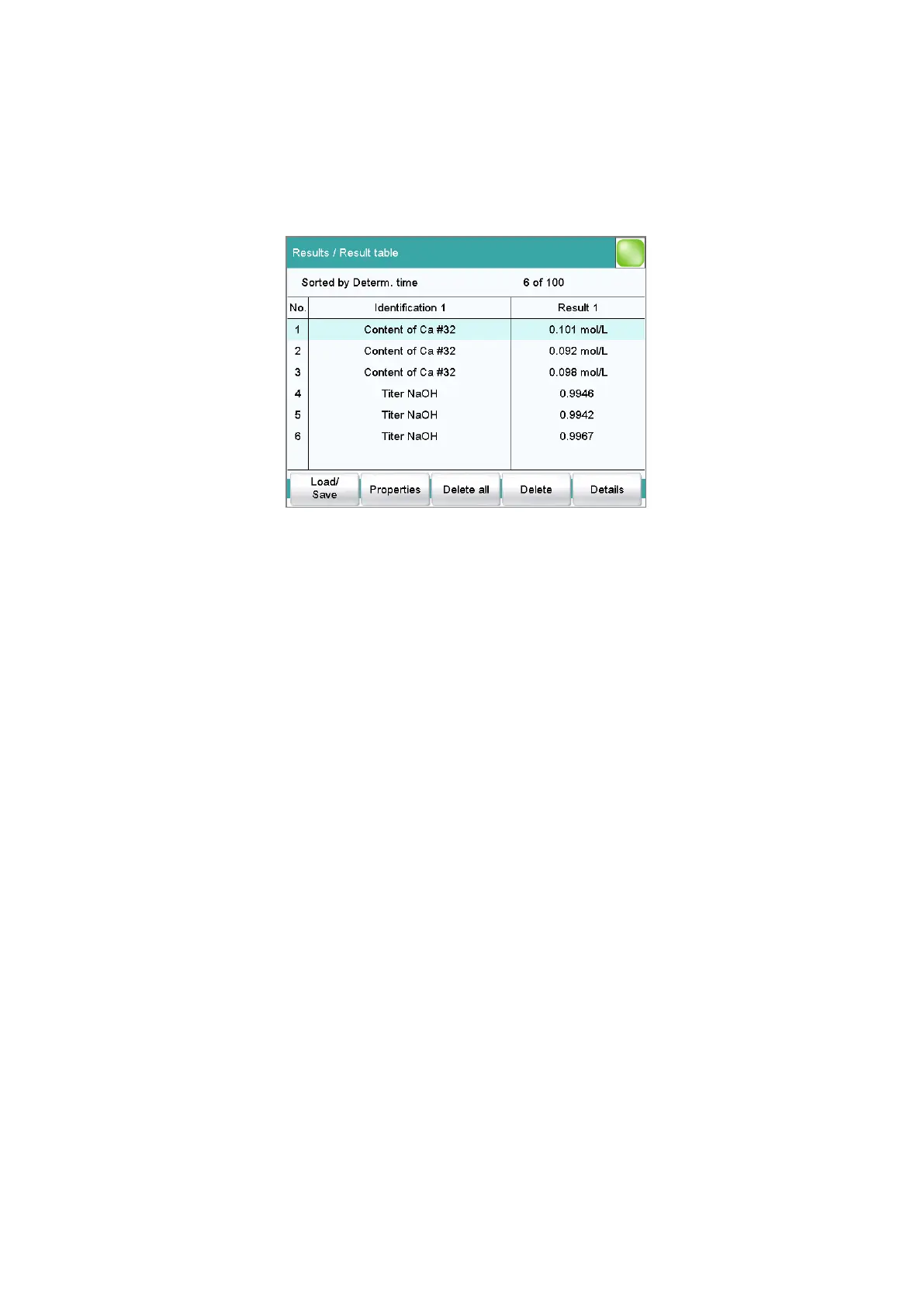
The sorting criterion and the number of determinations from which results
are saved in the result table are displayed at the top. The list contains
numbered lines; each line represents one determination. In the default set-
tings, the first sample identification and the first calculated result of each
determination are displayed. In the properties, you define which data is
displayed in the columns and the criteria according to which the determi-
nations are sorted (see chapter 26.1, page 237). In addition, you can
define search filters to aid you in finding the desired determinations (see
"Filter criteria", page 239).
[Load/ Save]
Load a saved result table (see chapter 26.3, page 241) or save the current
result table (see chapter 26.2, page 241).
[Properties]
Configure the display of the columns and define filter criteria.
[Delete all]
Delete the result table completely.















 To Next Page