■■■■■■■■■■■■■■■■■■■■■■
26 Result table
900 Touch Control
■■■■■■■■
239
[Delete automat.]
Define the settings for the automatic deletion of the result table (see
"Deleting the result table automatically", page 240).
Filter criteria
Result table: Properties ▶ Filter
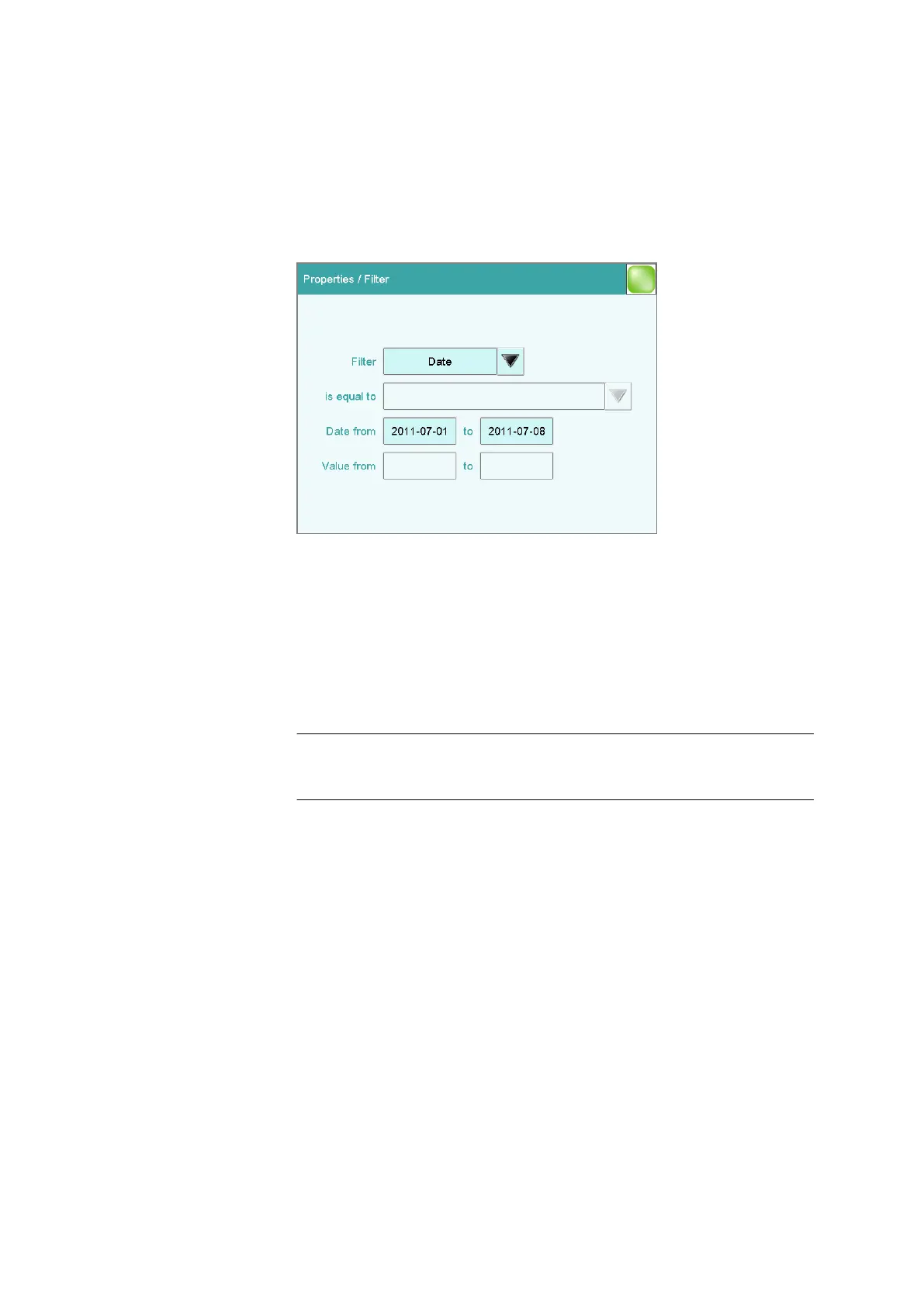
You can set filters in the Properties / Filter dialog. A filter is a rule defin-
ing what is to be displayed in the result table. If a filter has been set, this is
indicated with a corresponding symbol in the Results / Result table dia-
log.
Filter
Define the criterion according to which the list is to be filtered. The only
lines which will be displayed are those which fulfil the filter criterion.
Selection no filter | Identification 1 | Identification 2 |
Date | Result | Method | Sample size | User
Default value no filter
no filter
The list itself will not be filtered.
Identification 1
In the input field is equal to, select or enter the first sample identifica-
tion according to which filtering is to be carried out.
Identification 2
In the input field is equal to, select or enter the second sample identi-
fication according to which filtering is to be carried out.
Date
In the input fields Date from … to, specify the period of time accord-
ing to which filtering is to be carried out.















 To Next Page