■■■■■■■■■■■■■■■■■■■■■■
3 Overview of the instrument
900 Touch Control
■■■■■■■■
9
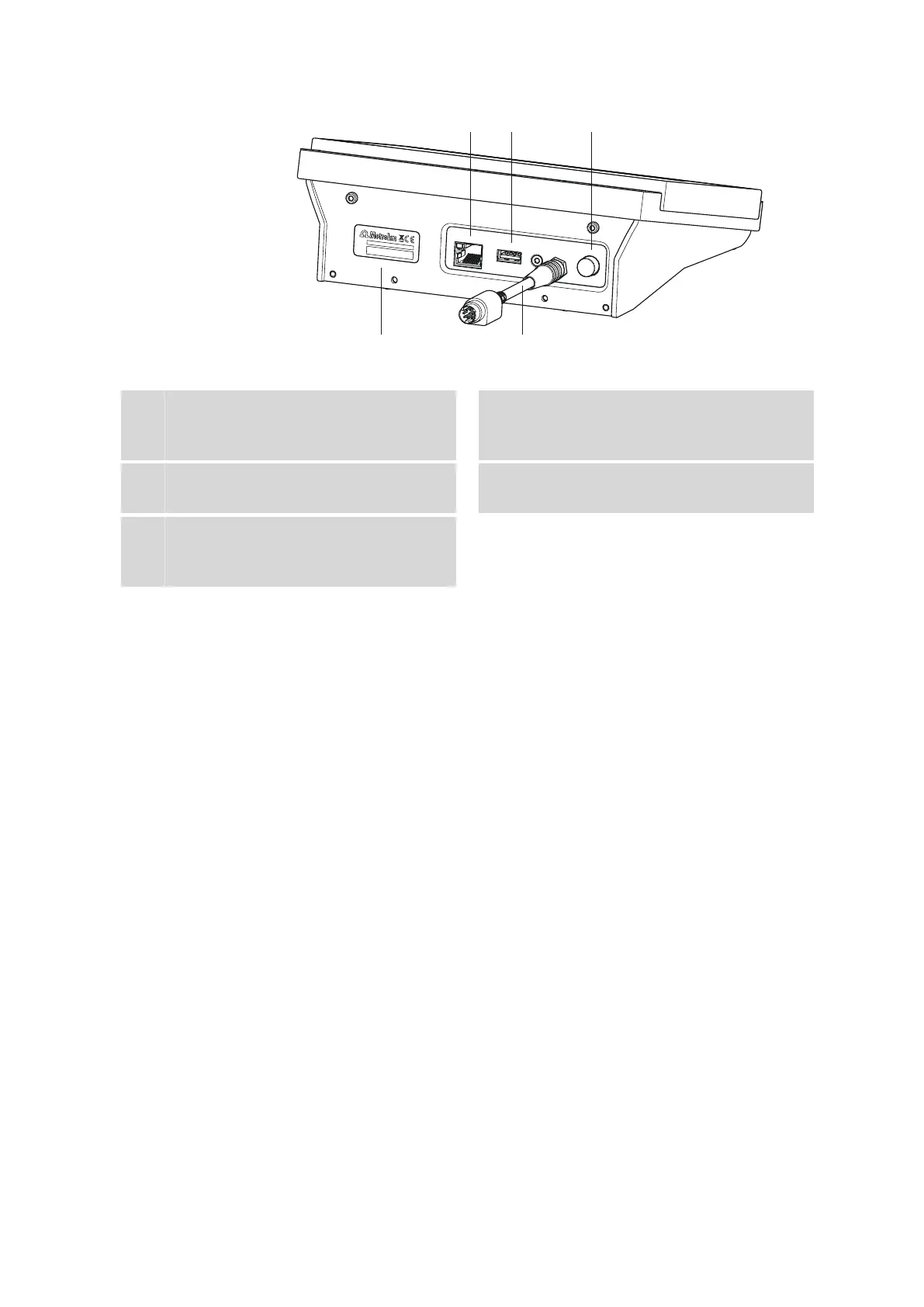
Figure 2 Rear 900 Touch Control
1
Ethernet connector (RJ-45)
For connecting to a network.
2
USB connector (type A)
For connecting printers, USB sticks, USB
hubs, etc.
3
Power switch
Switches the instrument on/off.
4
Type plate
Contains the serial number.
5
Connection cable
For the connection of the Touch Control to a
control device (socket "Controller").















 To Next Page