■■■■■■■■■■■■■■■■■■■■■■
14 Common variables
900 Touch Control
■■■■■■■■
145
Document message
In the determination data it will be documented, that the time interval
has been expired.
Cancel determination
The determination is stopped.
14.4 Assigning a result automatically to a common varia-
ble
NOTICE
This instruction is based on the assumption that the method contains a
calculation command with a calculation.
Proceed as follows to assign a result to a common variable:
1
Opening the editing dialog of the result
■ In the command list, select the command CALC.
■ Tap on the [Edit command] button.
■ Select the result whose value is to be assigned to a common vari-
able and tap on [Edit].
The editing dialog of the result is displayed.
2
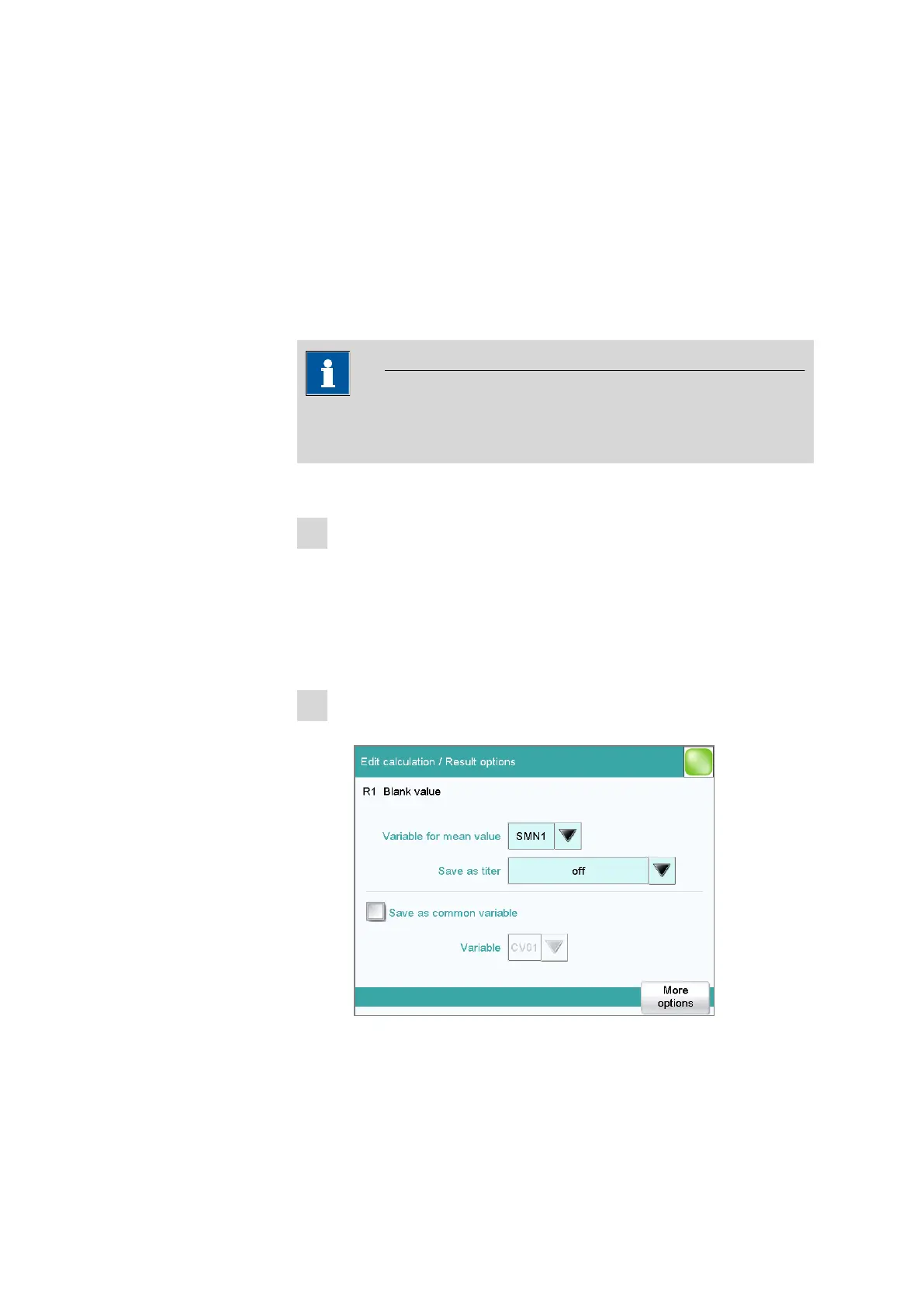
Define result options
■ Tap on the [Result options] button.
■ Activate the parameter Save as common variable.
■ Define Variable = CV01…CV25.















 To Next Page