■■■■■■■■■■■■■■■■■■■■■■
32 Appendix
900 Touch Control
■■■■■■■■
513
32.9 Using AuditTrailViewer
When you work in accordance with the FDA Guidance 21 CFR Part 11,
logs with detailed user activities (Audit Trail) are important. The
AuditTrailViewer supports you in your efforts to compile, filter and export
logs of this type as TXT files.
First you must install the AuditTrailViewer on your PC. Afterwards, you
must create a backup of your Touch Control (see chapter 12.3, page 127).
The Audit Trail is generated automatically when you create the backup.
The file name of the Audit Trail is log.madt. In the following you will find
detailed information about how you must proceed.
32.9.1 Installing AuditTrailViewer
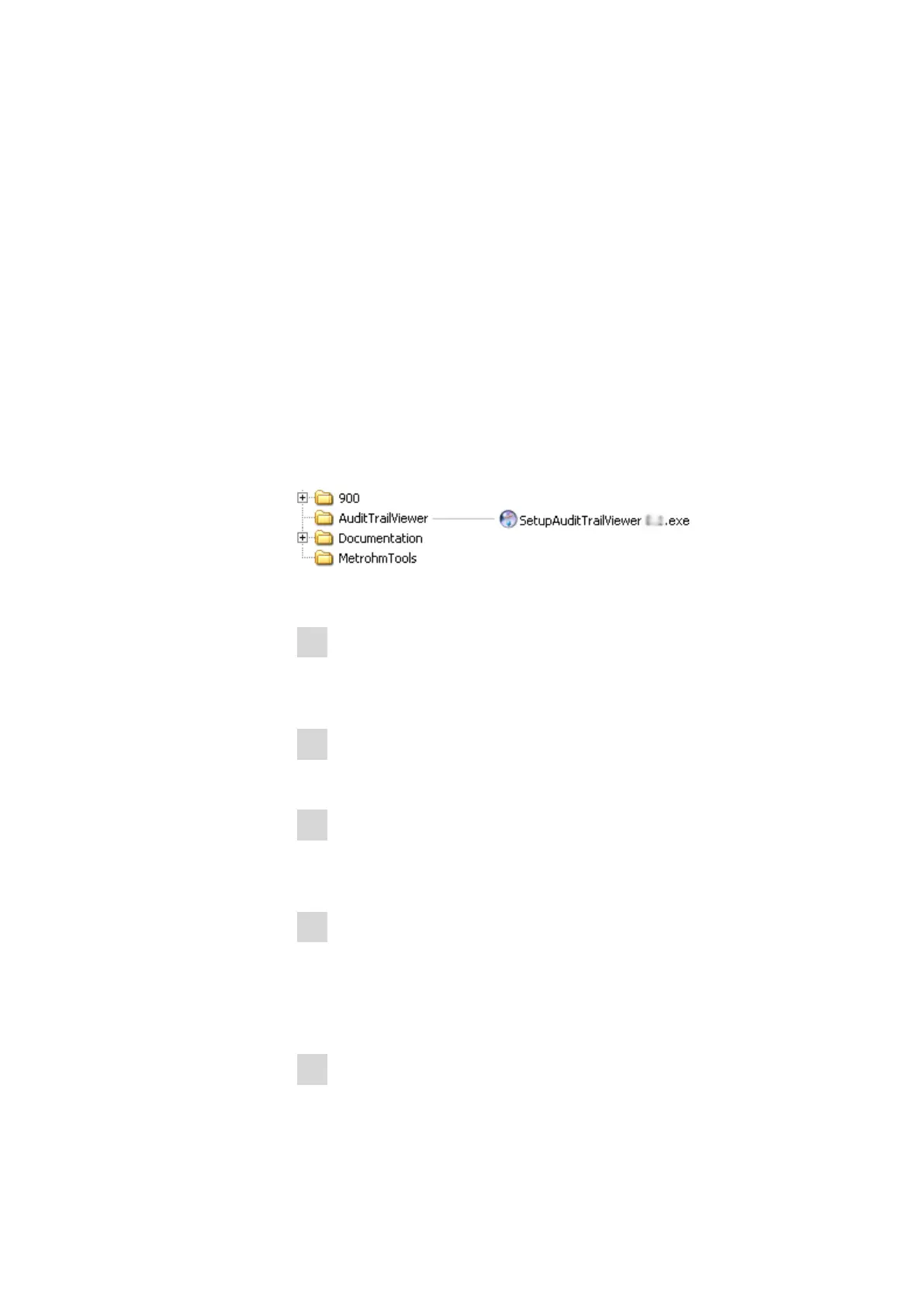
You will find the file for installing the AuditTrailViewer on the USB flash
drive provided.
Proceed as follows:
1
Double-click on the file SetupAuditTrailViewer 1.2.2.exe.
The dialog Welcome to the AuditTrailViewer Setup Wizard is
displayed.
2
Click on [Next >].
The License Agreement dialog is displayed.
3
Click on [I Agree] to accept the contractual conditions.
The Choose Install Location dialog is displayed. A memory loca-
tion for the AuditTrailViewer is suggested in this dialog.
4
If you accept the suggested memory location, click on [Next >].
or
Select a different memory location and click on [Next >].
The Confirm Installation dialog is displayed.
5
Click on [Install] to install the AuditTrailViewer.















 To Next Page