11.11 Barcode reader
■■■■■■■■■■■■■■■■■■■■■■
118
■■■■■■■■
900 Touch Control
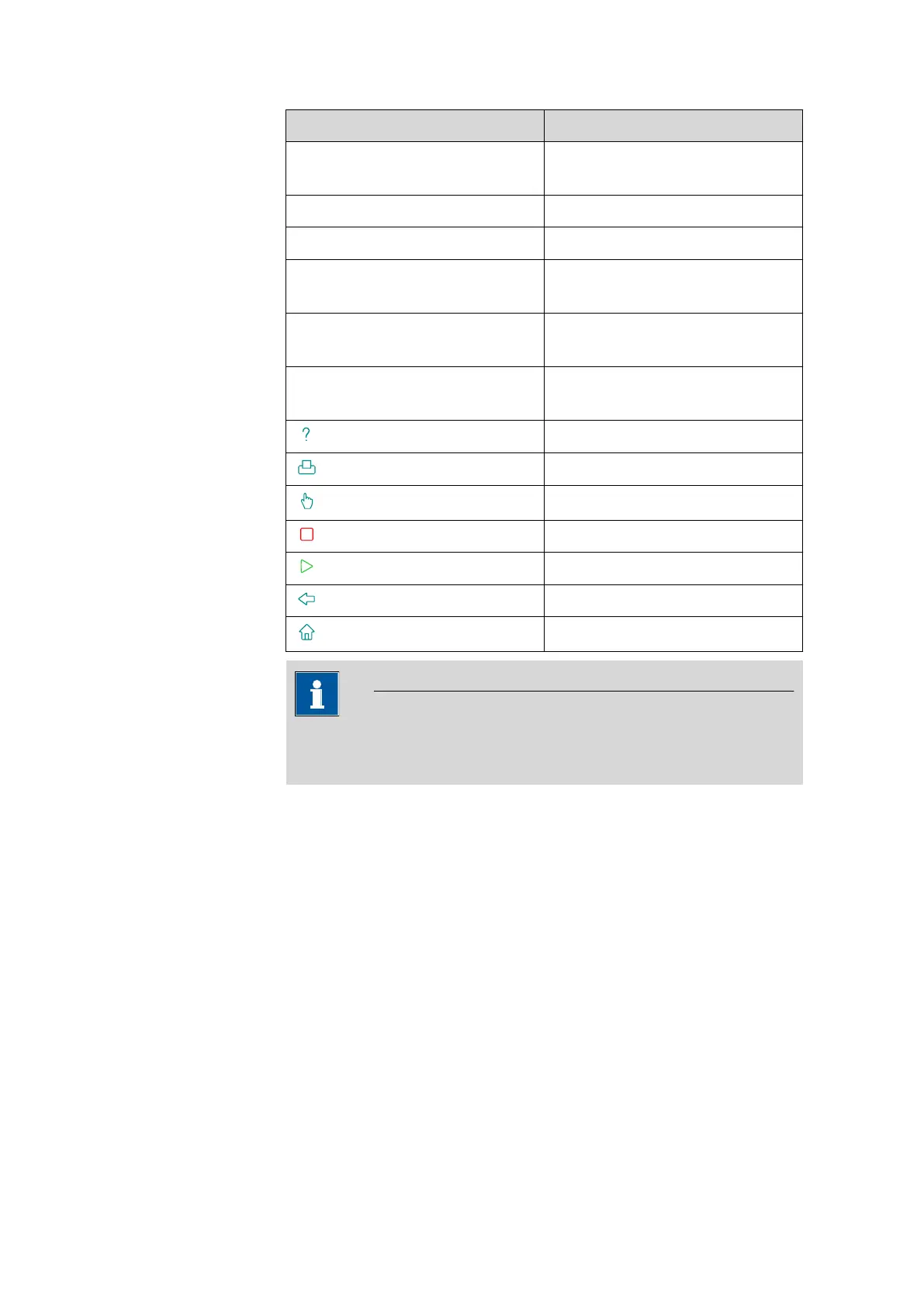
Function in the editing dialog PC keyboard key
Enter respective character Numbers, letters and special char-
acters + Shift
[OK]
[Enter] / [↲]
[⌫] [←] (backspace)
Line break (for multi-line text
input)
[Enter] / [↲]
The cursor is moved up or down
by one character.
[↑] [↓]
The cursor is moved to the left or
to the right by one character.
[←] [→]
[F1]
[F2]
[F3]
[F4]
[F5]
[F6]
[F7]
NOTICE
The lettering of the USB keyboard may differ from above lettering,
depending on the country-specific keyboard used.
11.11 Barcode reader
List of devices: Barcode reader ▶ Edit















 To Next Page