■■■■■■■■■■■■■■■■■■■■■■
11 Device manager
900 Touch Control
■■■■■■■■
81
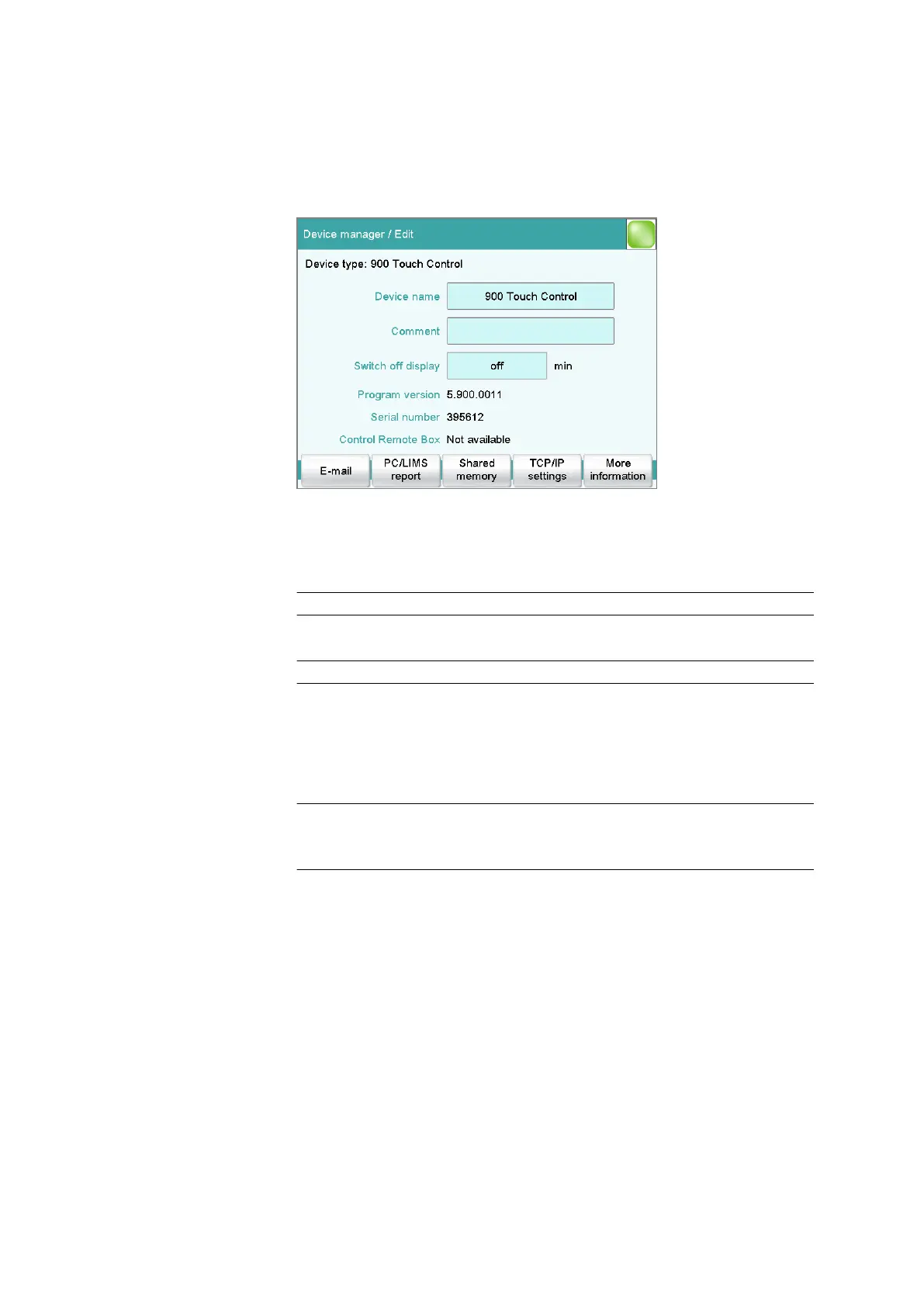
11.3 Touch Control
Instrument list: 900 Touch Control ▶ Edit
Device name
This designation is used for identification purposes when selecting control
devices (command, manual control).
Entry 24 characters maximum
Comment
Entry 24 characters maximum
Switch off display
If this time interval has expired without the Touch Control having been
operated, then the display will be switched off. Touching the display will
switch it back on again at any time.
Input range 1 to 999 min
Selection off
Default value off
Program version
Program version of the software.
Serial number
Shows the serial number of the device.
Control Remote Box
Shows to which control device and MSB connector the Remote Box is
connected.















 To Next Page