7.2 System-specific dialog options
■■■■■■■■■■■■■■■■■■■■■■
24
■■■■■■■■
900 Touch Control
4
Enter the local time
■ Tap on the list box Local time - UTC and select the difference
from the UTC (Coordinated Universal Time).
The selection off means that the time is saved with no difference
from the UTC.
5
Saving the settings
Tap on the fixed keys [ ] or [ ].
The time settings are saved.
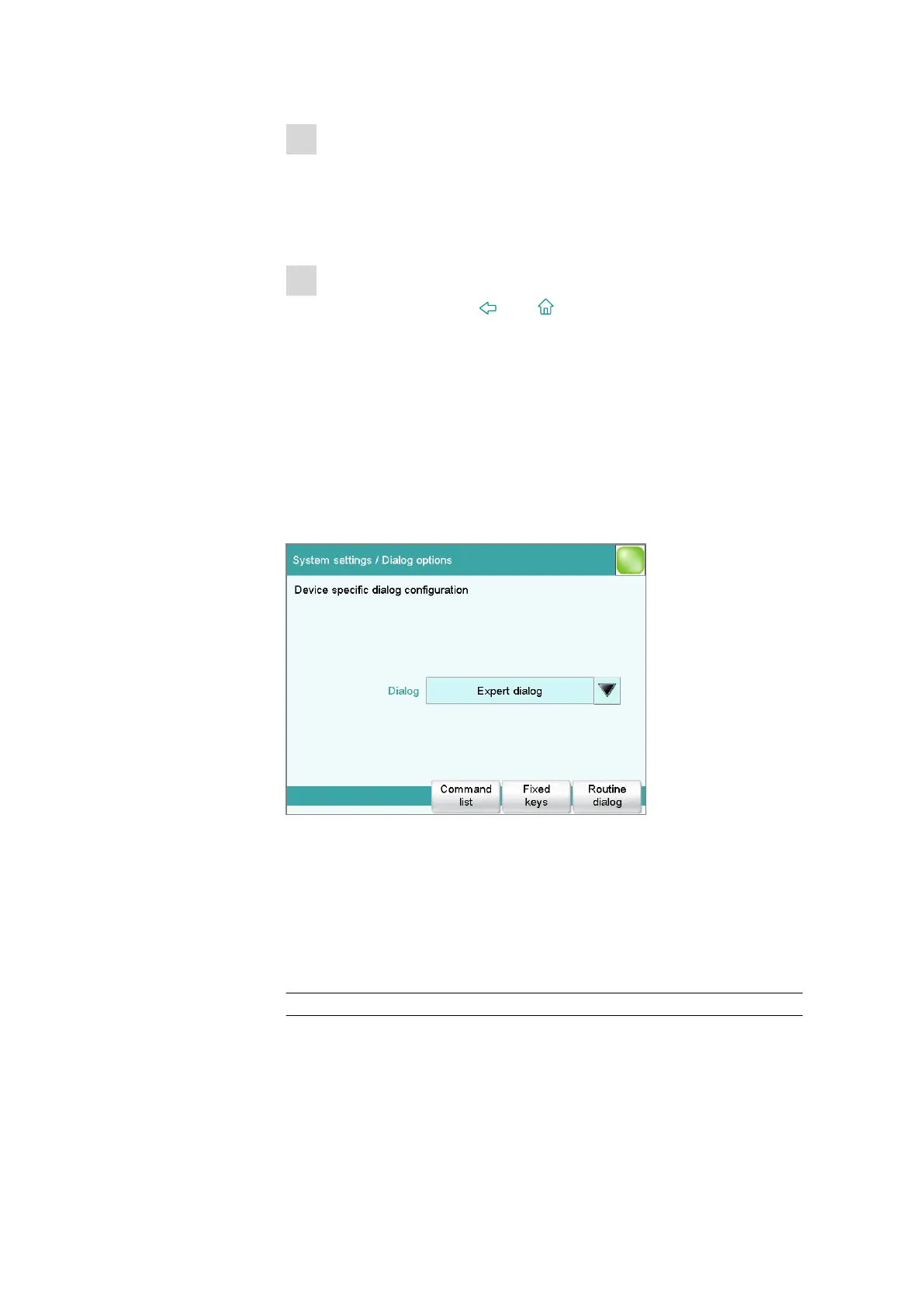
7.2 System-specific dialog options
Main dialog: System ▶ System settings ▶ Dialog options
A wide array of different titration systems can be operated with Touch
Control. Accordingly, the Touch Control displays far more functions than
are required for any particular system.
If you work without a login function, in this dialog you can define
whether the system should generally be operated in expert mode or in
routine mode. If you work with the login function activated, you must
define this setting separately for each user (see chapter 7.3.1, page 29).
Dialog
Dialog mode in which the user may operate the system.
Selection Expert dialog | Routine dialog
Expert dialog
All functions that are supported by the connected system are available.















 To Next Page