■■■■■■■■■■■■■■■■■■■■■■
16 Methods
900 Touch Control
■■■■■■■■
171
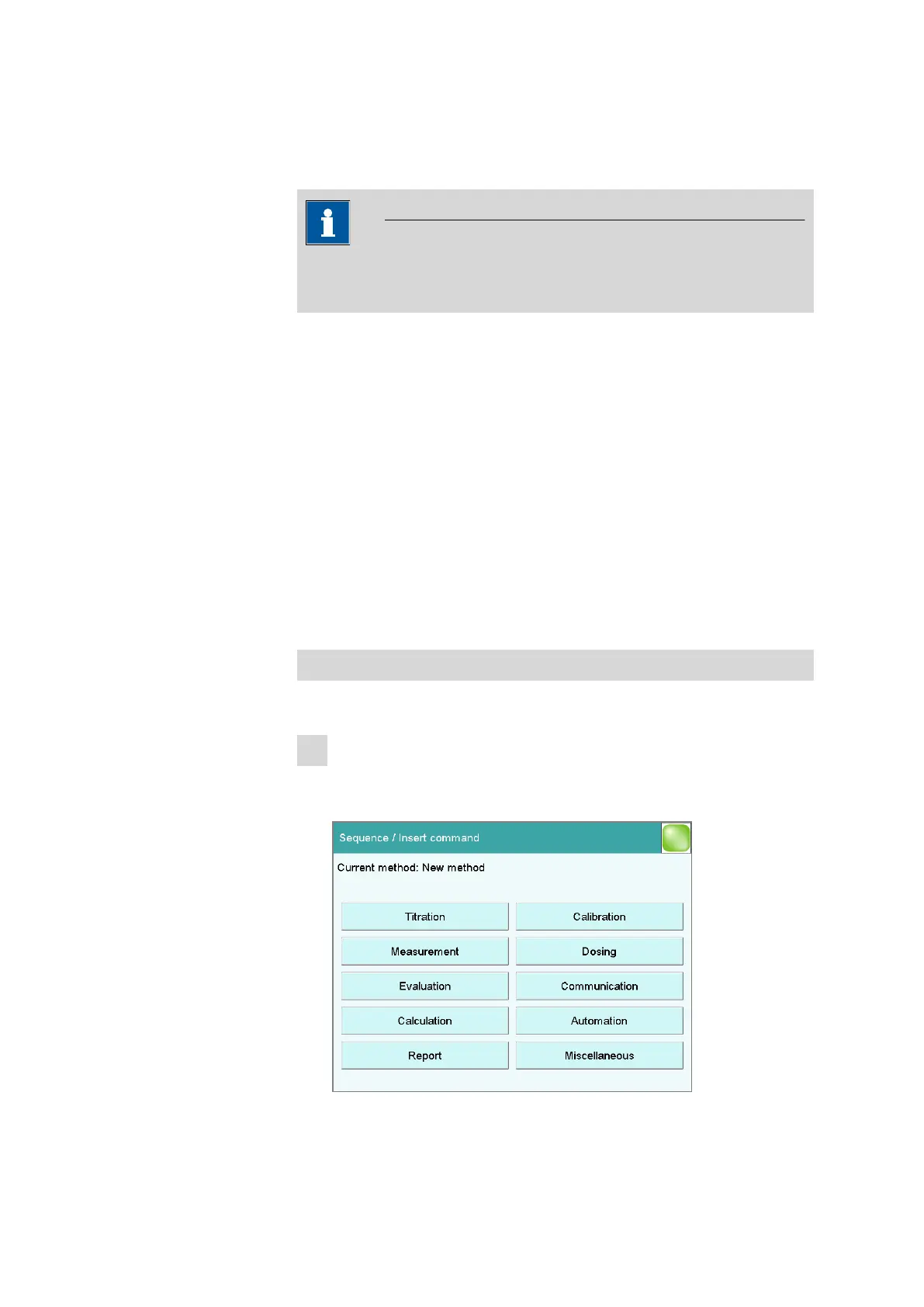
[Insert command]
Insert a new method command. It is inserted before the selected com-
mand.
NOTICE
Not all commands are available for subsequences. Commands which
cannot be inserted into subsequences are disabled.
[Delete command]
Delete the selected method command.
[Edit command]
Edit the selected method command.
16.4.1 Inserting a command
A method is comprised of individual commands. When you start a deter-
mination, the commands are executed one after the other.
The following constraints apply:
■ Maximum of 99 commands
■ Maximum of nine commands for titrations, measurements and calibra-
tions
Inserting a command
To insert a command in a method, proceed as follows:
1
Open the command overview
■ In the main dialog, tap on [Edit parameters].
■ Tap on the [Insert command] button.















 To Next Page