■■■■■■■■■■■■■■■■■■■■■■
66
■■■■■■■■
900 Touch Control
10 Sensors
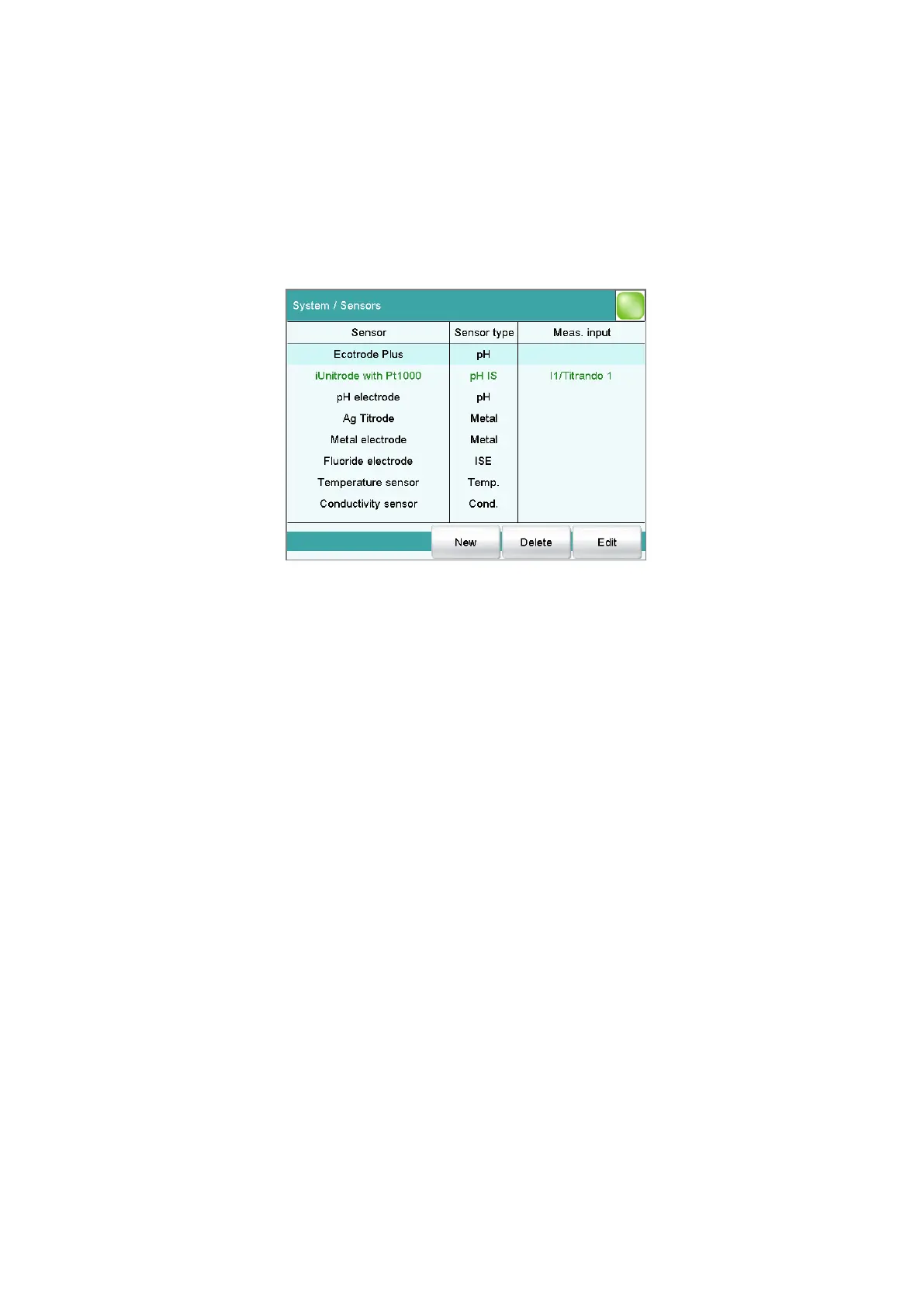
Main dialog: System ▶ Sensors
This chapter describes how you can create a list of the sensors used in the
system.
Five standard sensors are defined in the sensor list: pH electrode, Metal
electrode, Fluoride electrode, Temperature sensor and Conductiv-
ity sensor. These sensors cannot be deleted or renamed. A maximum of
25 additional sensors can be added to these sensors.
For each sensor, the following data is displayed in the sensor list:
■ Designation
■ Type
– pH: pH electrode
– Metal: Metal electrode
– ISE: Ion-selective electrode
– Temp.: Temperature sensor
– Cond.: Conductivity measuring cell
– Other: Other sensor type
■ Measuring input/control instrument (only for intelligent sensors if they
are connected)
Intelligent sensors are also indicated by IS and are depicted in green letter-
ing.
The following sensor data is stored in the list of sensors:
■ Name
Each sensor in the system is identified by its unambiguous name.
■ Calibration data (for pH electrodes, ISE electrodes and conductivity
measuring cells only)















 To Next Page