8.5 Exchange unit
■■■■■■■■■■■■■■■■■■■■■■
52
■■■■■■■■
900 Touch Control
8.4.3 Shift direction of the valve disk
Titrant: Edit ▶ Dosing unit ▶ Valve disk
In this dialog, you can specify the shift direction of the valve disk.
Direction
Shift direction of the valve disc.
Selection descending | ascending | automatic | not over
Default value automatic
descending
The ports are moved to in descending order.
ascending
The ports are moved to in ascending order.
automatic
The ports are moved to by the shortest path.
not over
Define a protected port.
Not over port
This parameter can only be edited with Direction = not over.
Define a protected port if the valve disc is not to be rotated over this port
(useful with pipetting functions). The protected port can, however, be
moved to directly.
Selection 1 | 2 | 3 | 4
Default value 4
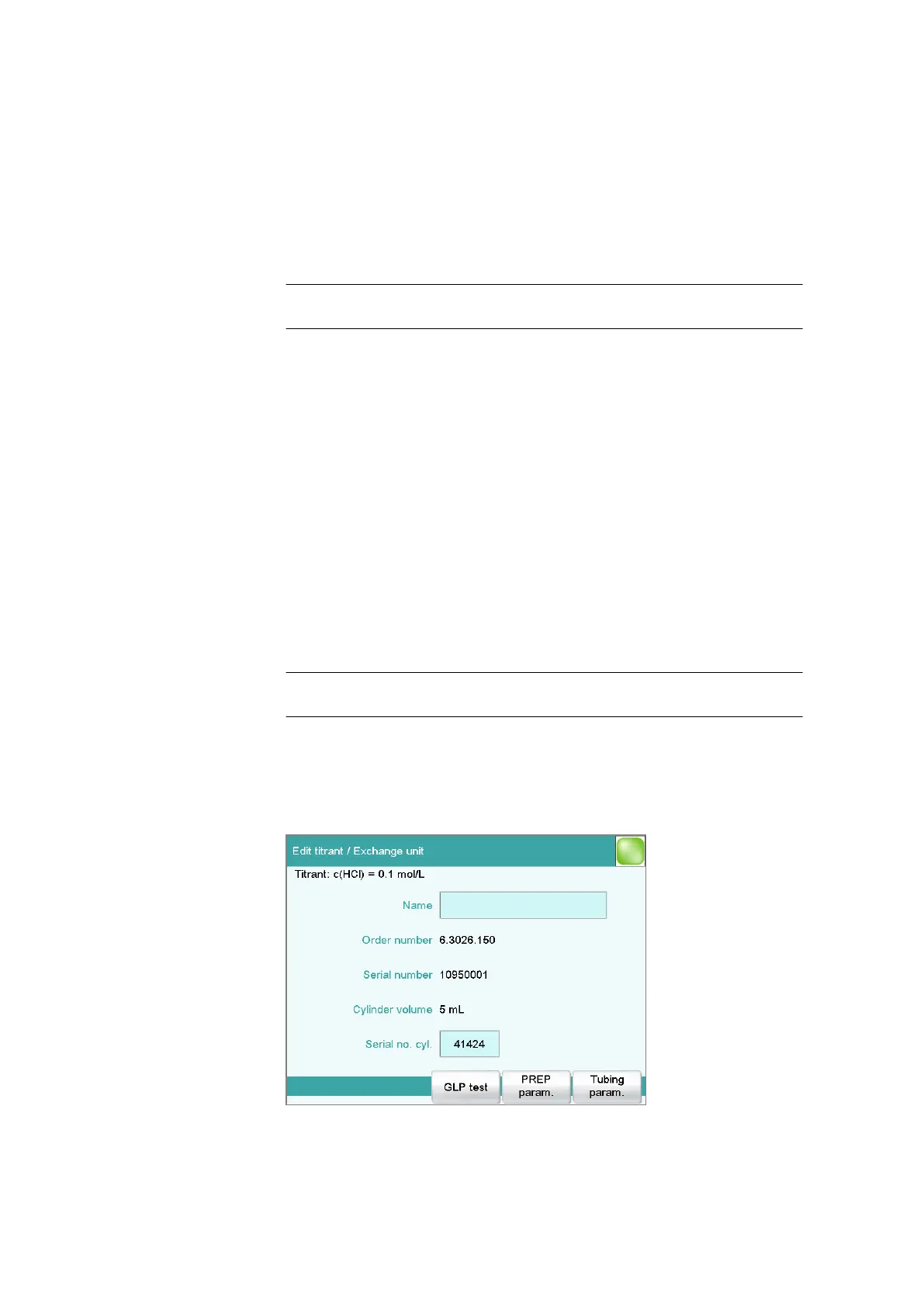
8.5 Exchange unit
Titrant: Edit ▶ Exchange unit















 To Next Page