28.7 Sample Processor
■■■■■■■■■■■■■■■■■■■■■■
268
■■■■■■■■
900 Touch Control
Entering the bit pattern:
■ 0 = line inactive
■ 1 = line active
■ * = retain line status
■ p = set pulse
The output lines are always numbered from right to left, i.e. with the sig-
nal 00000000000001 line 0 is set. With a pulse, the length is set to 200
ms. If you wish to set pulses with other lengths, you have to define a cor-
responding template.
Entry Bit pattern containing exactly 14 characters
or a max. of 24 characters for the name of
the template
Default value 00000000000001
Selection Selection of the templates defined
[Set]
Set a defined output signal.
28.7 Sample Processor
Manual control ▶ Sample Processor
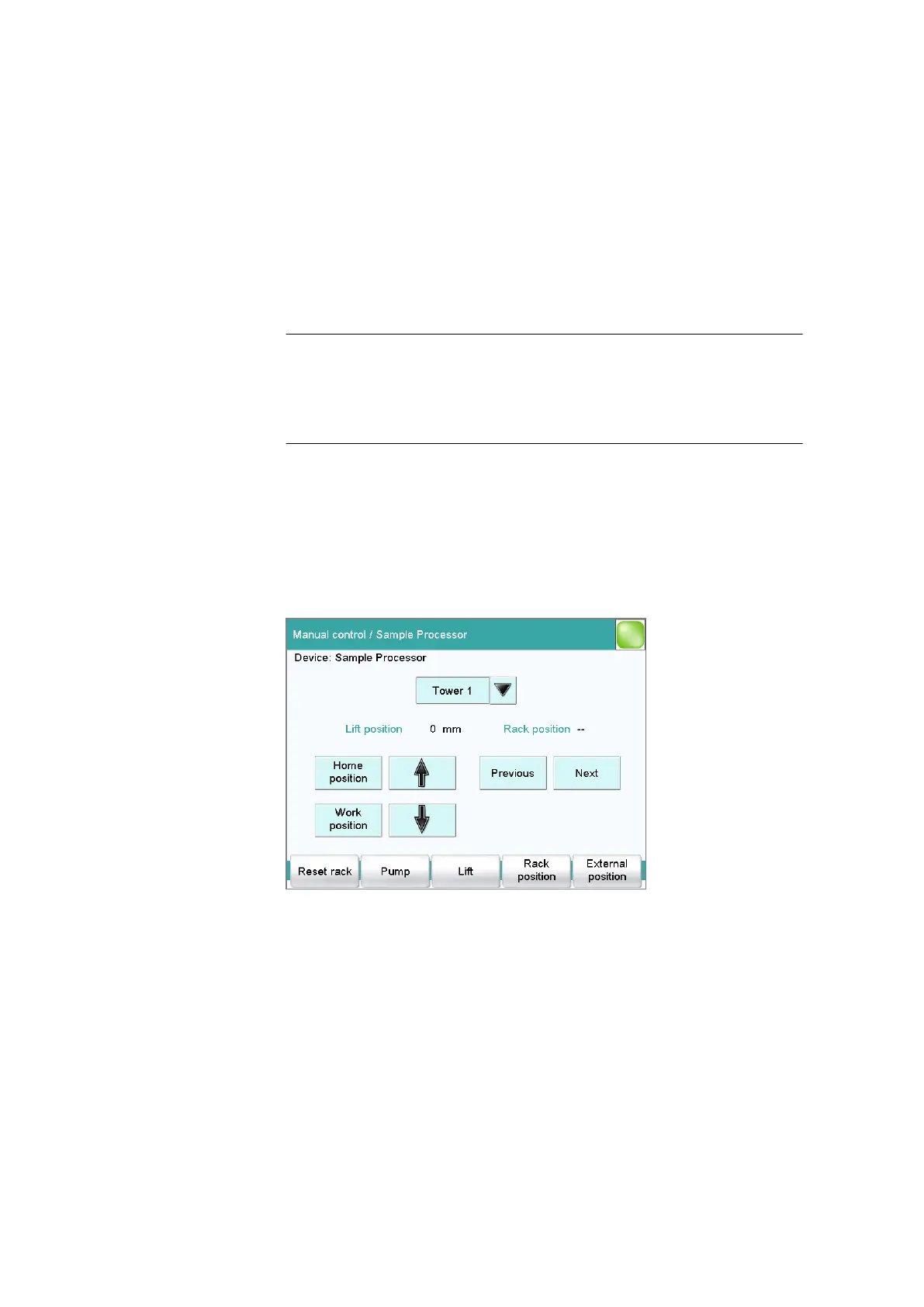
With the function [Sample Processor], you can control a connected
Sample Processor manually. The following functions are available:
■ Rotating a sample rack
■ Moving the lift
■ Defining specific lift positions (work position, rinse position, etc.)
■ Switching pumps on and off
■ Initializing the rack
■ Defining external positions outside of the sample rack (only with Swing
Head)















 To Next Page