10.2 Editing the sensor data
■■■■■■■■■■■■■■■■■■■■■■
68
■■■■■■■■
900 Touch Control
10.2 Editing the sensor data
Sensor list: Sensor ▶ New / Edit
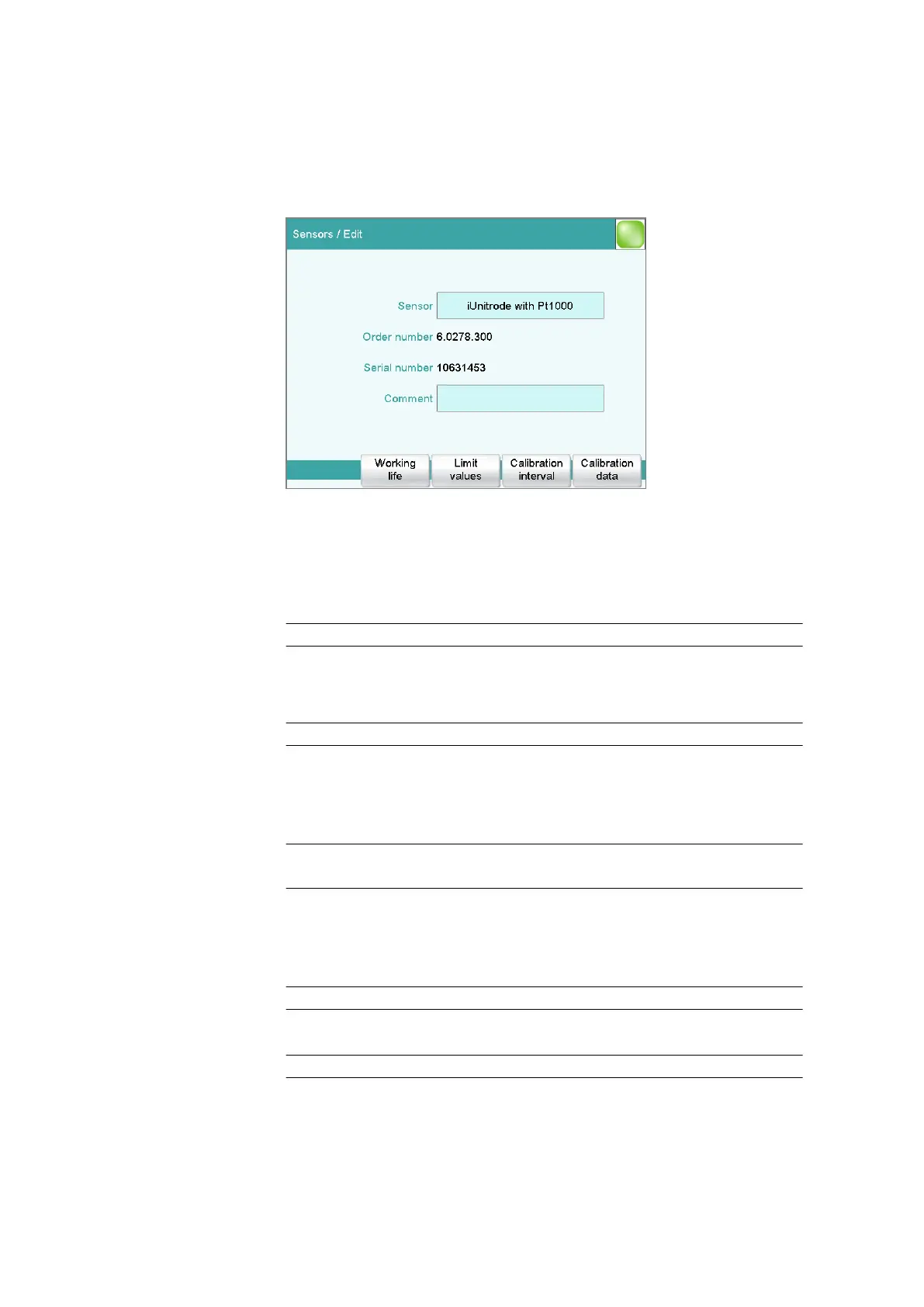
All of the data for the selected sensor is displayed in the dialog Sensors /
Edit.
Sensor
The designation of the sensor is used for unambiguous identification.
Entry 24 characters maximum
Ion
This parameter is only visible for electrodes of the type ISE.
Display of the ion and its charge.
Order number
Order number of the sensor. With intelligent sensors it is read out auto-
matically.
Entry 24 characters maximum
Default value empty
Serial number
Serial number of the sensor. With intelligent sensors it is read out auto-
matically.
Entry 8 digits maximum
Comment
Entry 24 characters maximum















 To Next Page