■■■■■■■■■■■■■■■■■■■■■■
29 Parameters
900 Touch Control
■■■■■■■■
433
29.14 Reports (REPORT)
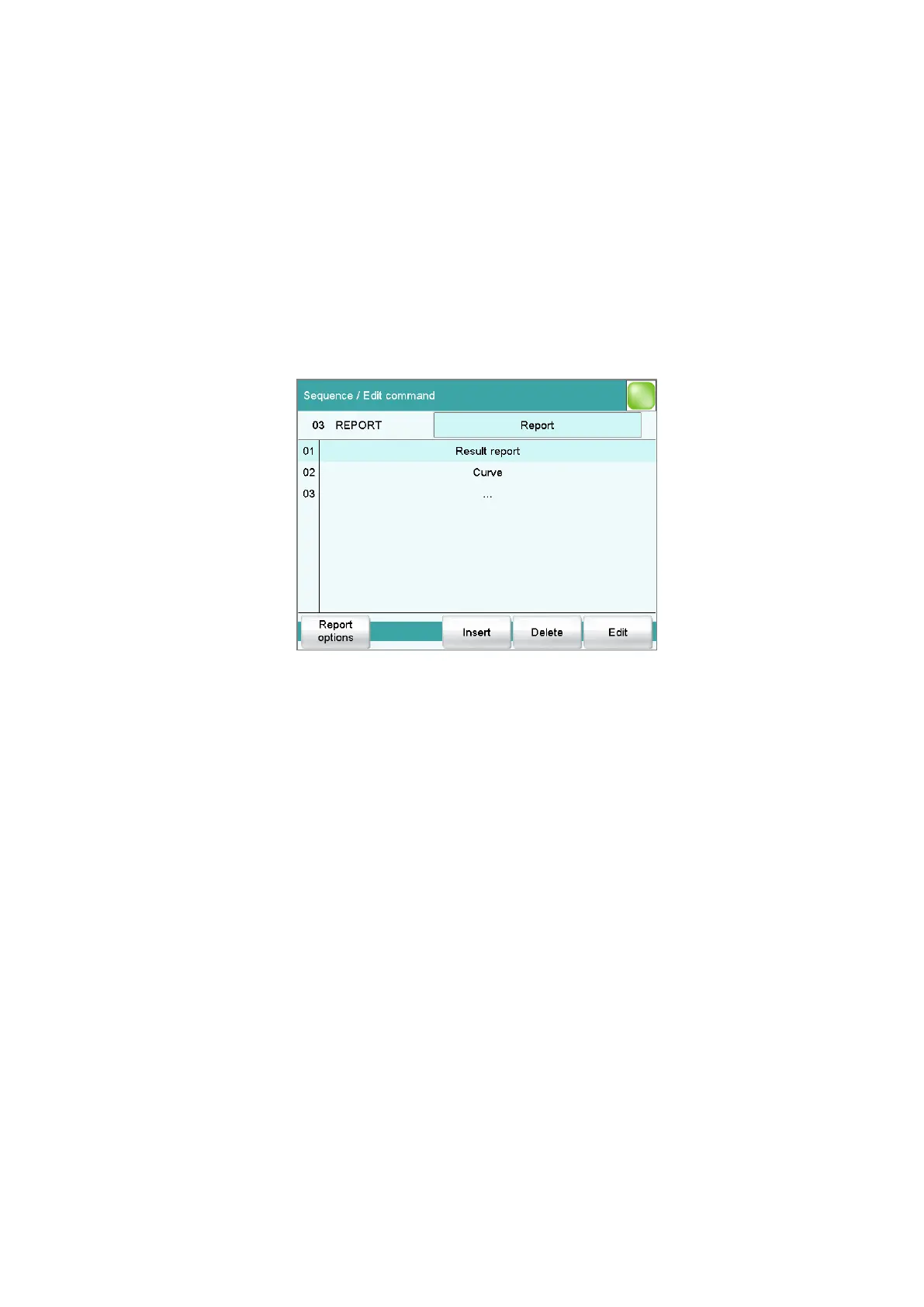
The reports to be printed out are defined with the command REPORT. A
maximum of ten reports can be defined for each command. The following
reports can be inserted, among others:
■ Result report
■ Calculation report
■ Parameter report
■ System reports (system settings, sensor list, GLP data etc.)
■ Method reports (method run, method parameters etc.)
[Report options]
Defining the general settings for the report output.
[Insert]
Add a new report to the list.
[Delete]
Delete the selected report from the list.
[Edit]
Edit the settings of the selected report.
29.14.1 General report options
The settings for the report printout can be adjusted in the dialog Edit
command / Report options to indicate, for example, whether a report
header, a signature line or a frame is to be printed.
Report header
Defining the output of the report header. The report header contains gen-
eral information such as device type, serial number, program version and
the printing date.















 To Next Page