11.6 Sample racks
■■■■■■■■■■■■■■■■■■■■■■
102
■■■■■■■■
900 Touch Control
Creating a new sample rack
Own sample racks can be simply and conveniently created by copying an
existing sample rack. Proceed as follows:
1
Copy the existing rack
■ In the dialog Edit device / Sample racks, select a sample rack
which is to be used as a template.
■ Tap on [Copy].
The Sample rack / Copy dialog is displayed.
2
Enter the rack name and rack code
■ In the field New rack name, enter a name for the new rack.
■ In the field New rack code, 110000 is suggested. As a rule, this
rack code is used for special racks. Apply this code or enter a new
rack code and confirm with [OK].
The new sample rack appears in the list of available racks.
11.6.1 Editing rack data
Sample rack list: Rack ▶ Edit
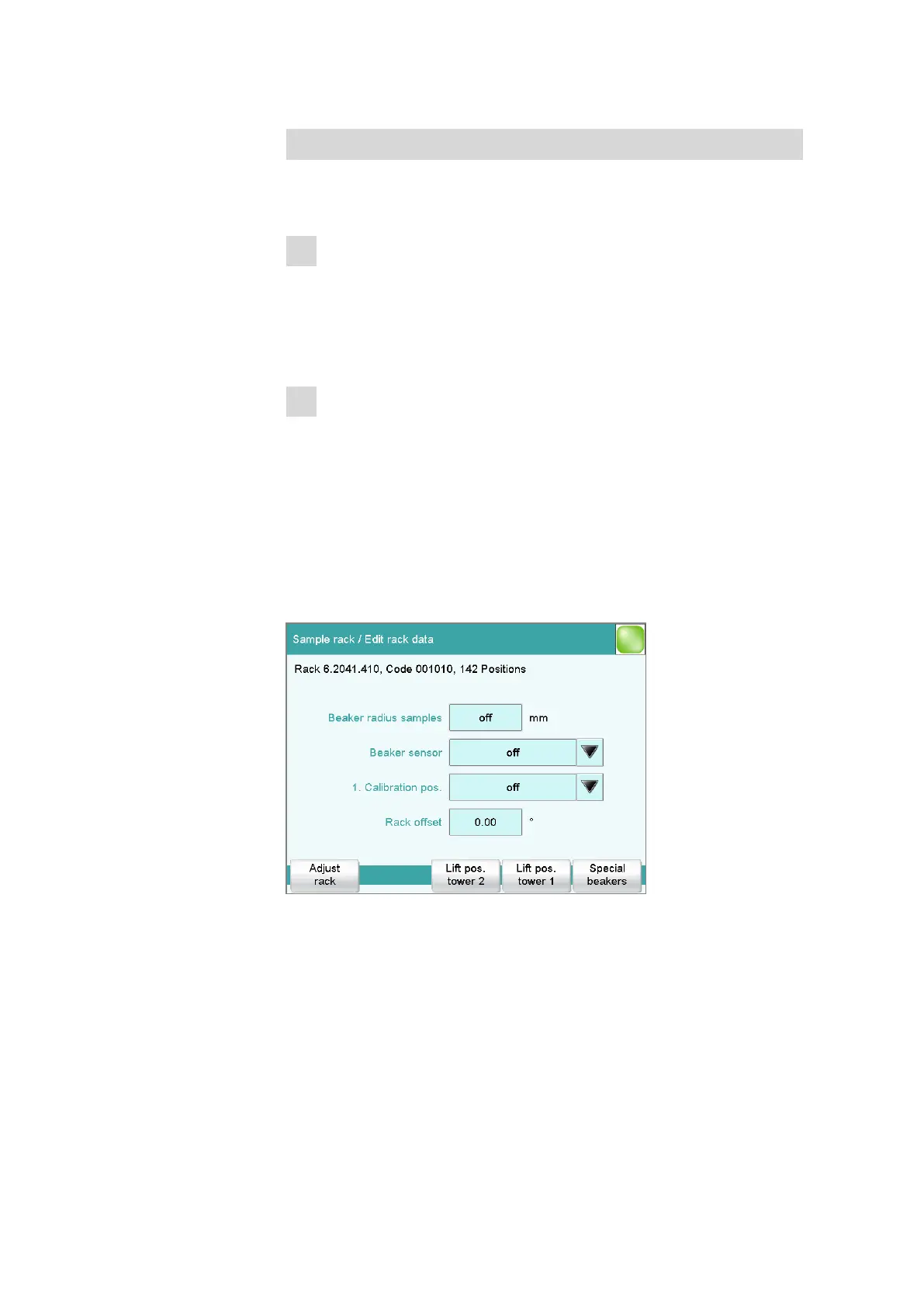
You can edit the data of the selected rack in the dialog Sample rack /
Edit rack data.
Beaker radius samples
Actual radius of the sample vessels at the general sample positions of the
rack.
This beaker radius may not be less than the minimum beaker radius
defined in the tower properties (see "Min. beaker radius," page 94). If the















 To Next Page