6.2 Fundamentals of operation
■■■■■■■■■■■■■■■■■■■■■■
20
■■■■■■■■
900 Touch Control
A method has been paused.
An action has been started in manual control.
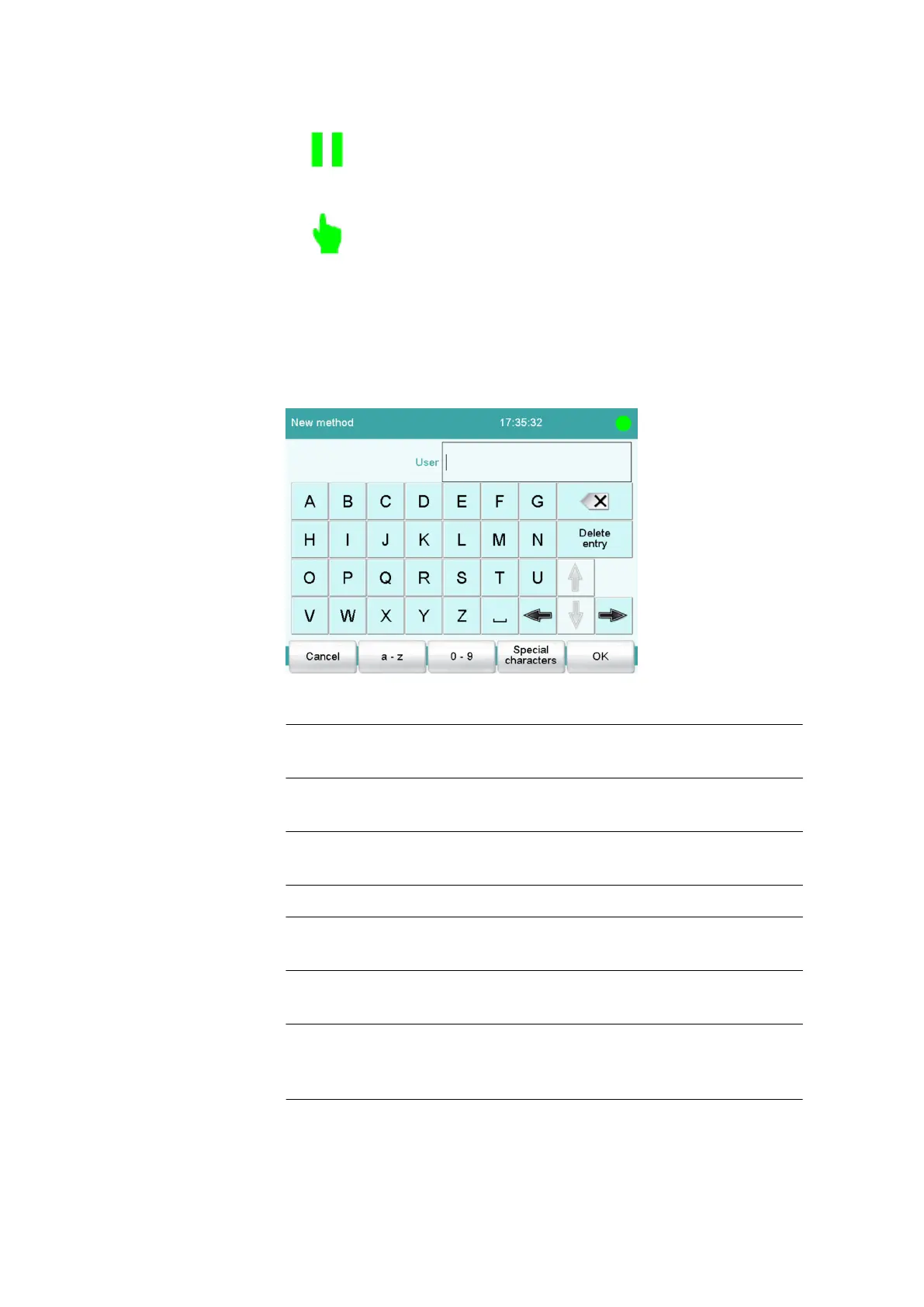
6.2.4 Entering text and numbers
In the editing dialog for text or numerical input, enter the individual char-
acters by tapping in the input field. The following functions are available:
Text editor
Table 4
Editing functions
[OK] The modification is applied and the editing dialog
is exited.
[Cancel] The editing dialog is exited without applying the
modification.
[Delete entry] The content of the input field is deleted com-
pletely.
[⌫]
The character in front of the cursor is deleted.
[⇦]
The cursor within the input field is shifted to the
left by one character.
[⇨]
The cursor within the input field is shifted to the
right by one character.
[a…z] The lower-case letters are displayed. The label
changes to [A…Z]. The upper-case letters are
displayed again by tapping.















 To Next Page