■■■■■■■■■■■■■■■■■■■■■■
11 Device manager
900 Touch Control
■■■■■■■■
109
The lift is moved to the uppermost stop.
11.7 Printer
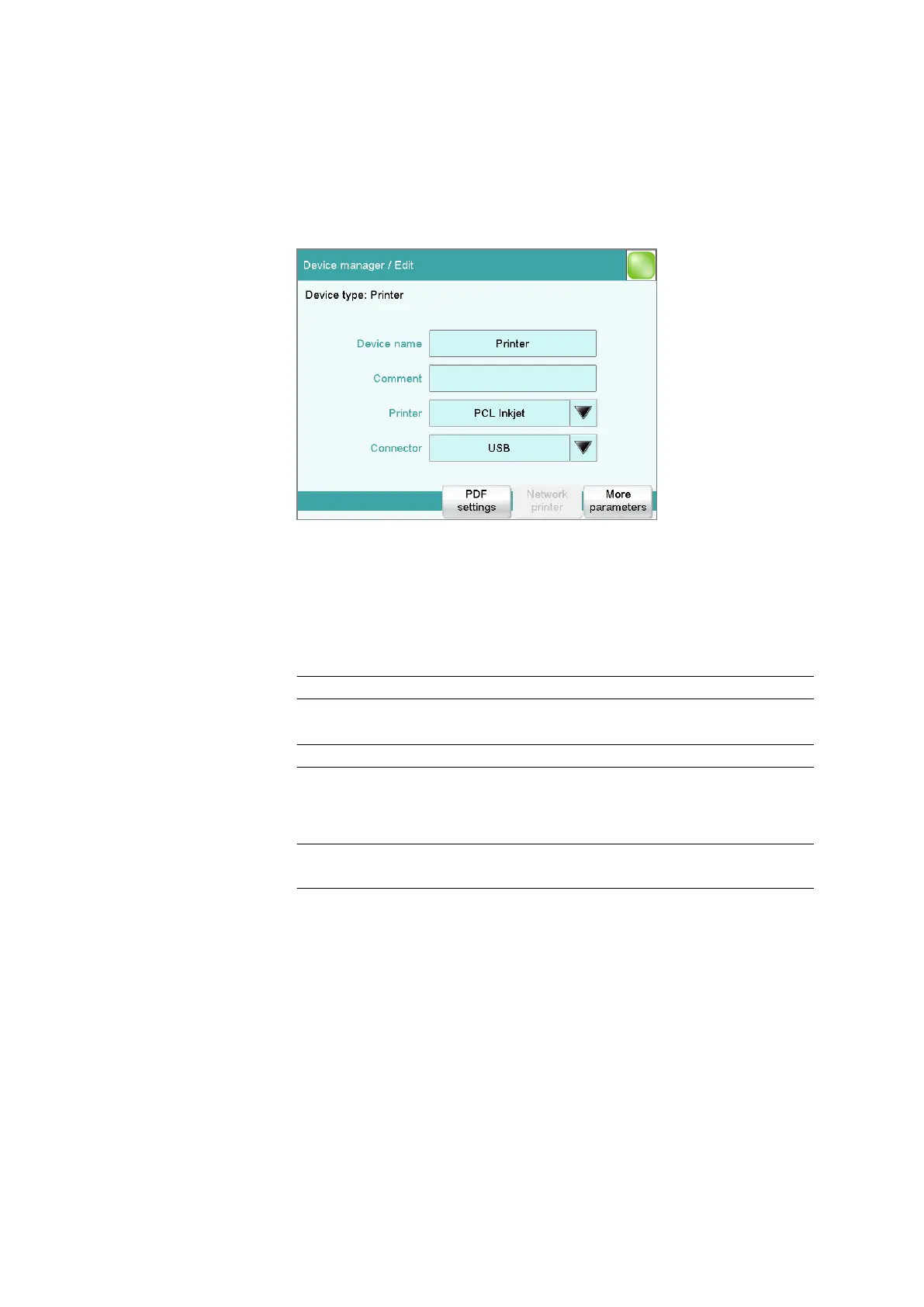
Instrument list: Printer ▶ Edit
The list of devices always includes a printer, even if no corresponding
device is connected. In this dialog, you also define when you would like to
have a report generated as a PDF file.
Device name
Here you can enter a device name of your choice.
Entry 24 characters maximum
Comment
Entry 24 characters maximum
Printer
Selection of the printer type.
Selection PCL Inkjet | PCL Laser | HP | Epson | Epson
new | Canon | CUSTOM NEOS | off
PCL Inkjet
for HP DeskJet printers.
PCL Laser
for HP LaserJet printers.
CUSTOM NEOS
Due to the narrow paper size, only reports marked with # in the "List
of all printable reports" (see chapter 27.3, page 246) can be printed.
off
The reports will not be printed out on paper.















 To Next Page