■■■■■■■■■■■■■■■■■■■■■■
214
■■■■■■■■
900 Touch Control
24 Results and more determination data
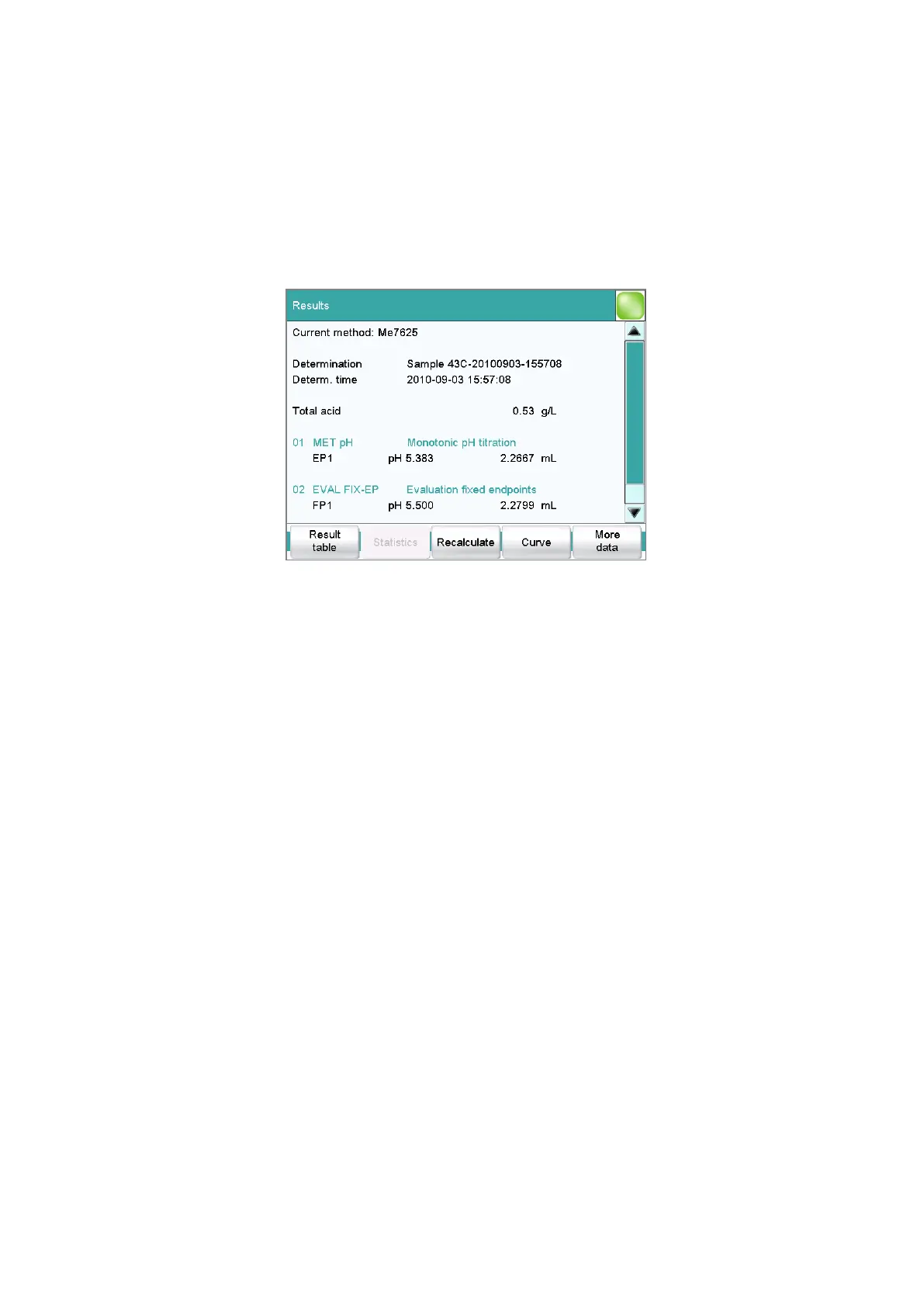
Main dialog: Results
Detailed specifications concerning the current determination are displayed
in the Results dialog:
■ Current method
Method with which the determination was carried out.
■ Determination
Name of the determination. Displayed only if the determination has
been saved.
■ Determination time
Date and time at which the determination was carried out.
■ Results
Calculated results. If monitoring of the result limits is activated, then
the result will be highlighted in color:
– Green lettering: The result is within the limits
– Red lettering: The result is outside the limits
■ Commands
List of the data-generating commands (titrations, measurements, etc.).
The most important data is displayed for each command.
[Result table]
Open result table (see chapter 26, page 236). The result table is a table in
which the results for several determinations can be saved.
[Statistics]
Display the statistical overview of a determination series (see chapter 25,
page 231).















 To Next Page