■■■■■■■■■■■■■■■■■■■■■■
232
■■■■■■■■
900 Touch Control
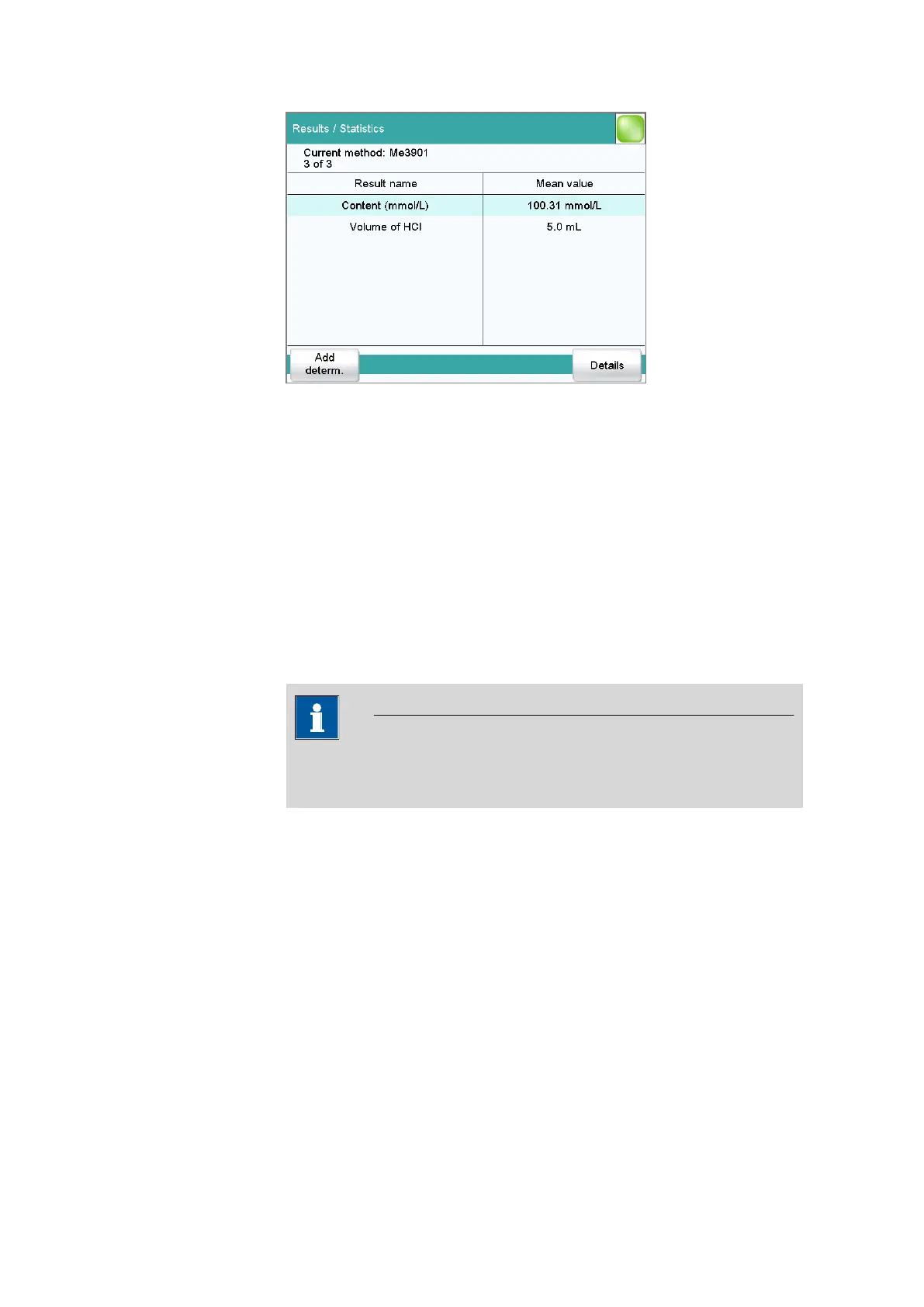
In this dialog, the method with which the determination was carried out is
displayed in the first line. The second line shows how many determina-
tions have already been carried out and the total number of determina-
tions to be carried out. The name of the result and the mean value are
shown for each result.
[Add determ.]
Add a further determination to the determination series (see chapter 25.3,
page 234).
[Details]
Display the statistics results for the selected result and the single results
from all determinations, see next chapter.
NOTICE
If you recalculate a determination, the statistics for this determination
are also recalculated.















 To Next Page