11.8 Balance
■■■■■■■■■■■■■■■■■■■■■■
114
■■■■■■■■
900 Touch Control
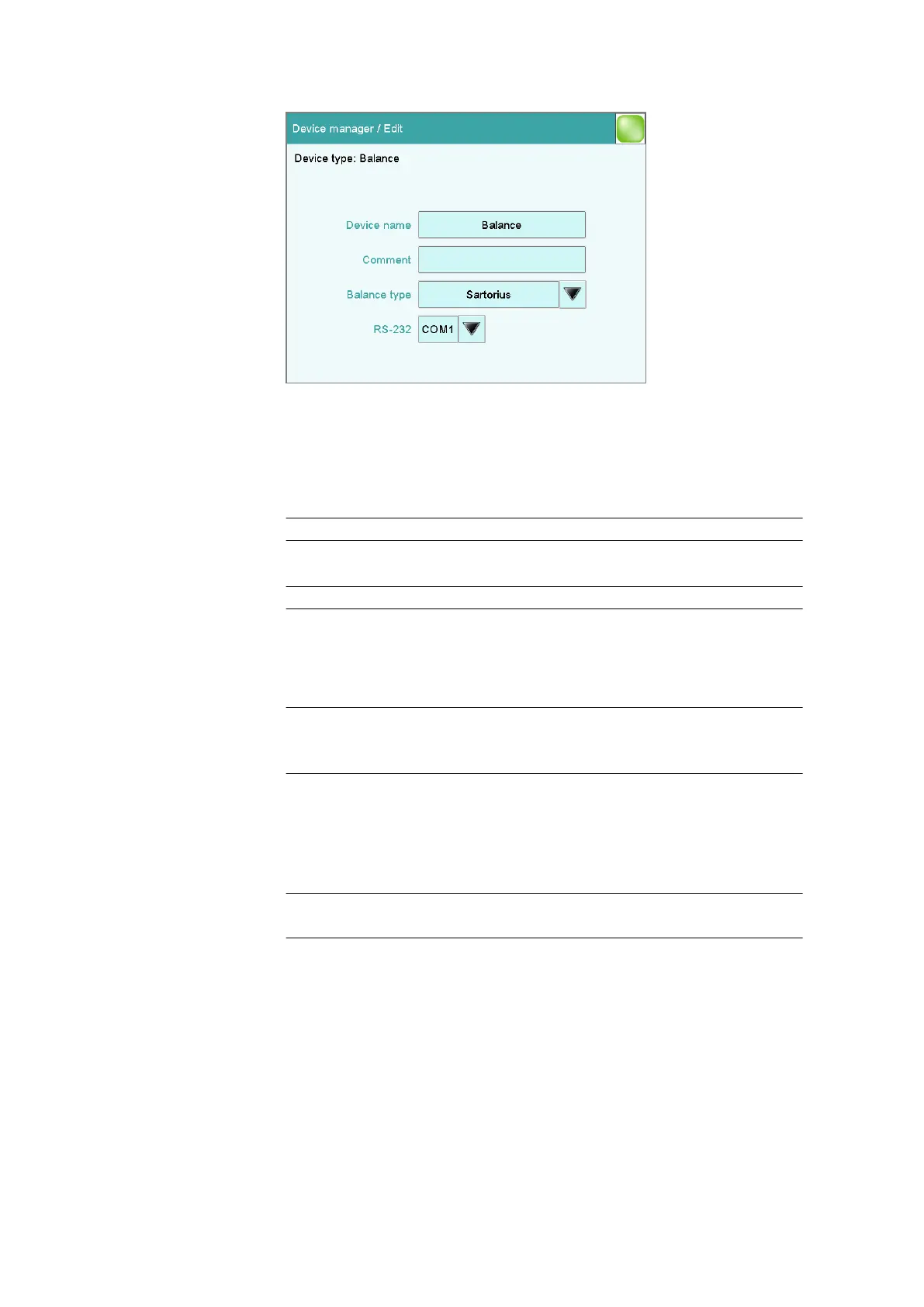
You define the type of balance and its connector in the dialog Device
manager / Edit.
Device name
Here you can enter a device name of your choice.
Entry 24 characters maximum
Comment
Entry 24 characters maximum
Balance type
If you have connected a balance, then you have to specify the balance
type here.
Selection AND | Mettler | Mettler AT | Mettler AX |
Ohaus | Precisa | Sartorius | Shimadzu
Default value Sartorius
RS-232
RS-232 interface to which the balance is connected. The interface param-
eters are adjusted in the Edit device / Port parameters dialog (see
chapter 11.9, page 115).
Selection COM 1 | COM 2
Default value COM 1
COM 2
The interface is disabled.
The following table indicates the balance type that needs to be selected
for the balance model:















 To Next Page