■■■■■■■■■■■■■■■■■■■■■■
16 Methods
900 Touch Control
■■■■■■■■
179
■ Enter the value 10 mL as Sample size.
3
Displaying the main dialog
Tap on the fixed key [ ].
The data is saved and the adjusted main dialog appears.
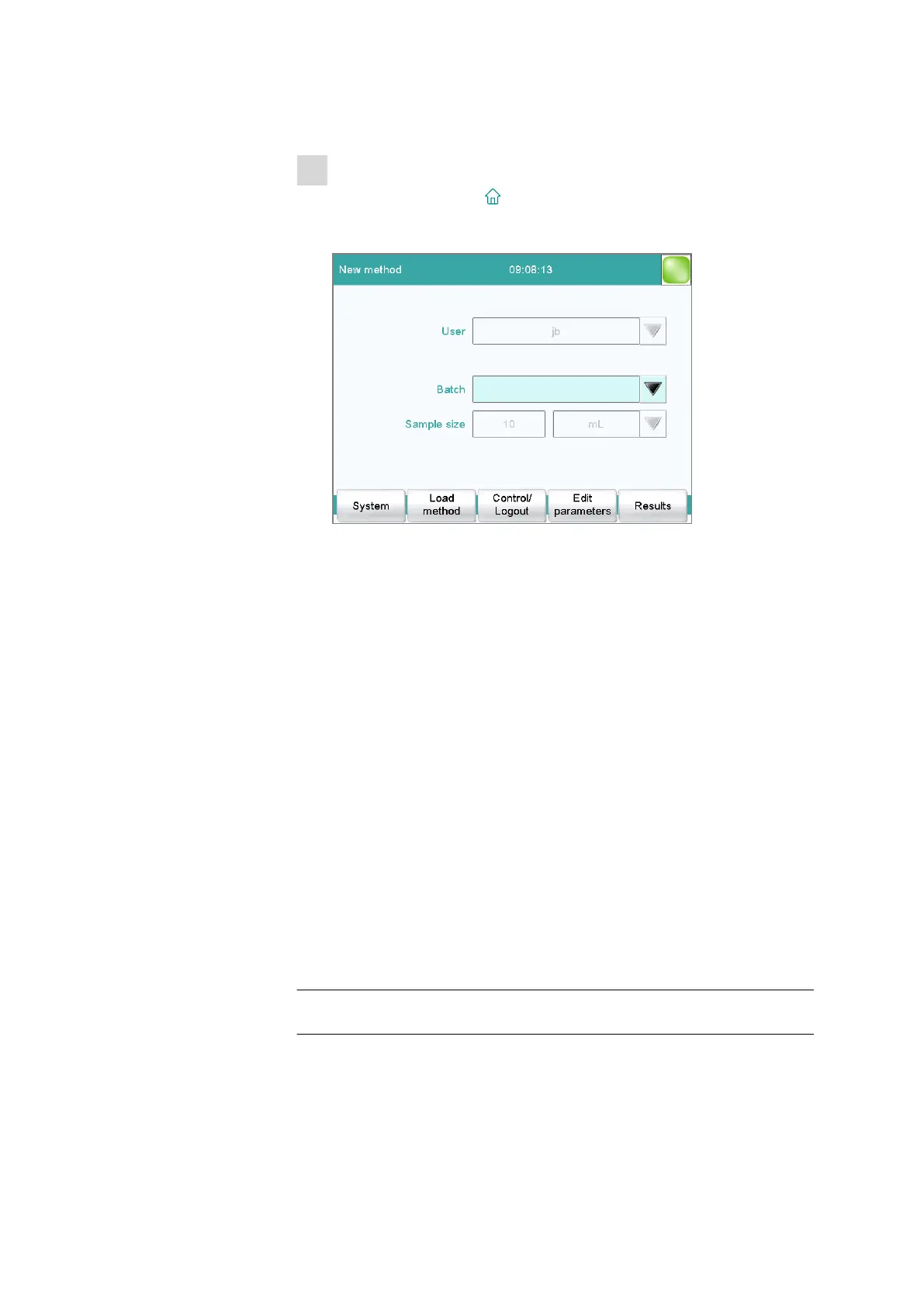
Only Identification 1 is shown with the title "Batch." The fixed sample
size "10 mL" is shown, but cannot be edited.
Defining limit values for the sample size
In the dialog Sample data / Sample size limits, you can define the limit
values for the sample size. These values are not monitored during sample
data input, but rather:
■ when the determination is started.
■ when the determination is finished.
■ upon automatic sample data query via the command REQUEST.
■ when the determination is being recalculated.
An entry is made in the message list automatically when these limits are
infringed (see chapter 24.2, page 218).
Monitoring sample size limits
on | off (Default value: off)
If this parameter is activated, then the sample size will be monitored.
Lower limit
Input range –999999999 to 9999999999
Default value 0















 To Next Page