1.3 About the documentation
■■■■■■■■■■■■■■■■■■■■■■
4
■■■■■■■■
900 Touch Control
Instruction step
Perform the steps one after the other.
Method Dialog text, parameter in the software
File ▶ New
Menu or menu item
[Continue] Button or key
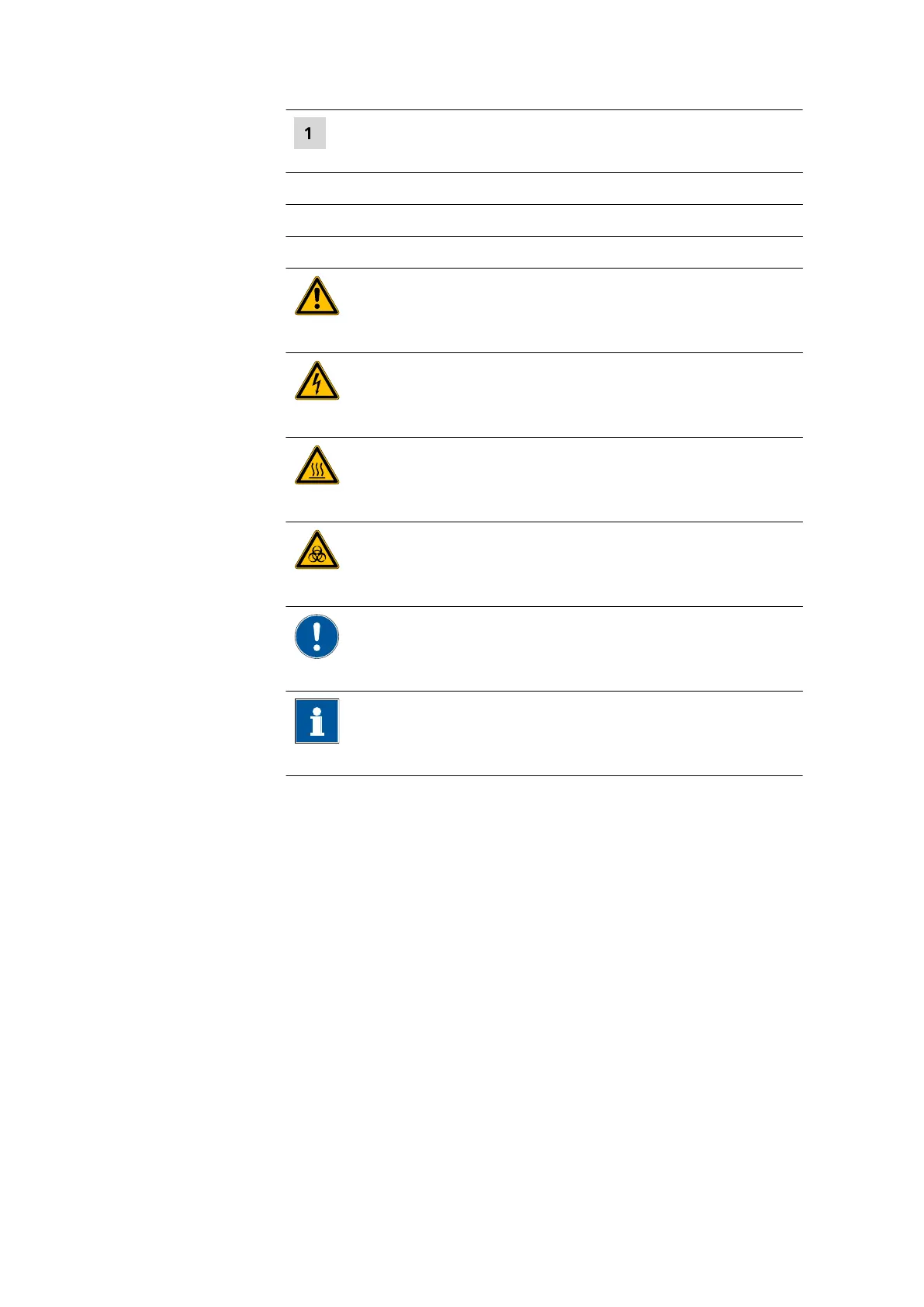
WARNING
This symbol draws attention to a possible life-threat-
ening hazard or risk of injury.
WARNING
This symbol draws attention to a possible hazard due
to electrical current.
WARNING
This symbol draws attention to a possible hazard due
to heat or hot instrument parts.
WARNING
This symbol draws attention to a possible biological
hazard.
CAUTION
This symbol draws attention to possible damage to
instruments or instrument parts.
NOTE
This symbol highlights additional information and
tips.















 To Next Page