21.3 Properties
■■■■■■■■■■■■■■■■■■■■■■
204
■■■■■■■■
900 Touch Control
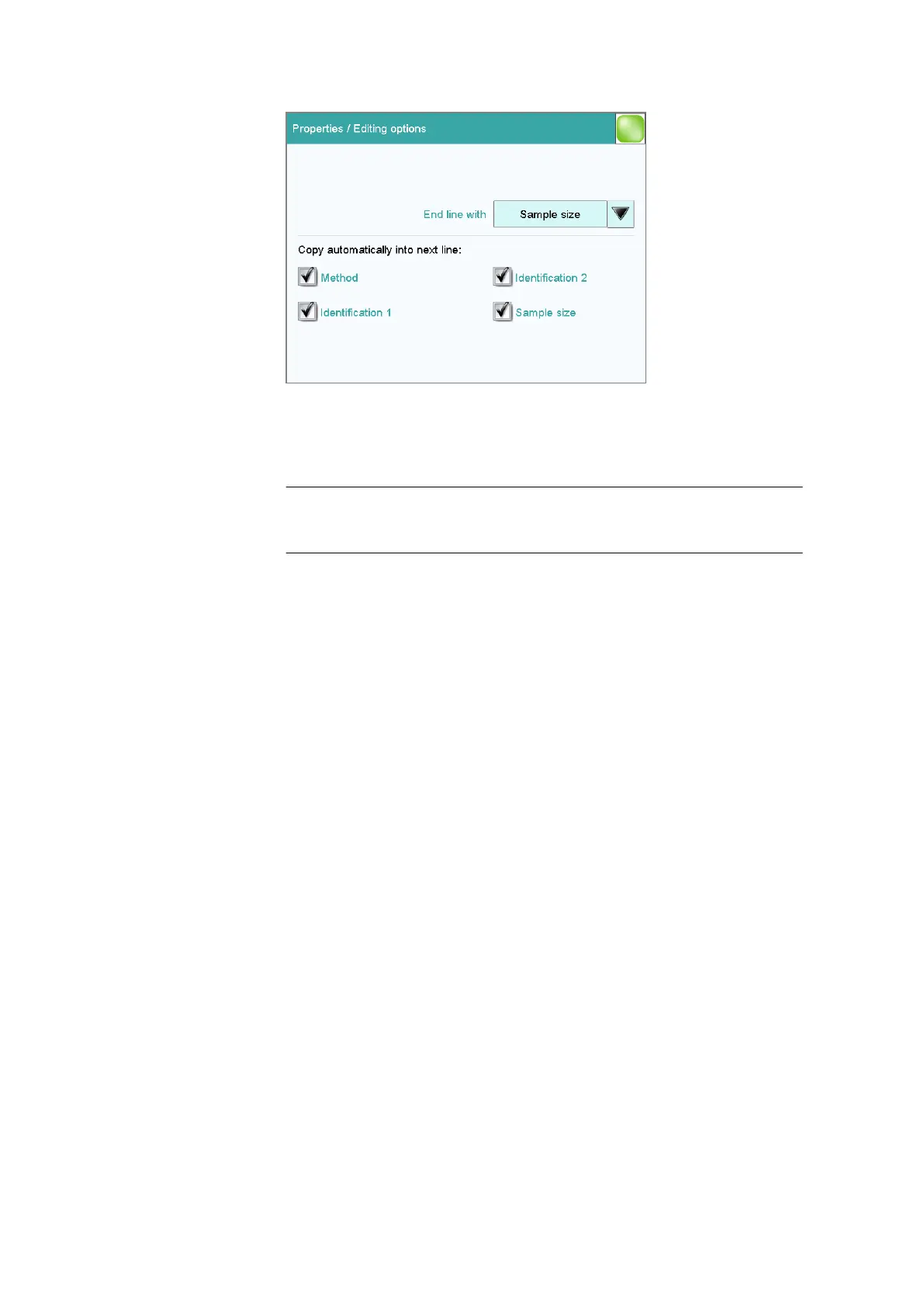
End line with
Selection as to with which input the editing dialog for the next sample is
automatically displayed.
Selection Sample size | Identification 1 | Identification
2 | manual
Default value Sample size
manual
The editing dialog for the next sample can be displayed with the [New
sample] button in the editing dialog.
If, for example, you have to enter similar data for each sample, then you
can automatically copy the data which is identical for each sample into
the next line:
■ Method
■ Identification 1
■ Identification 2
■ Sample size
Dialog "Properties / Identifications"
Sample table: Properties ▶ Identifications
In the dialog Properties / Identifications, you can alter the designations
for the sample identifications in accordance with specific methods.















 To Next Page