■■■■■■■■■■■■■■■■■■■■■■
27 Printing
900 Touch Control
■■■■■■■■
243
[More reports]
Open the list of available reports.
More reports
Fixed key [ ]: More reports
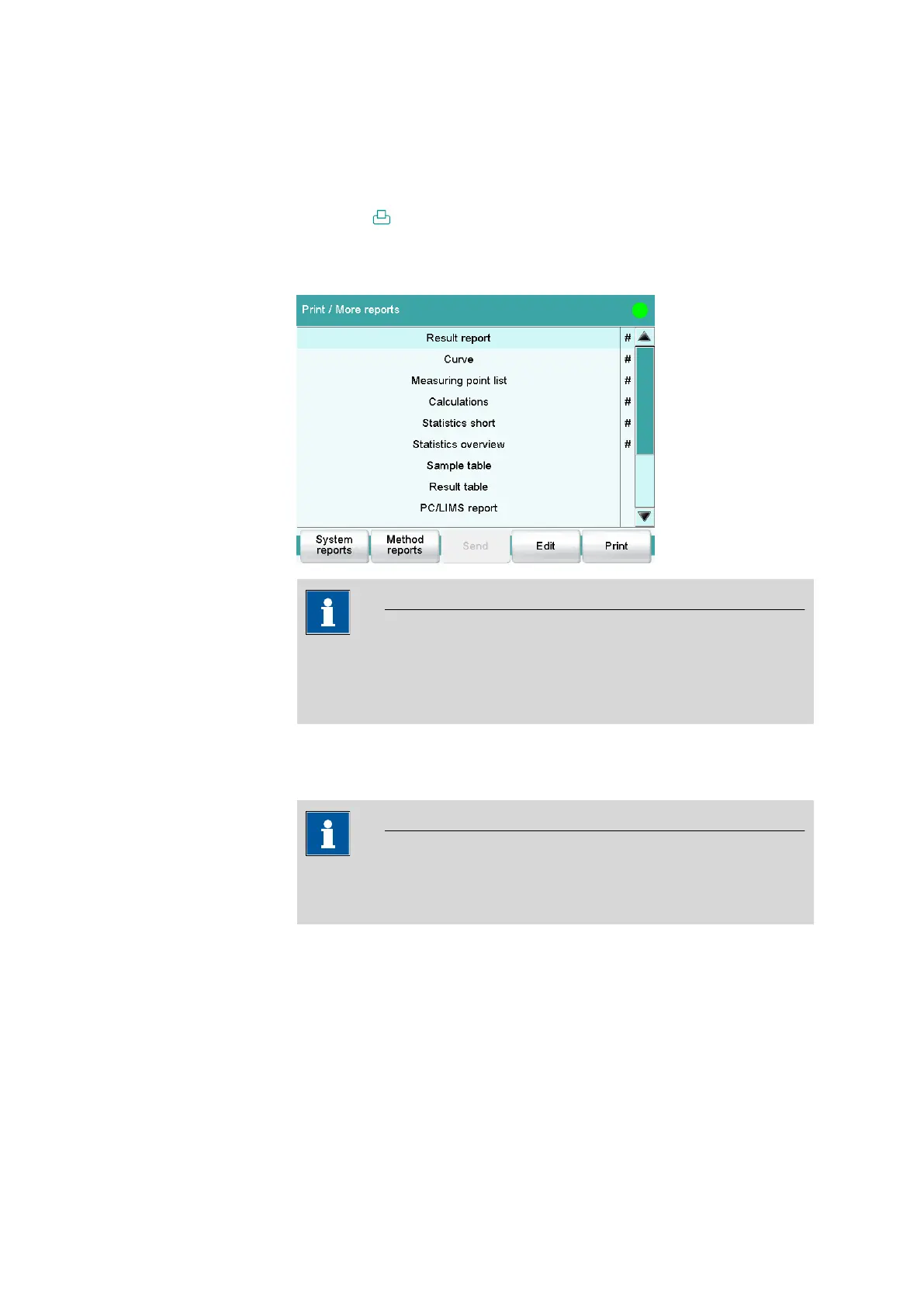
The dialog Print / More reports displays a list of all of the available
reports.
NOTICE
If you are using a CUSTOM Neos printer, you can print only the
reports marked with a #. The designation on the reports is only visible
once the CUSTOM NEOS printer is selected (see screenshot above).
[System reports]
Opening the list of reports for the system settings.
NOTICE
If you are using a CUSTOM NEOS printer, you cannot print system
reports.
[Method reports]
Opening the list of reports for the current method.















 To Next Page