■■■■■■■■■■■■■■■■■■■■■■
28 Manual control
900 Touch Control
■■■■■■■■
261
■ Enter the dosing rate.
■ Enter the filling rate.
2
Start dosing
■ Tap on [Start].
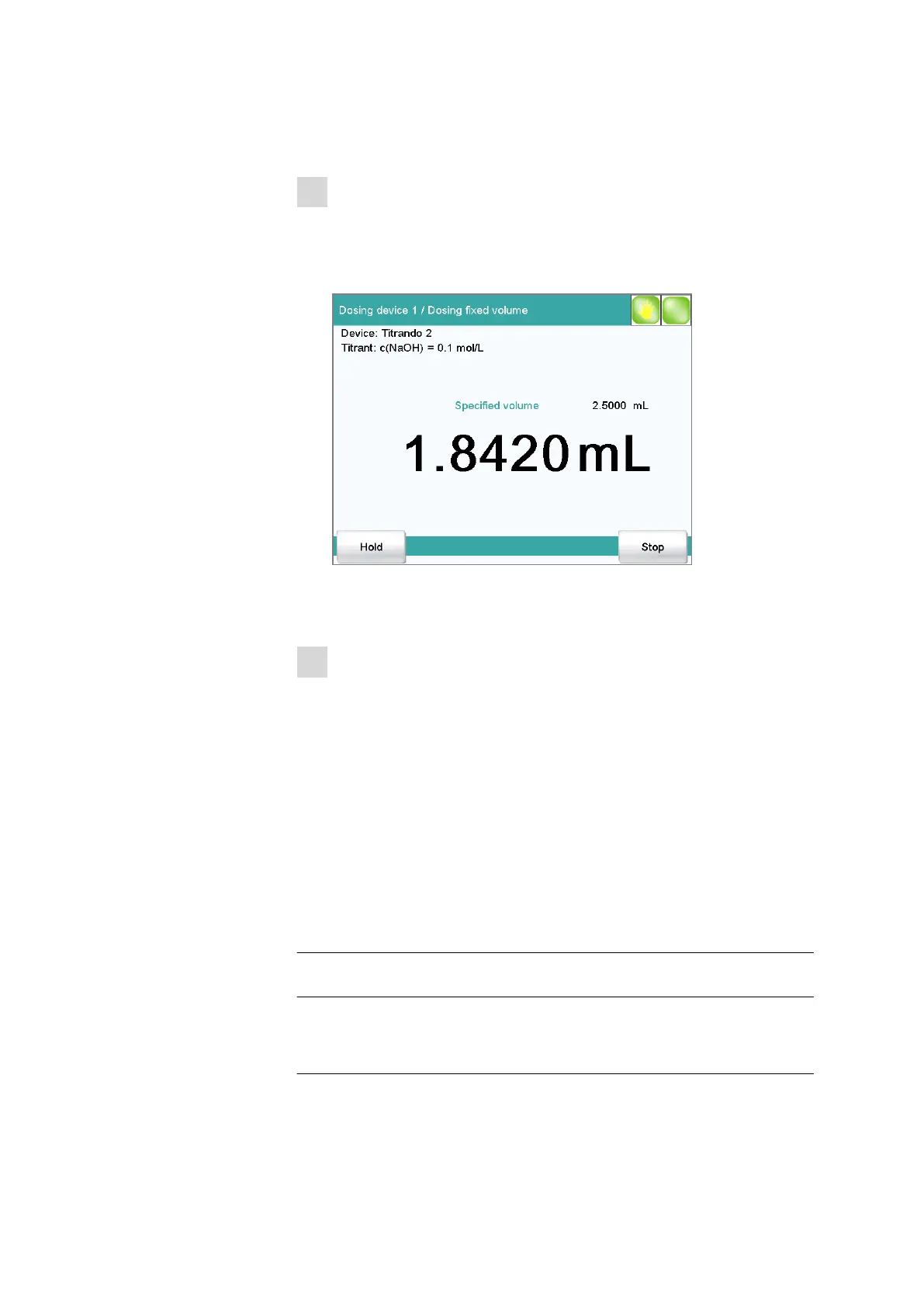
The volume display is shown. When the volume of one cylinder has
been dosed, the dosing cylinder will be refilled automatically.
Continuous dosing is paused with [Hold]. The label changes to
[Continue]. It can be used to resume the run.
3
Fill the cylinder
With the default settings (see "Fill automatic.", page 262) the dosing
cylinder is filled automatically.
Otherwise:
■ Tap on [Fill].
The dosing cylinder is filled. The displayed volume value will be reset
to 0.0000 mL.
Parameter description
Volume
Volume which is dosed.
Input range 0.00000 to 99999.9 mL
Default value 0.10000 mL
Dosing rate
The rate at which dosing takes place.
Input range 0.01 to 166.00 mL/min















 To Next Page