Setting range: 0 to 99999999
[SBN address]
When the address is not set to 0, bus operation is active. Possible addresses: 1…31,
i.e., max. 31 xBPI scales can be operated on an RS-485 branch. The SBN address is
shown on the display.
Example: Address 31 on WP‑C
WP-C.31
Max 2000kg d= 2kg
Min 40kg
[Default] soft key
Settings are reset to factory settings.
4.7.5.3 Calib
In this menu item, the xBPI scale weighing electronics are calibrated.
- Preload/dead load:
- [Set] (dead load), see Chapter 4.7.5.3.1.
- [Delete] (dead load), see Chapter 4.7.5.3.2.
- SPAN:
- [Adjust with user weight], see Chapter 4.7.5.3.3.
- [Adjust with automatic weight], see Chapter 4.7.5.3.4.
- [Adjust with default weight], see Chapter 4.7.5.3.5.
- [Adjust with internal weight], see Chapter 4.7.5.3.6.
- Linearity:
- [Default linearization], see Chapter 4.7.5.3.7.
- [User linearization], see Chapter 4.7.5.3.8.
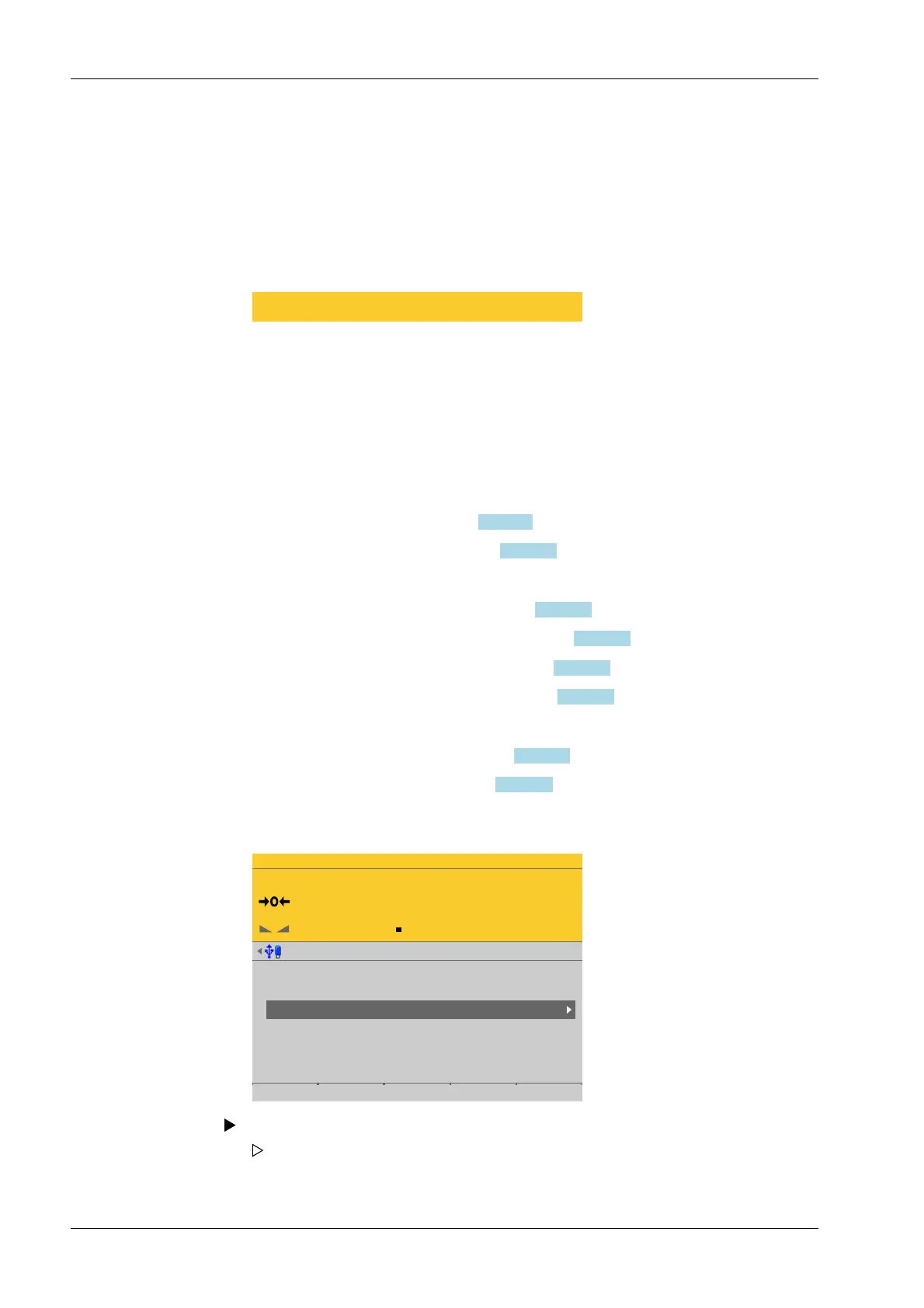
Accessible via MENU - [Operating] - [System setup] - [Weighing points] - [Weighing
point x] - [xBPI scale] - [Calib] .
WP-C
Max 29.9kg d= 0.0005kg
00000
kg
Weighing points @admin
Weighing point A
Weighing point B
Weighing point C
Weighing point D
Internal weighing point
Internal weighing point
xBPI scale
Liquid counter
Parameters Calib Units Setup
3. Press the [Save] soft key to save the settings.
In this case: Select [Weighing point C] with [xBPI scale] and press the [Calib] soft key.
The parameters are read from the xBPI scale.
Process Controller Maxxis 5 PR 5900 4 System setup
Minebea Intec EN-136



 To Next Page