• Sharpness: Use this parameter to sharpen the camera images using the
camera software. Note: Using a value that is too high may result in poorer
image quality (e.g. for high-contrast situations or for images with many fine
details). This is particularly true for low quality JPEG images or for an
enlarged image display on the screen, e.g. when used with MxViewer.
• Dark Noise Suppress: In poor lighting conditions, background noise can
result in poor image quality (see section 5.8.2). The Dark Noise Suppress
parameter minimizes this effect:
•
Off
: Deactivates the dark noise suppression feature.
•
Low
: Reduces sharpness, displays less color (default).
•
Medium
: Creates blur, displays no colors (greyscale image).
•
High
: Creates blur, displays a black image.
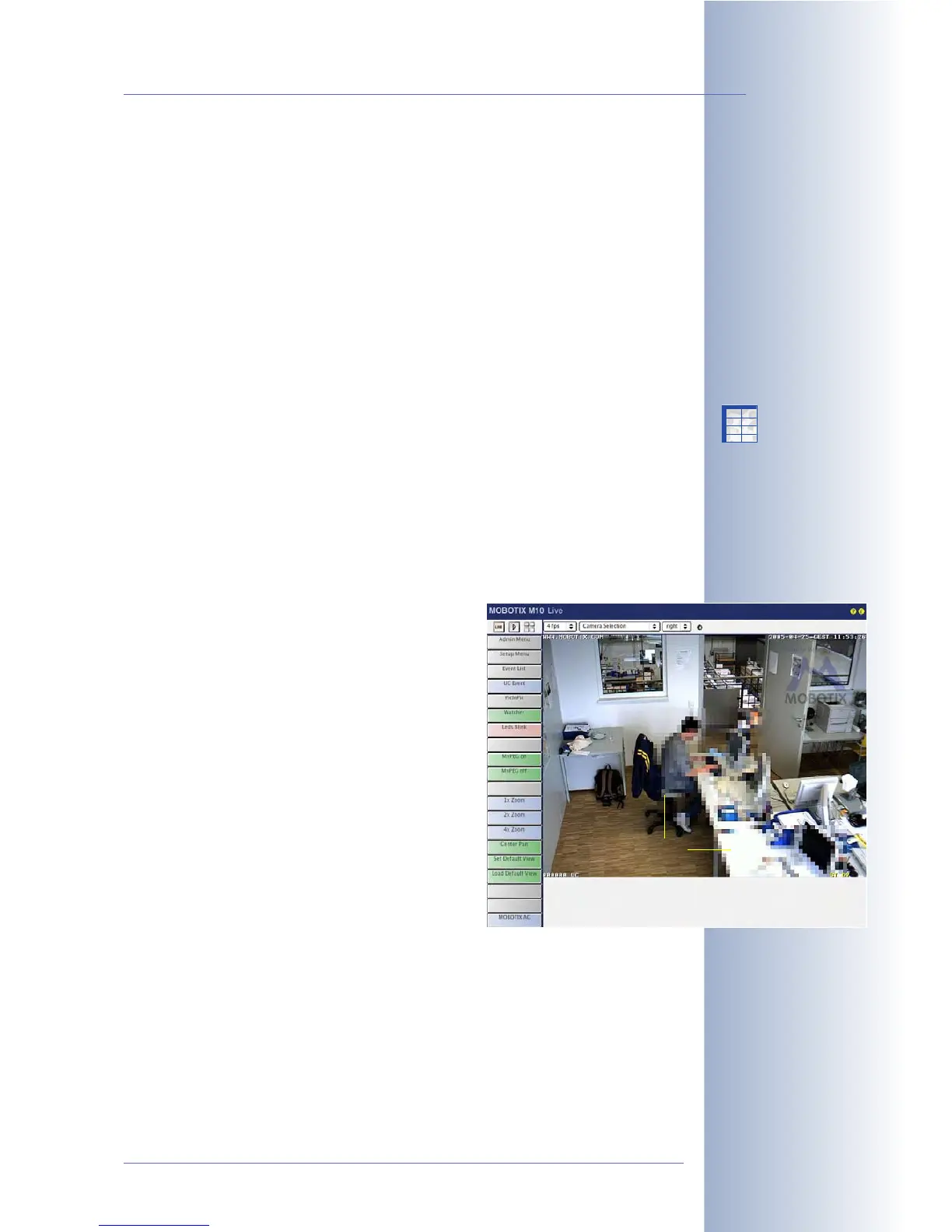
• Obscure Image Area (OA): Using this feature, you can cover certain areas in
the live image of the camera. This may be necessary to protect employees'
privacy, for example, as is the case when monitoring workplaces in certain
situations (e.g. a bank teller). Provided that the respective image areas have
been obscured, you can still use your MOBOTIX camera. When combined
with a time-table profile, such areas can also be obscured according to a
weekly schedule that corresponds to the office hours. For additional informa-
tion on this topic, see section 7.8.6,
Time Tables
.
You may set different image areas to obscure
the right and the left image sensor. Several
areas can be defined per sensor.
The last parameter controls the type of cover:
0
: Filled box
1
: Crossed frame
2
:Mosaic
Using the Define Rectangle Position
button,
you can draw a rectangle within the live
image to be used for the obscured area. The
rectangle is defined in the same manner as
described above for Resolution > Custom
Size.
© MOBOTIX AG • Security-Vision-Systems • Made in Germany
www.mobotix.com • sales@mobotix.com • 10.10.2006
107/288
Software Camera Manual Part 2
Secure (M12, D12, V12,
M22) models allow
obscuring (masking) image
areas:
• Mosaic
• Area
• Frame
Mosaic
X
X
-
-
-
-
X
X
Kamerafunktionen
Kameramodell



 To Next Page