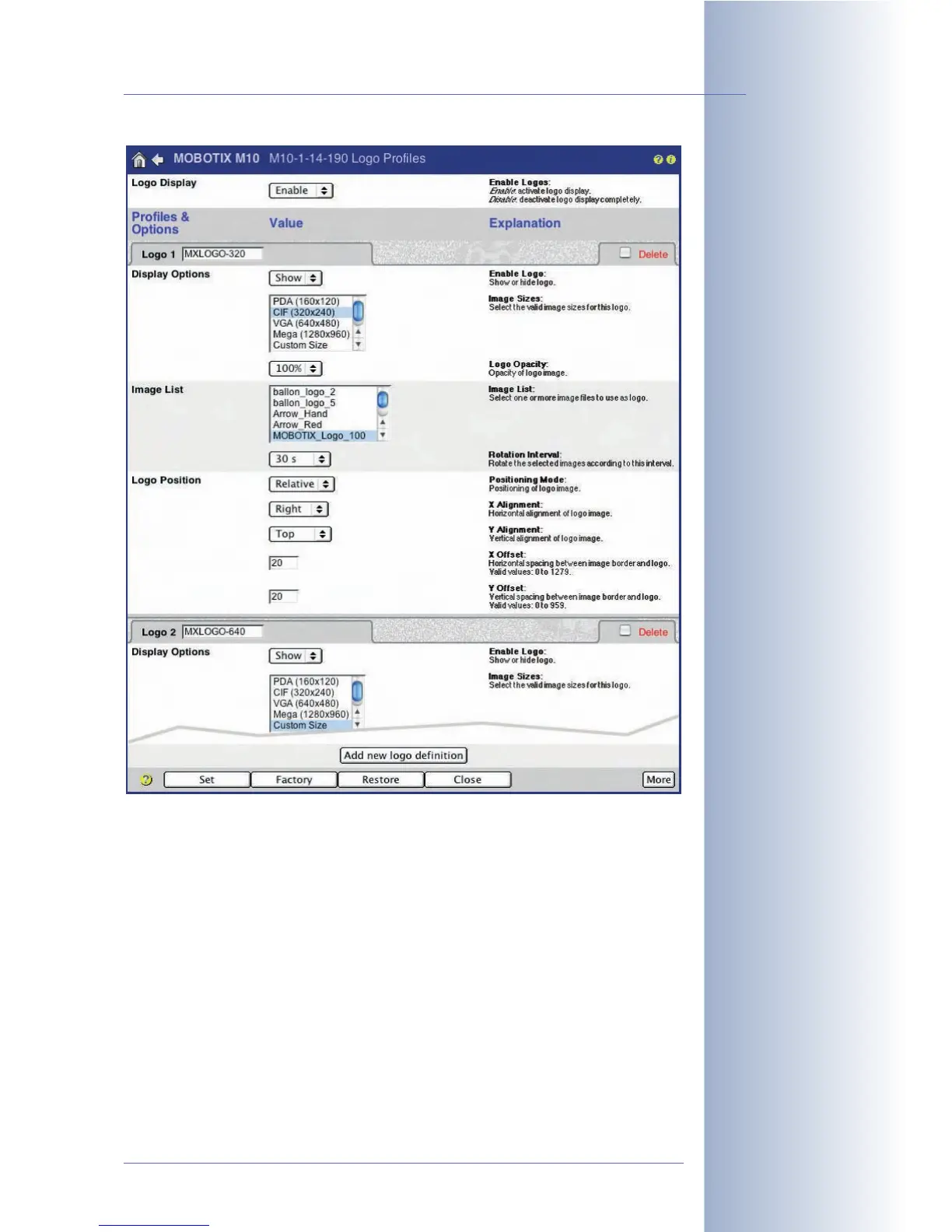
Display Options:
• Enable Logo: This option allows activating (
Show
option) or deactivating
(
Hide
option) the individual logo profile. Only the logos of profiles set to
Show
will be displayed in the camera image.
• Time Table Profile: Select a previously defined time table to control the logo
profile (provided that Enable Logo has been set to
Show
). In this case, the
logo profile is active only at the times and on the days defined in the time
table.
• Live Image Logo: This parameter controls whether the logo will appear in
the
live image
(
Enable
option) or not (
Disable
option). A logo that you have
disabled for a live image can still be shown on an image saved to an exter-
nal file or web (FTP) server.
© MOBOTIX AG • Security-Vision-Systems • Made in Germany
www.mobotix.com • sales@mobotix.com • 10.10.2006
119/288
Software Camera Manual Part 2
You may define several
logo profiles with
different parameters
Controlling logos using
time tables



 To Next Page