• Image Sizes: Select the image sizes (resolutions) on which the selected
logo(s) are to be displayed. The MOBOTIX camera can thus display graphics
optimized for the selected image sizes. The following image sizes are avail-
able: PDA (160x120), CIF (320x240), VGA (640x480), MEGA (1280x960), D-1
PAL (768x576), Custom Size.
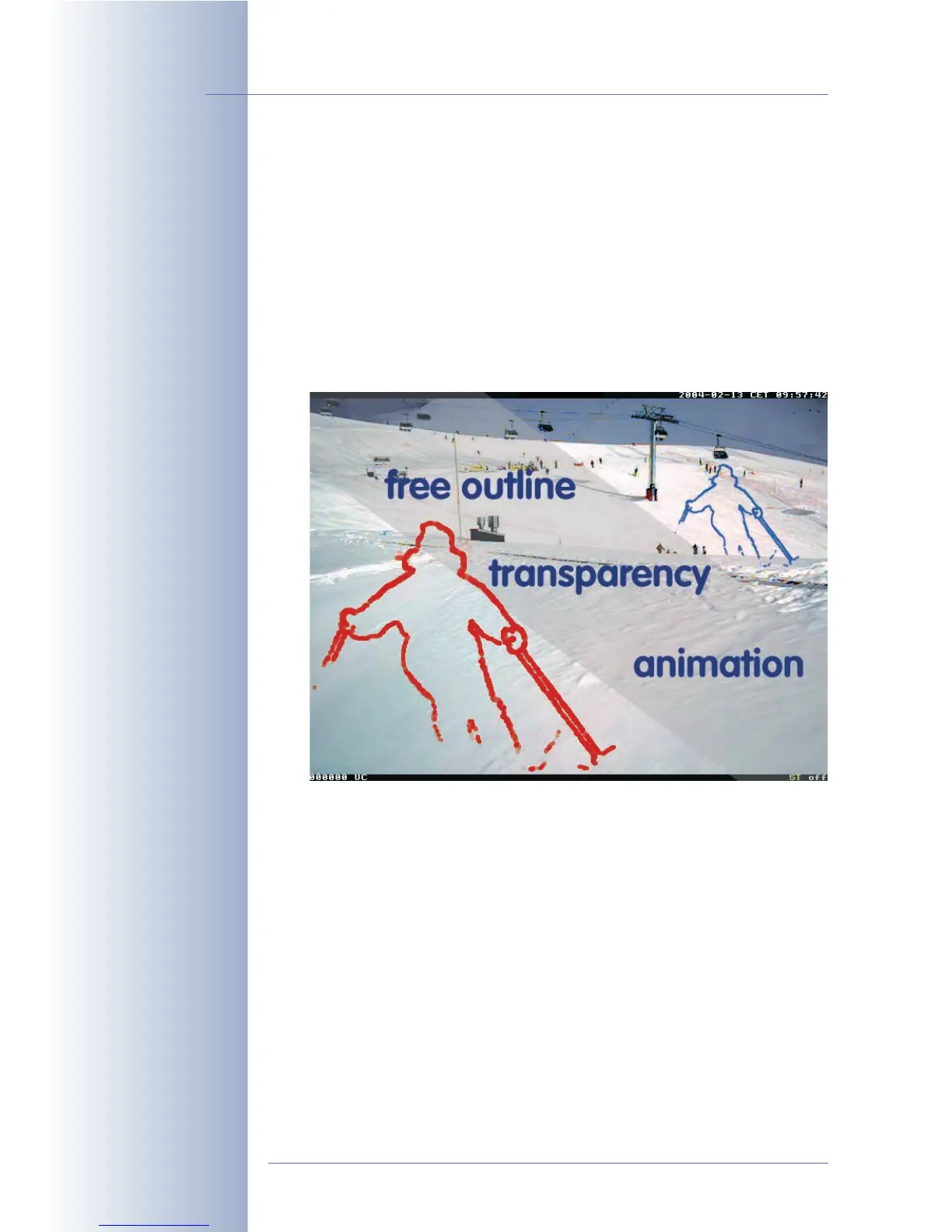
• Logo Opacity: Besides using the transparent color of a PNG file for transpar-
ent areas, you can also set the opacity of the entire logo. When choosing the
100% setting, parts of the camera image are hidden behind the non-trans-
parent portions of the logo. For all other logo opacity settings, the camera
image is shining "through the logo" at a certain percentage, giving a "water-
mark" effect.
• Image List / Rotation Interval: Select one or more logos/graphics files for
display. If you have selected more than one logo, the selected logos are dis-
played one after the other, i.e. rotated at the defined interval (1 s … 30 min).
This feature also allows creating simple animations.
• Logo Position: Use this option to set the position of the logo within the cam-
era image (
Relative
positioning mode) or to use a graphics file for creating an
image frame (
Frame
positioning mode).
• Positioning Mode Relative: Use the X Alignment and Y Alignment parame-
ters (
Left
,
Right
,
Top
,
Bottom
,
Center
options) to select how the logo will be
displayed in horizontal (X) and vertical direction (Y). The X Offset and Y Off-
set parameters set the distance from the selected border. When using the X/
Y Alignment
Center
option, the offset parameters are ignored.
© MOBOTIX AG • Security-Vision-Systems • Made in Germany
www.mobotix.com • sales@mobotix.com • 10.10.2006
120/288
Software Camera Manual Part 2
Logos for different image
sizes (resolutions)
Logo opacity (100% ...
10%)
Transparent logos,
animated logos
Logos can be freely
positioned within the
image



 To Next Page