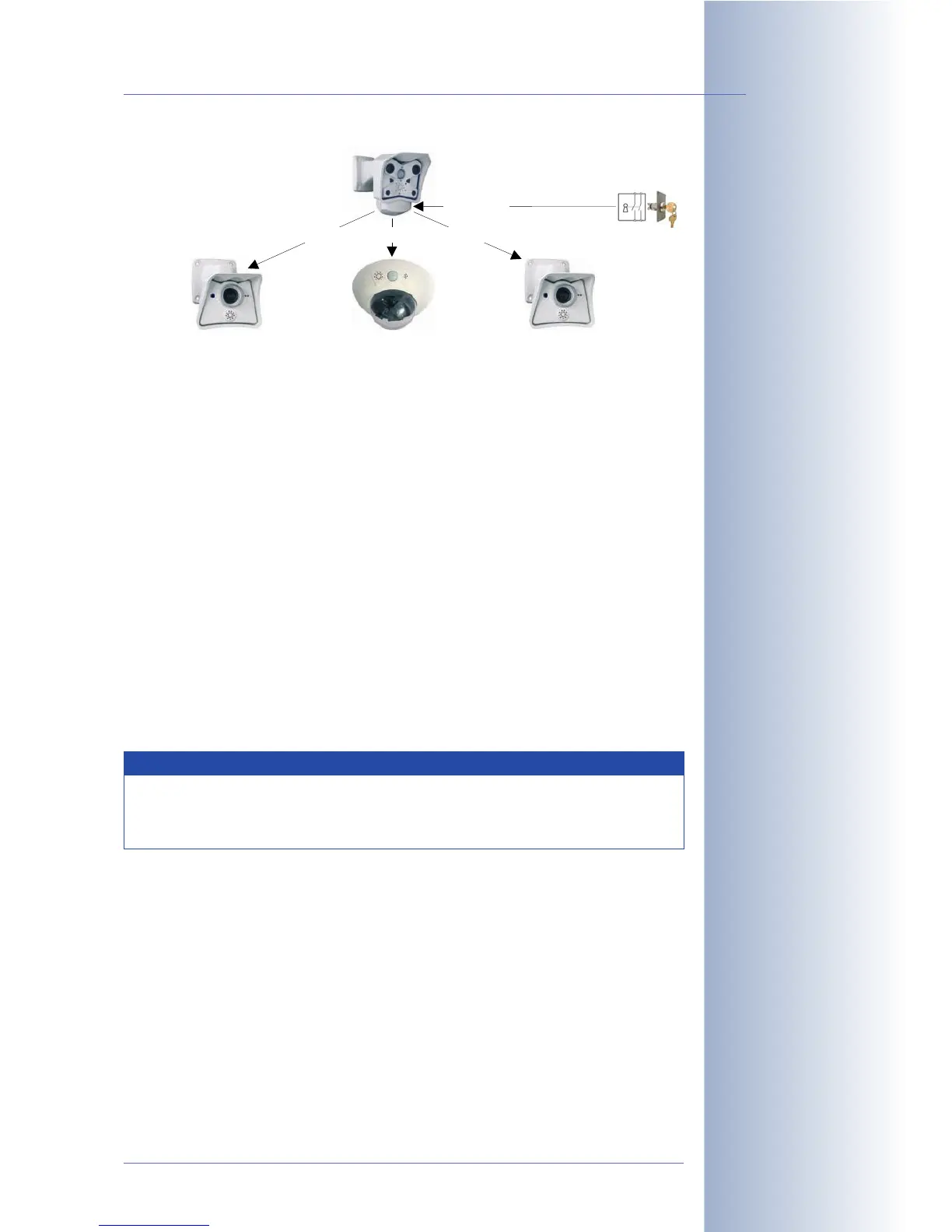
• Configuring the Master camera:
Setup Menu > General Event Settings
• Enable the Master/Slave parameter.
• Set the camera's Arming to
SI Open (high)
or
SI Closed (low)
as required
by the activated alarm system.
• Activate the Arming parameter in each of the Recording, Actions, Mes-
sages and Messages 2 dialogs, as needed.
Click on the Set button, then on Close and permanently save the settings of
the Master camera.
• Configuring the Slave cameras:
Setup Menu > General Event Settings
•Set Arming to
Slave Mode
.
• Enable the Master/Slave parameter.
• Enter the IP address of the Master camera.
Click on the Set button, then on Close and permanently save the settings of
the Slave camera.
Example 2: Camera network with one key switch
• Requirement:
The signal input of one MOBOTIX camera at a central location (e.g. reception)
has been connected to the key switch of the alarm system. The main arming
switch of this (Master) camera itself is not enabled.
The main arming switch, events and recording features of all other cameras
have been enabled permanently. These cameras record video sequences, if
the cameras detect movements in the VM windows.
In addition, the other cameras are supposed to send e-mails upon detecting
a VM event, but only if the alarm system has been activated by the key
© MOBOTIX AG • Security-Vision-Systems • Made in Germany
www.mobotix.com • sales@mobotix.com • 10.10.2006
149/288
Software Camera Manual Part 2
Example:
The Arming status of the
e-mail message feature of
the Slave cameras is con-
trolled by the signal input
of a Master camera
Note
All arming settings of the Slave cameras will be set automatically
to
From Master
(General Event Settings, Recording, Actions, Mes-
saging and Messaging 2).
Master
Slave 1
Slave 2 Slave 3
Arming Arming
Arming
Signal input
Key switch



 To Next Page